All AI use cases

Get more done with ChatGPT prompts you can copy and paste

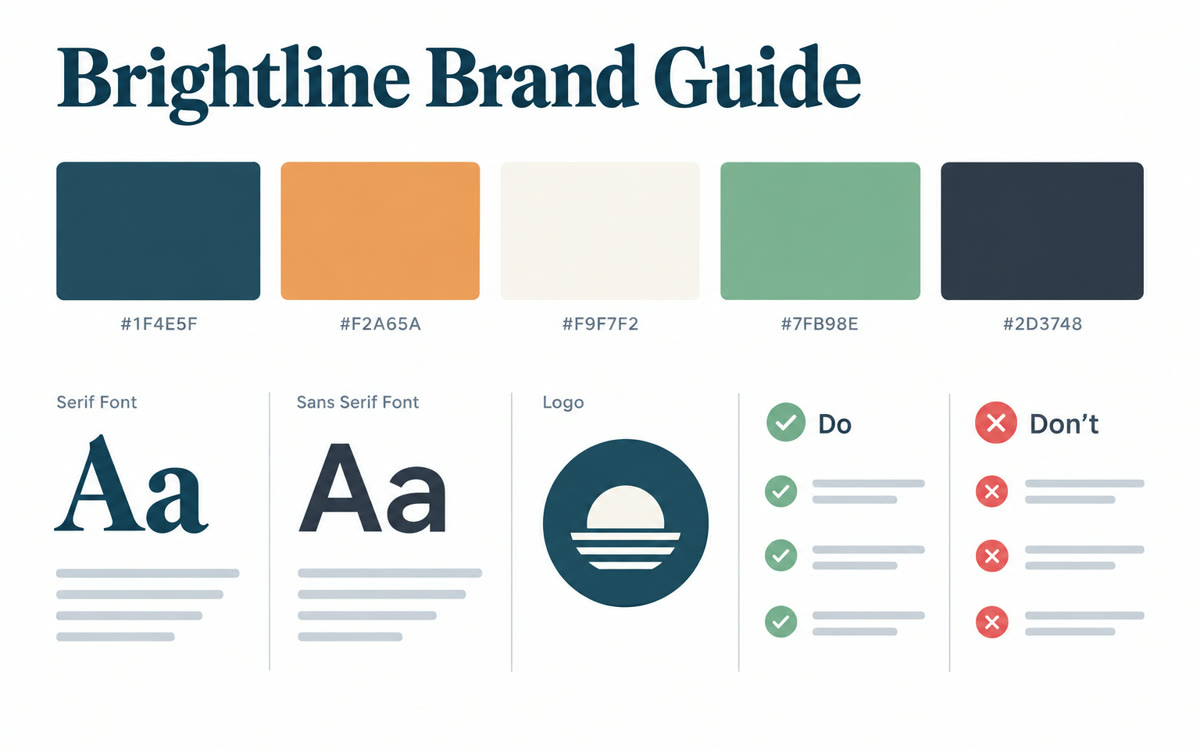
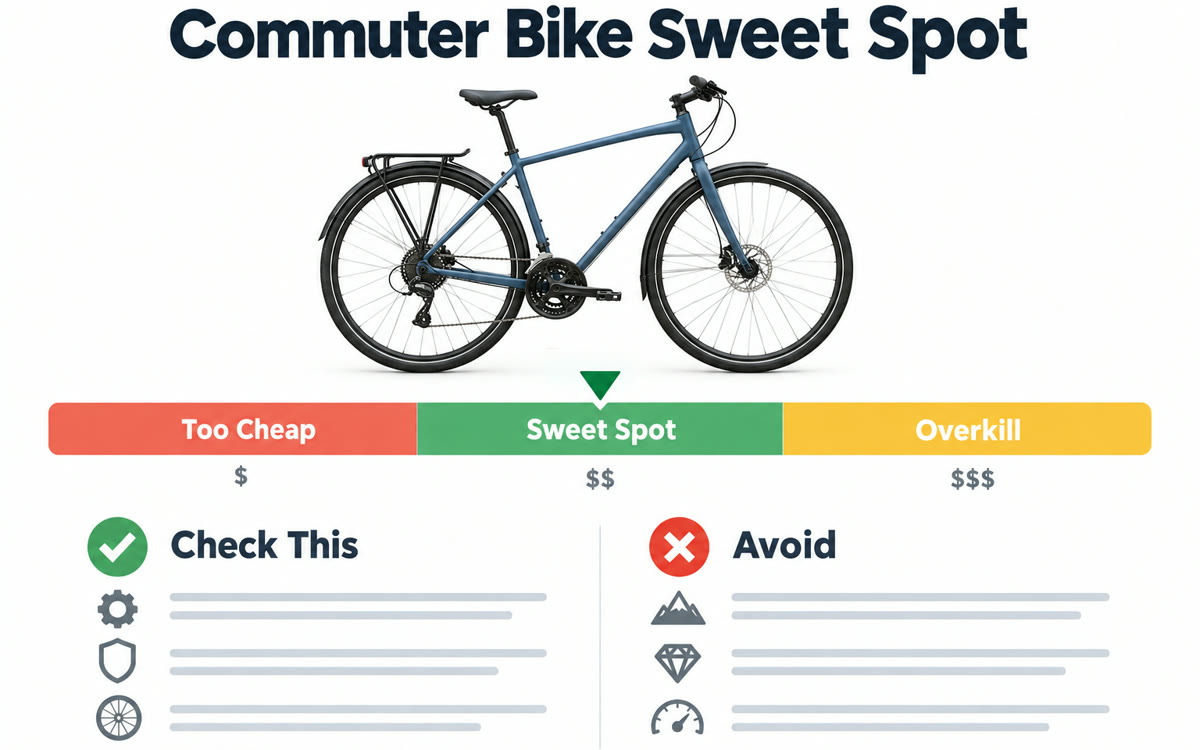
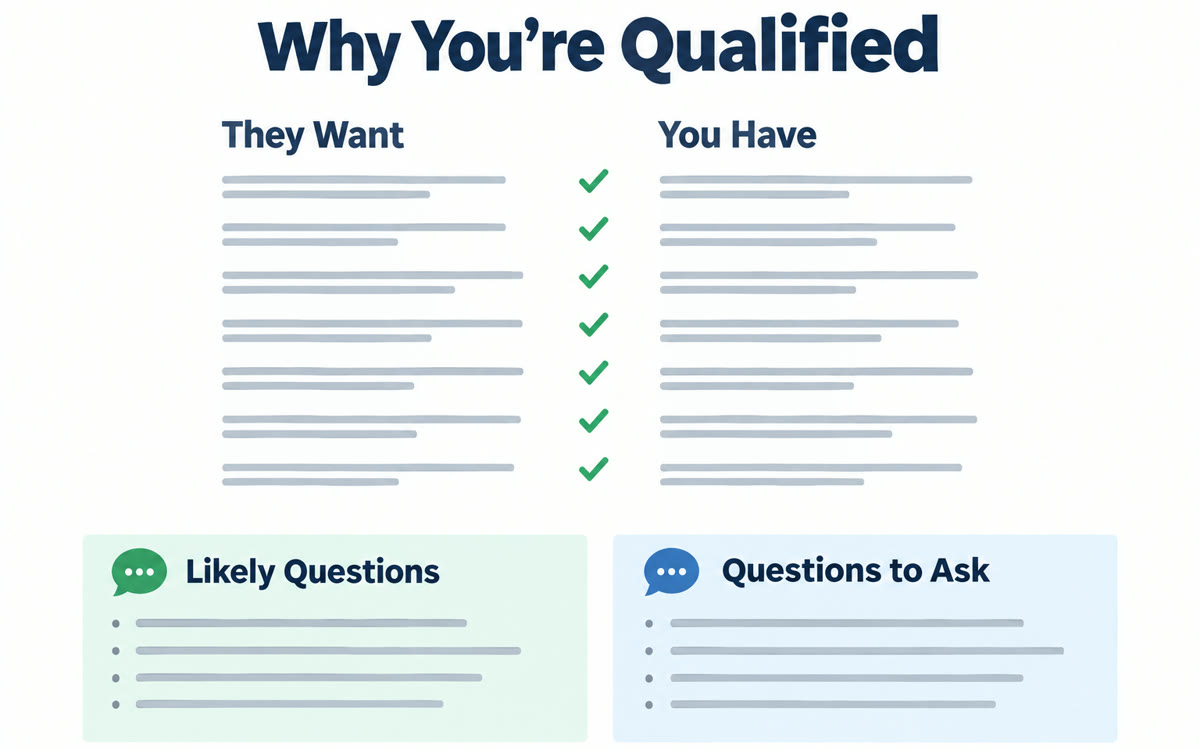
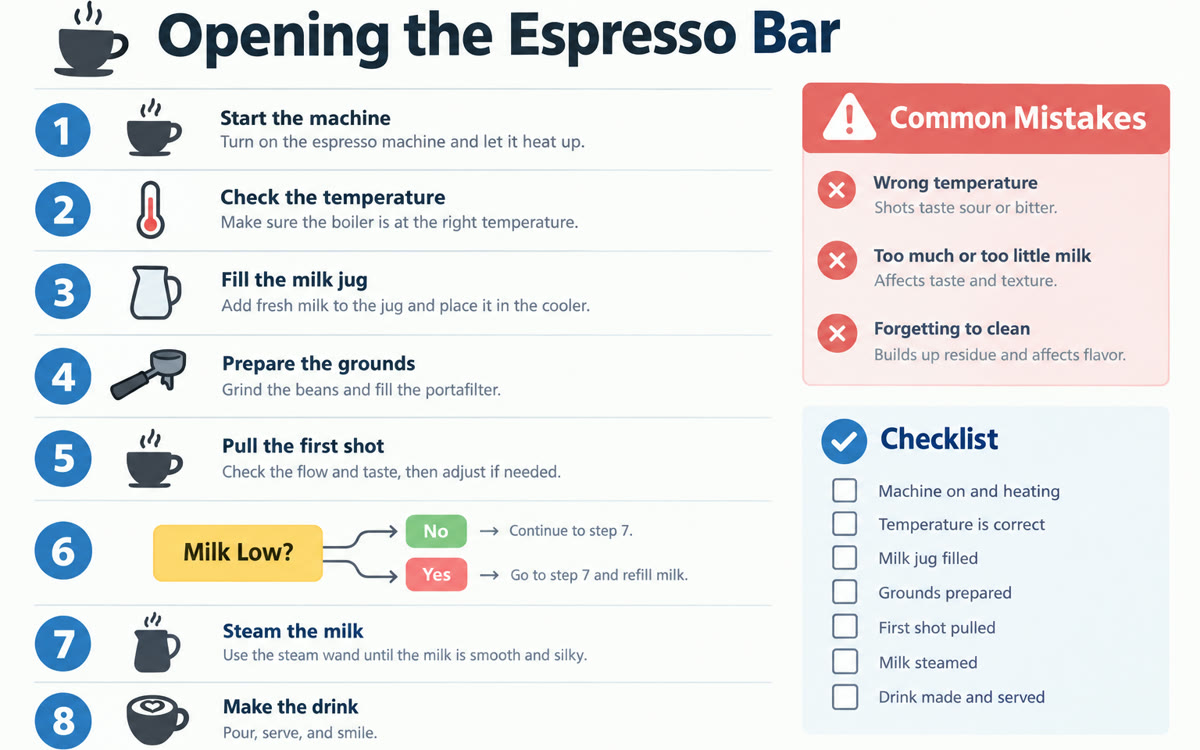
This page gathers 400+ ChatGPT prompts and use cases for coaches, consultants, small business owners and anyone who wants ChatGPT to take real work off their plate. They cover sales calls, brand kits, client work, home repairs and dinner ideas. Pick one, type your details into the fill-in boxes, and tap the ChatGPT button. ChatGPT opens with the prompt already typed in.

438 use cases, each with a free copy-paste prompt. Search all 557 in the library

Effort
Works in

Get 3 new AI use cases every weekday

One full use case with its copy-paste prompt, plus 2 quick picks. Free, and one click to unsubscribe.

You're in. Watch your inbox on weekday mornings.

426 more to try.

Let AI skills do the whole job.

Every AI skill I use to run solo, in one room of creators who ship: the Solo Creators AI Studio.

  • Content Chain

    One message, 8 pieces

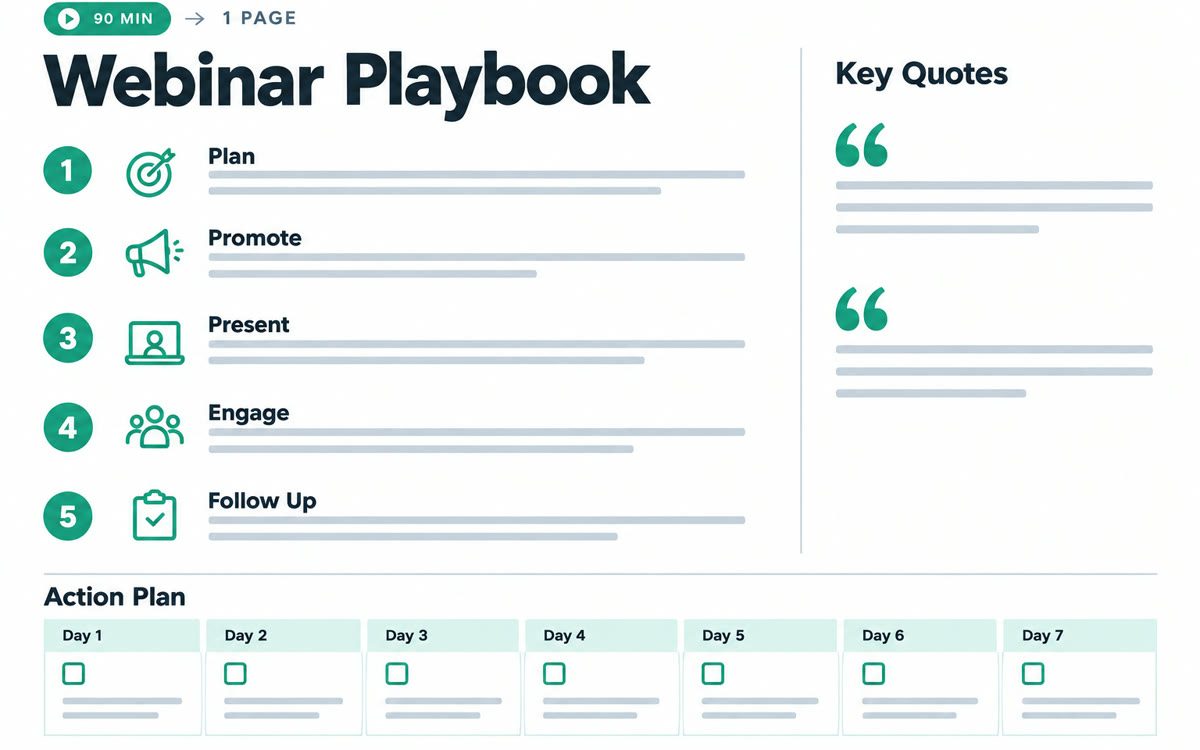
    One video and one website become a playbook, an audit, a deck, a carousel, TikTok slides, a fact check, a promo, and a teaser, all in one brand.

  • Board of Advisors

    7 advisors, one call

    Convene seven AI advisors who debate your decision, vote, and hand back a stress-tested verdict.

  • Website Audit

    Client-ready

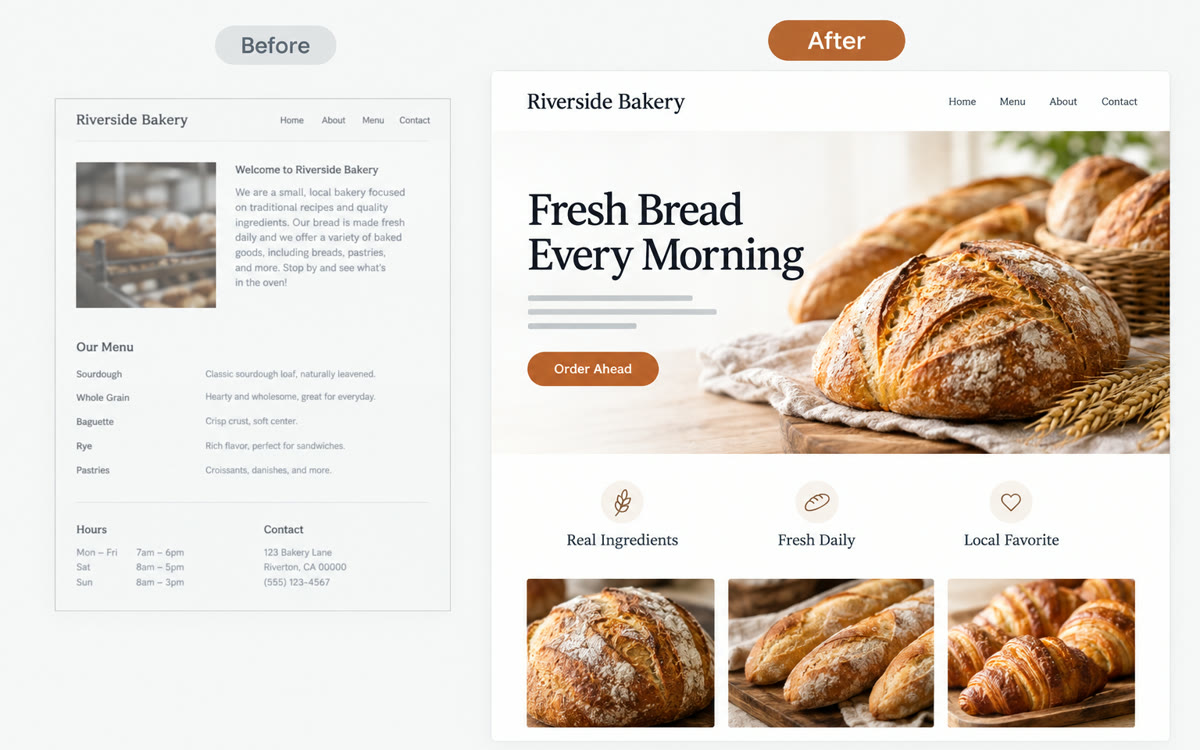
    An evidence-cited, branded audit of any site, ready to hand a client.

See inside the AI Studio

Frequently Asked Questions.

Are these ChatGPT prompts free?

Yes. Every prompt in this library is free to copy. Most work in the free version of ChatGPT, and if a use case needs a paid plan, its page says so. New use cases are added regularly, and you can get 3 of them in a free email every weekday.

What are the best ChatGPT prompts for business?

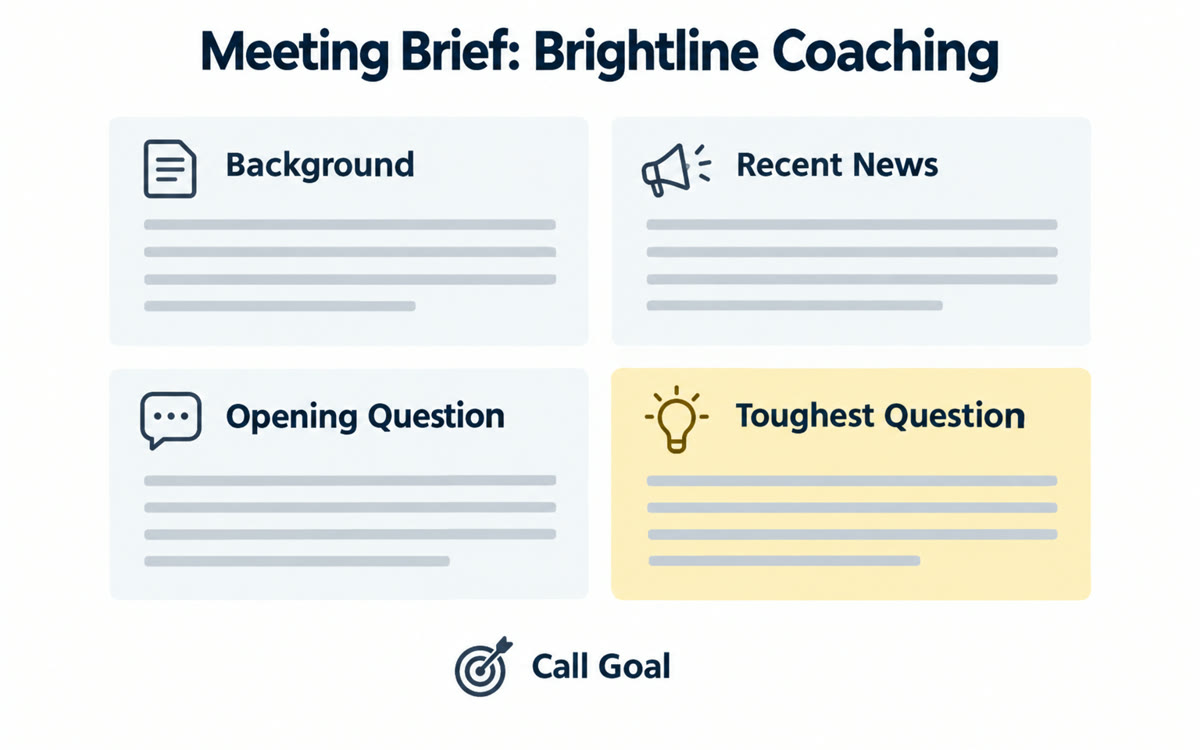
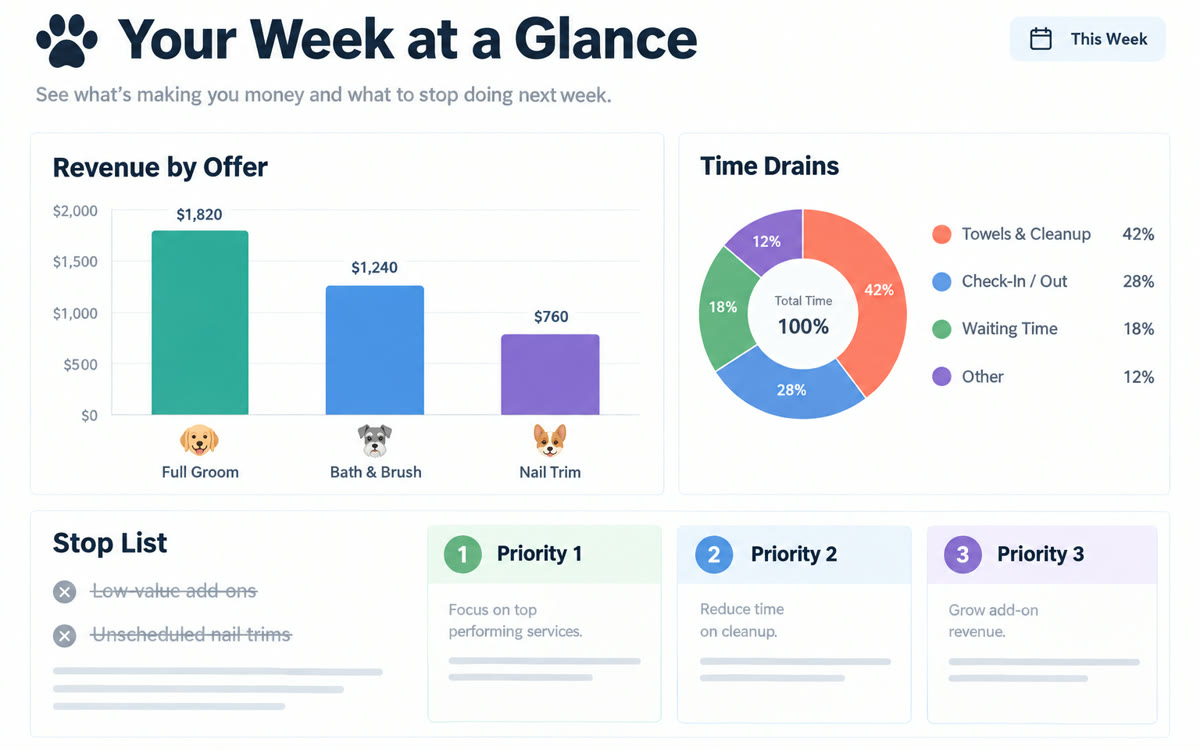
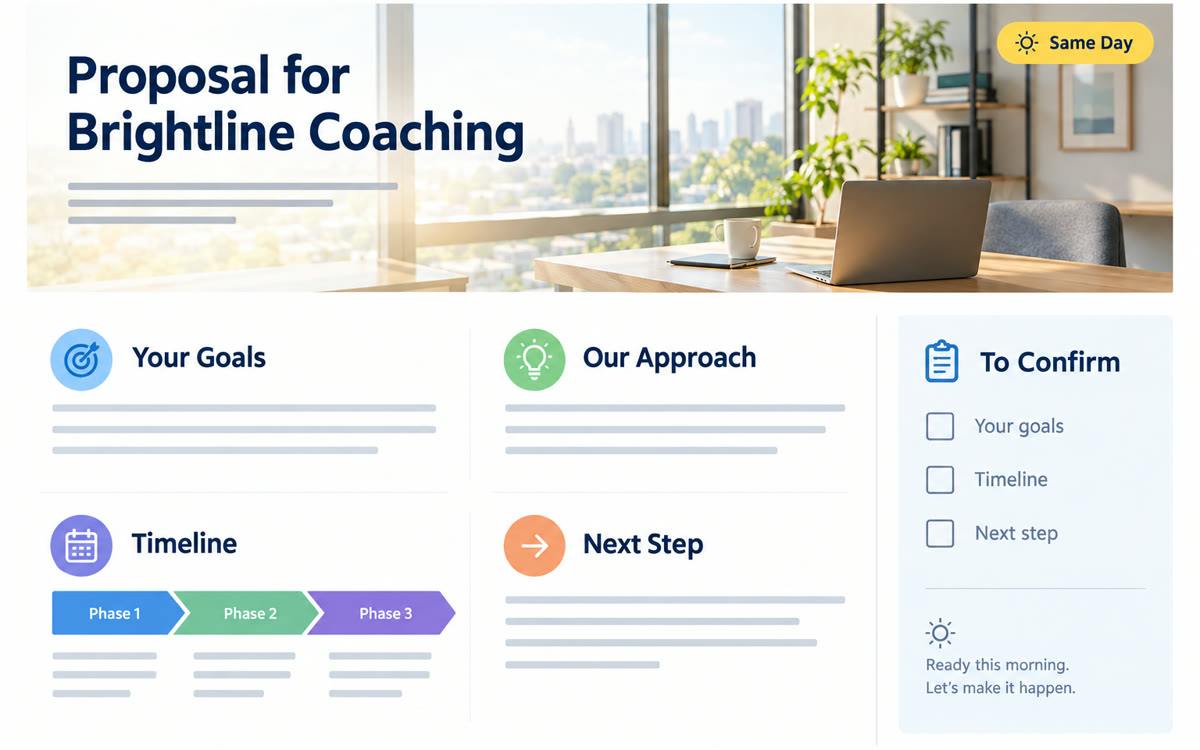
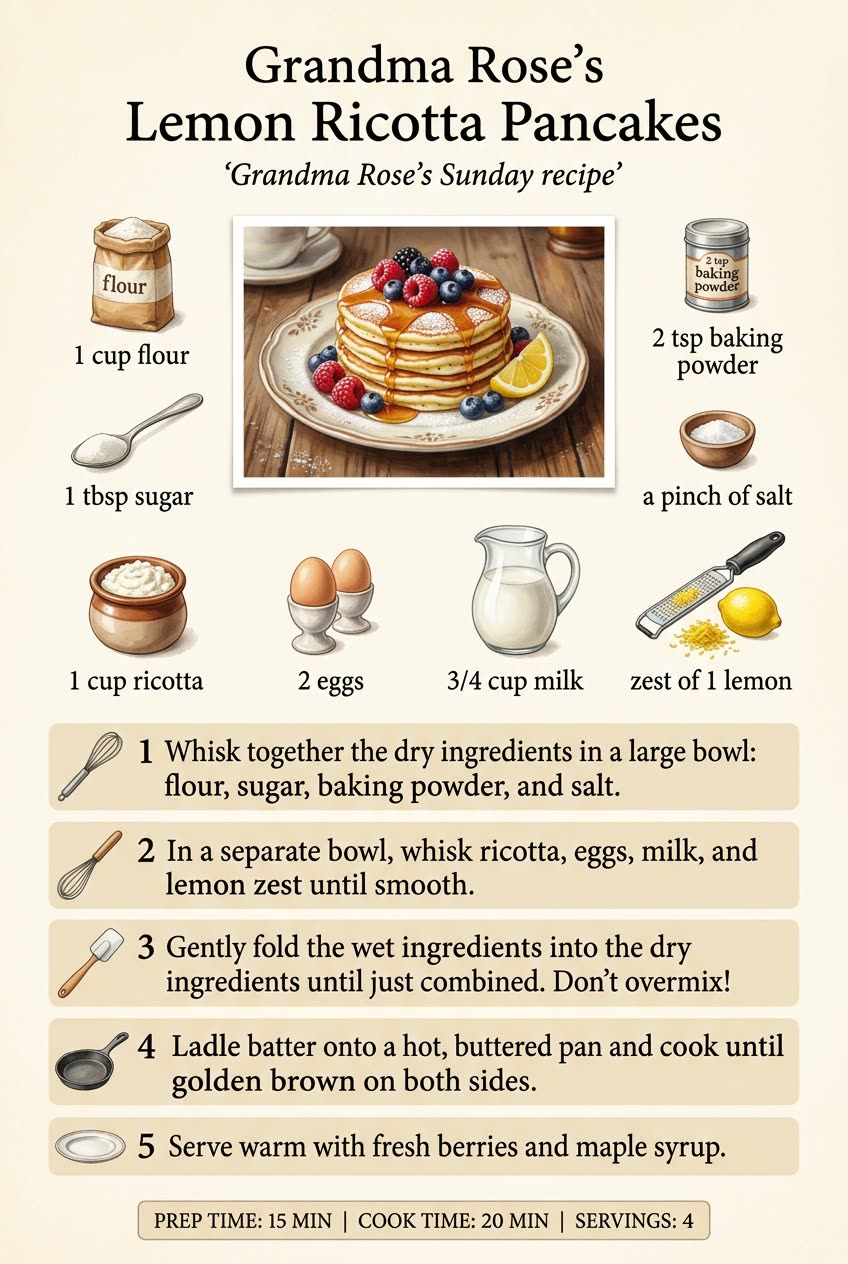
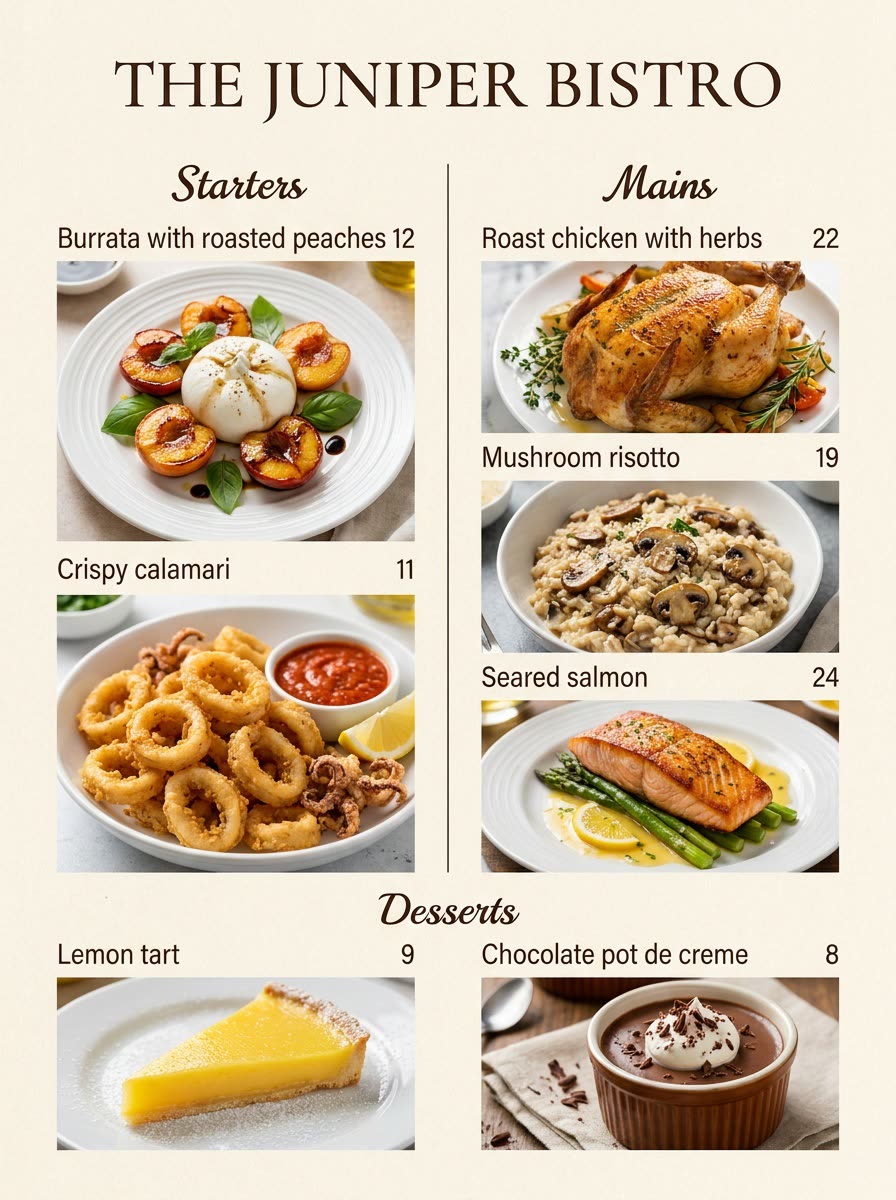
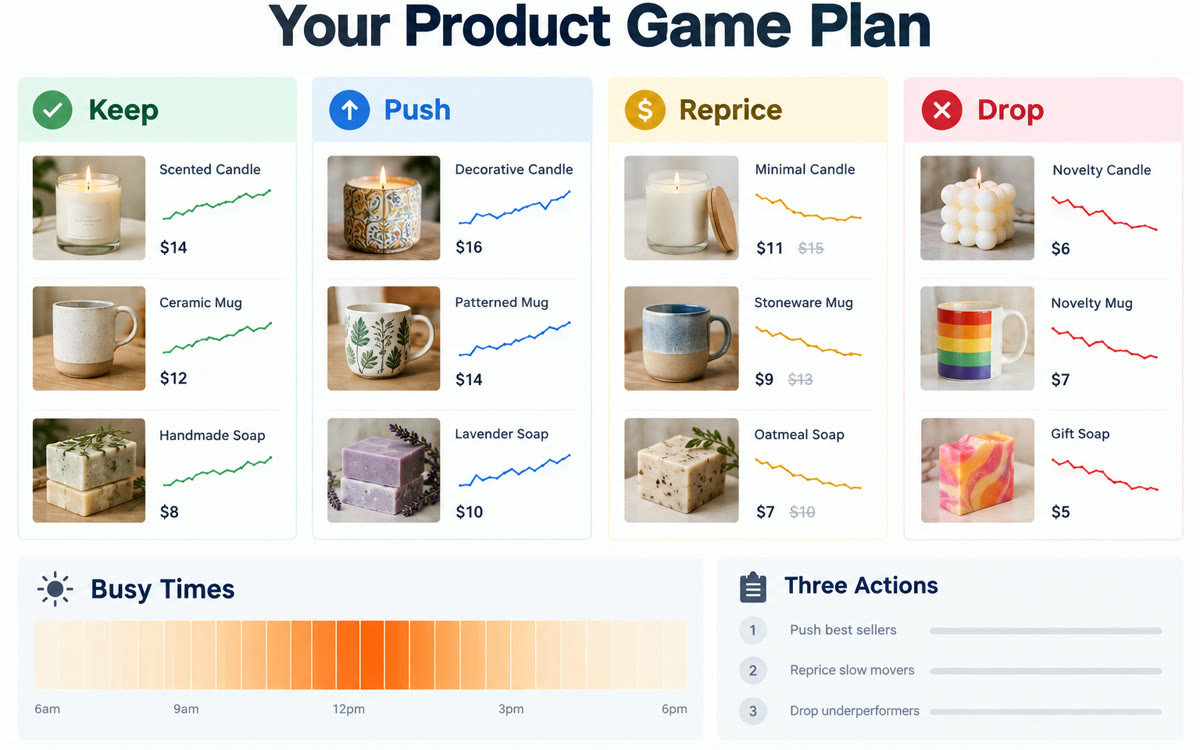
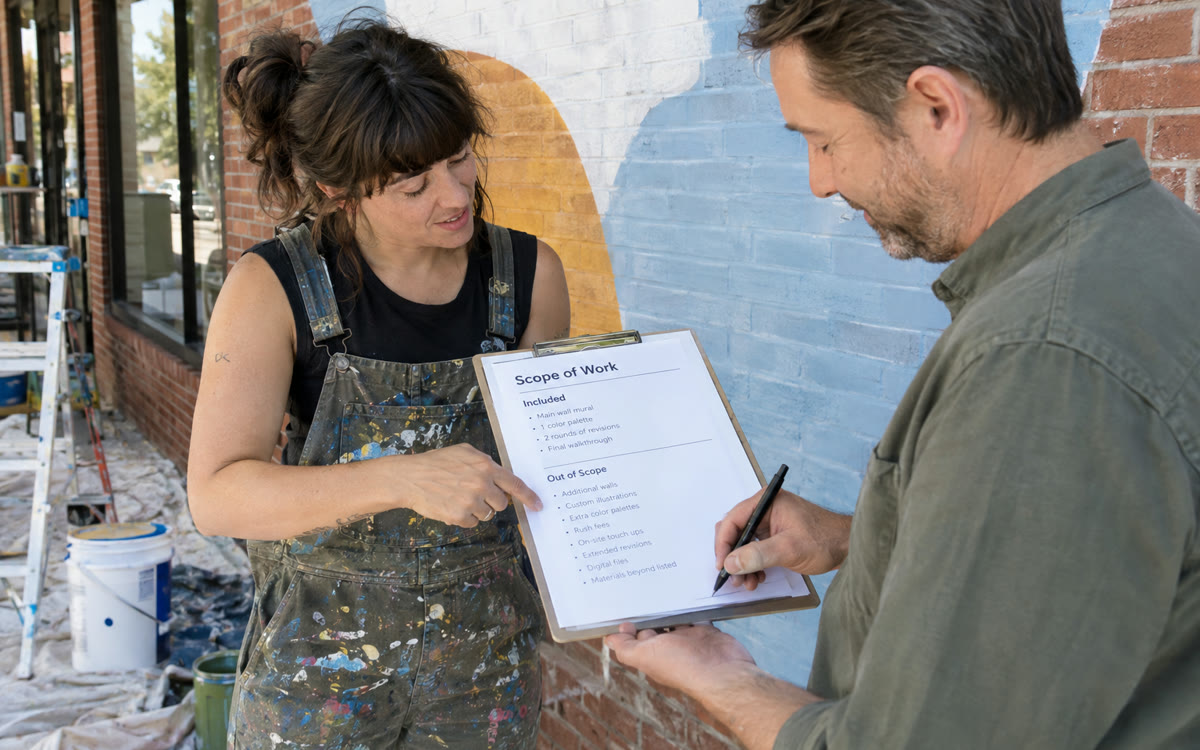
Start with a task you face every week. Rehearse your next sales call with ChatGPT playing a skeptical prospect, get a complete brand kit for your business in one prompt, or find the biggest flaw in your plan before your clients do. Another favorite finds the tasks AI can take off your plate before you hire.

How can I use ChatGPT for work?

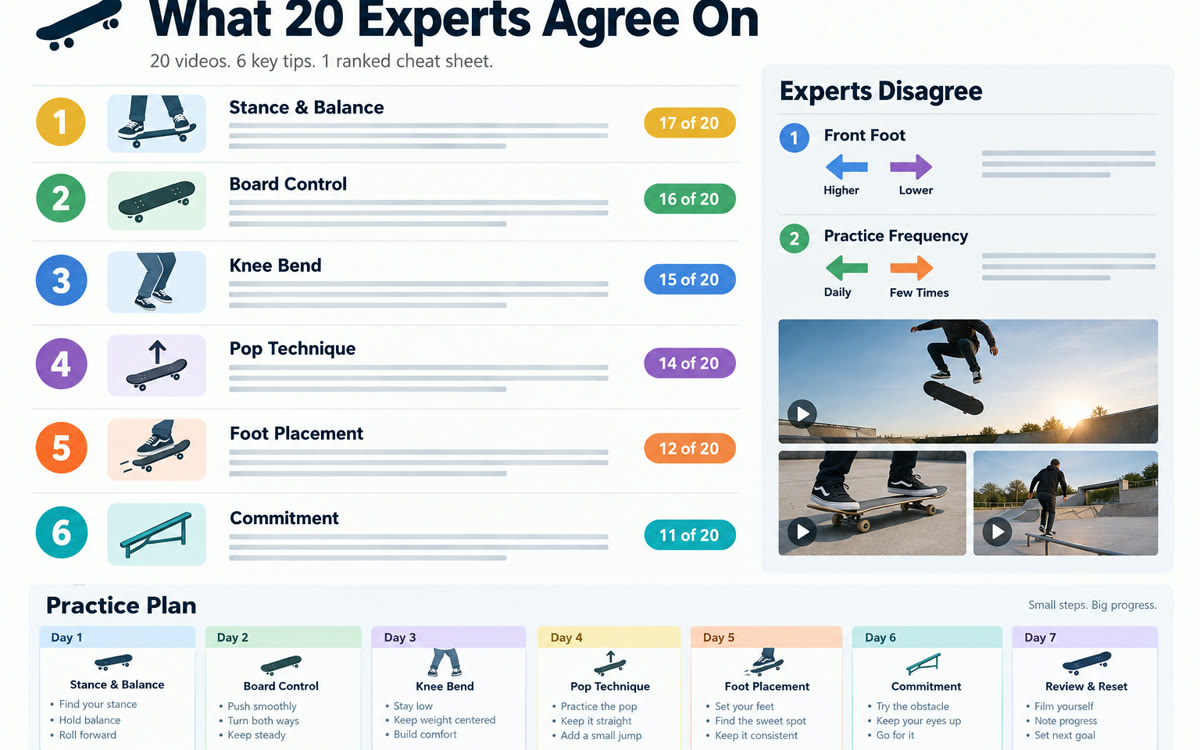
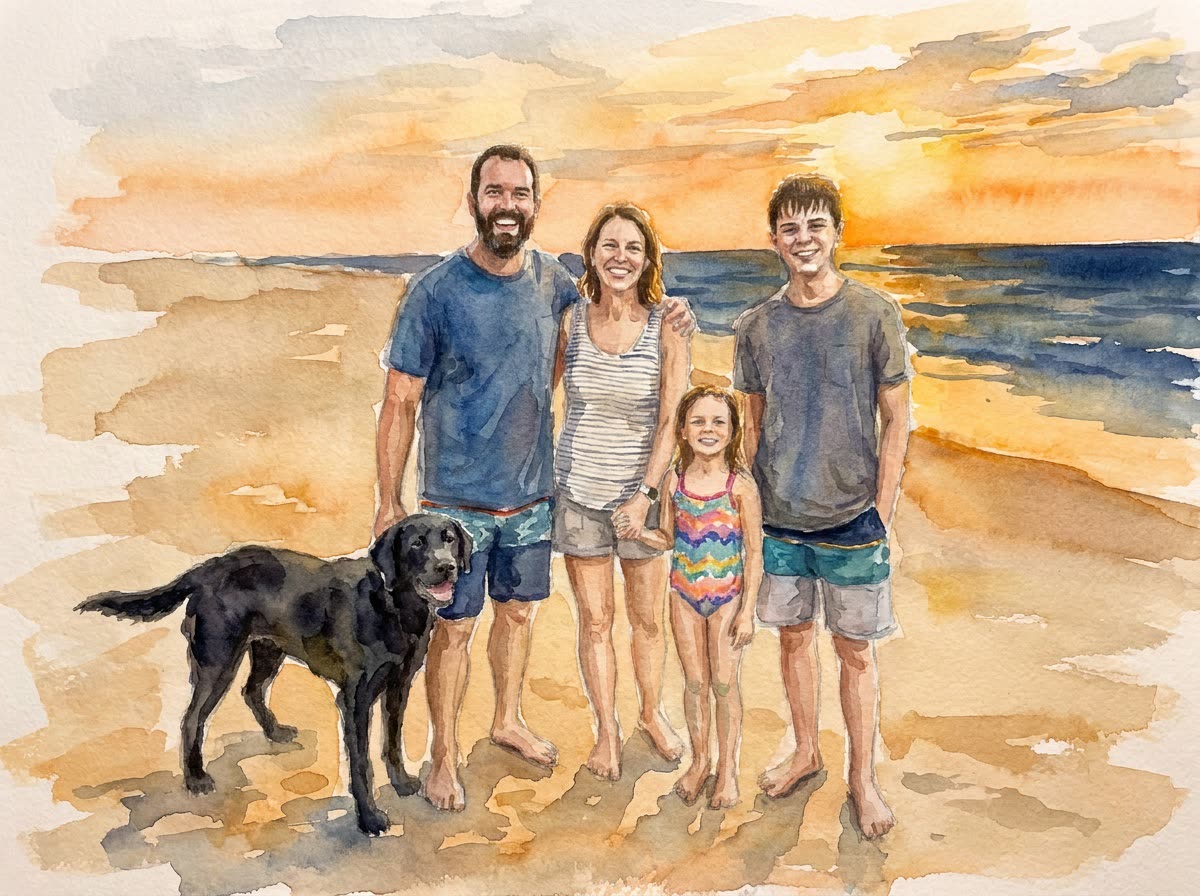
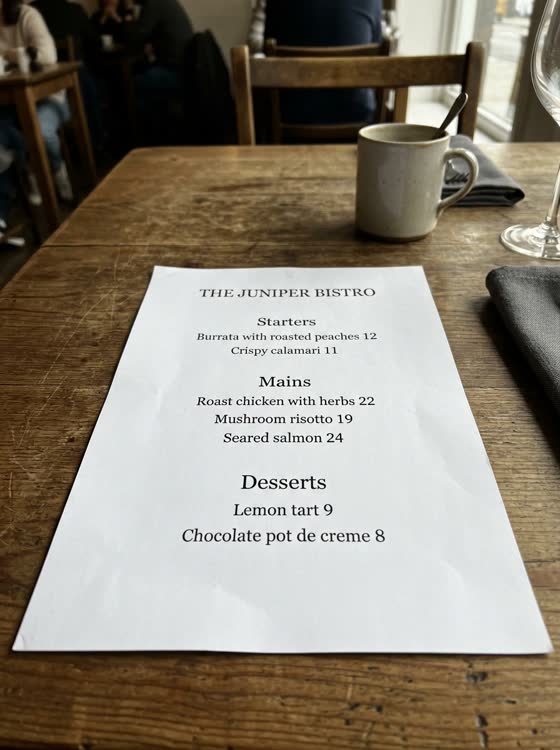
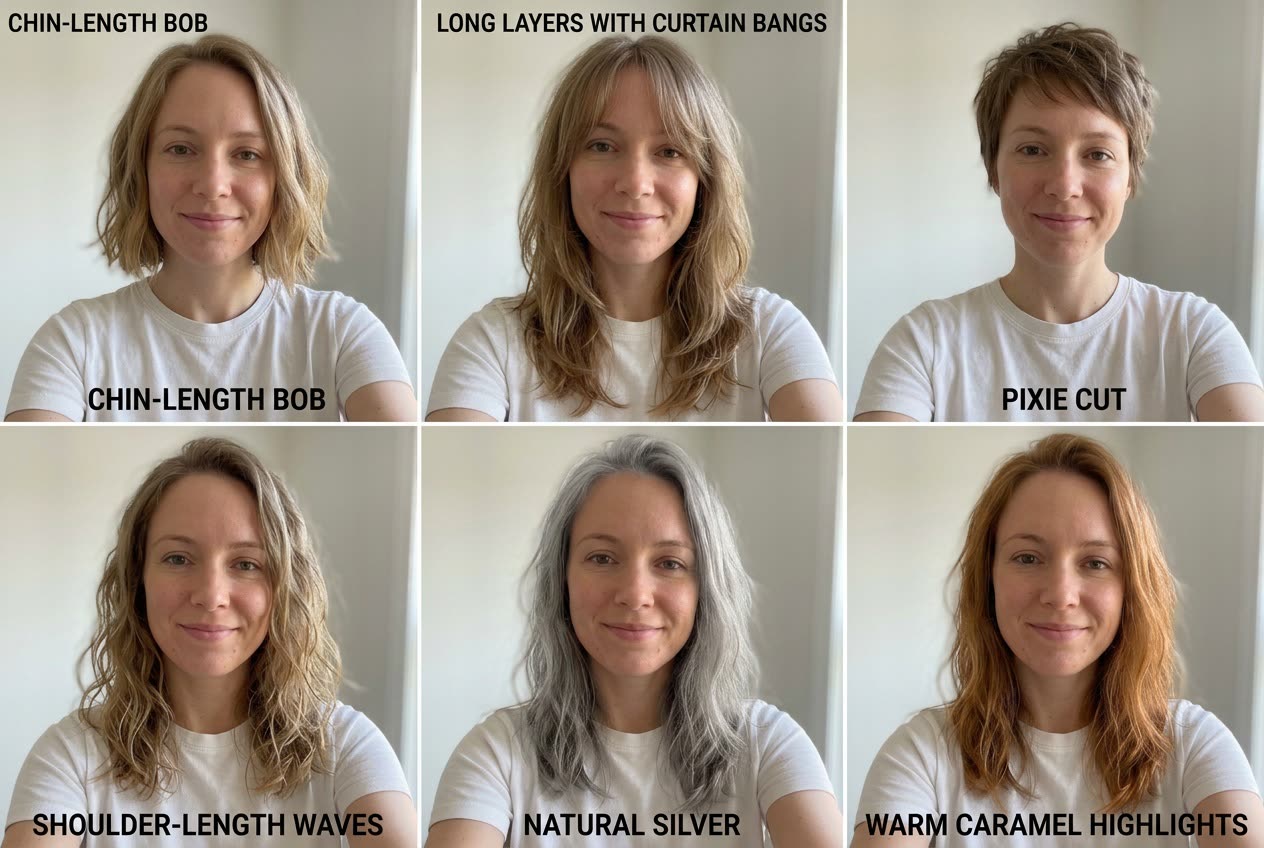
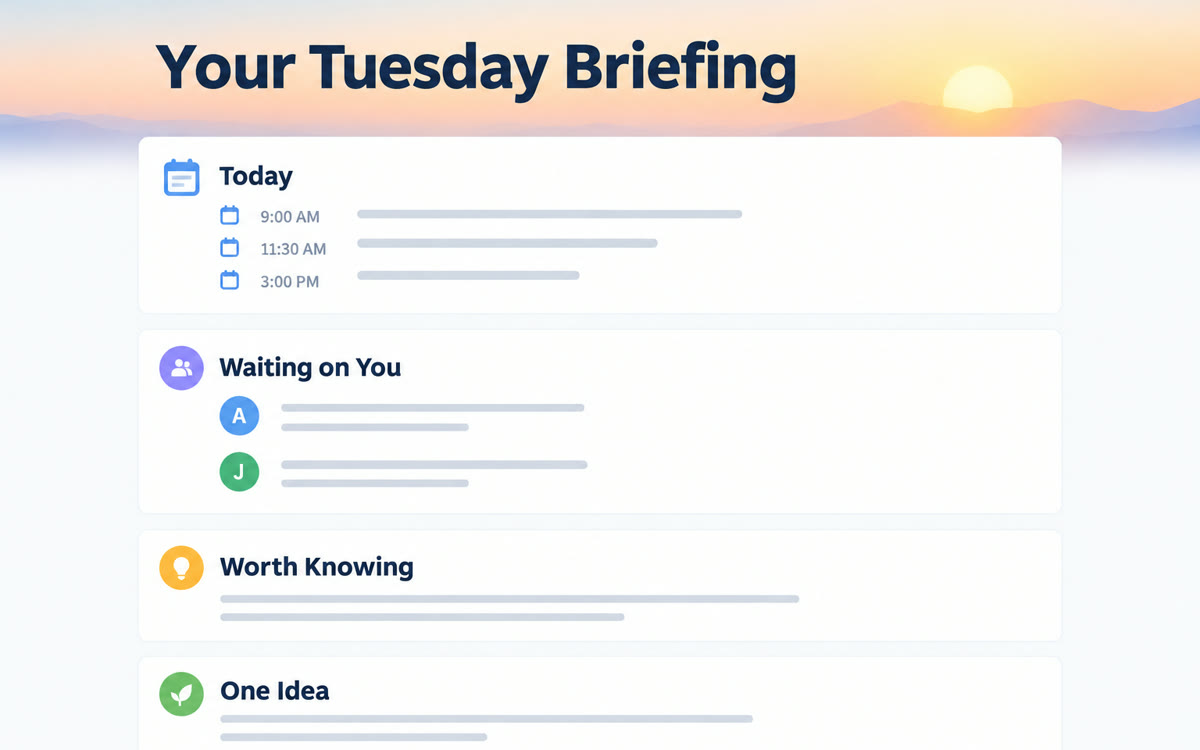
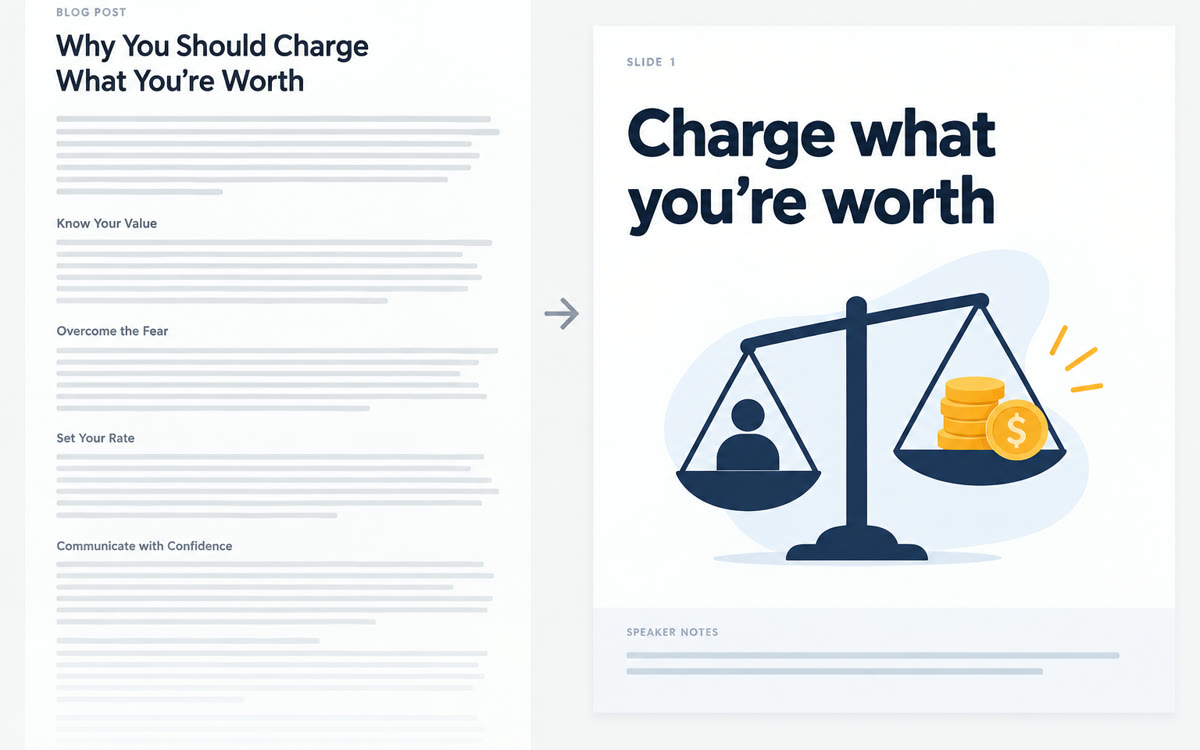
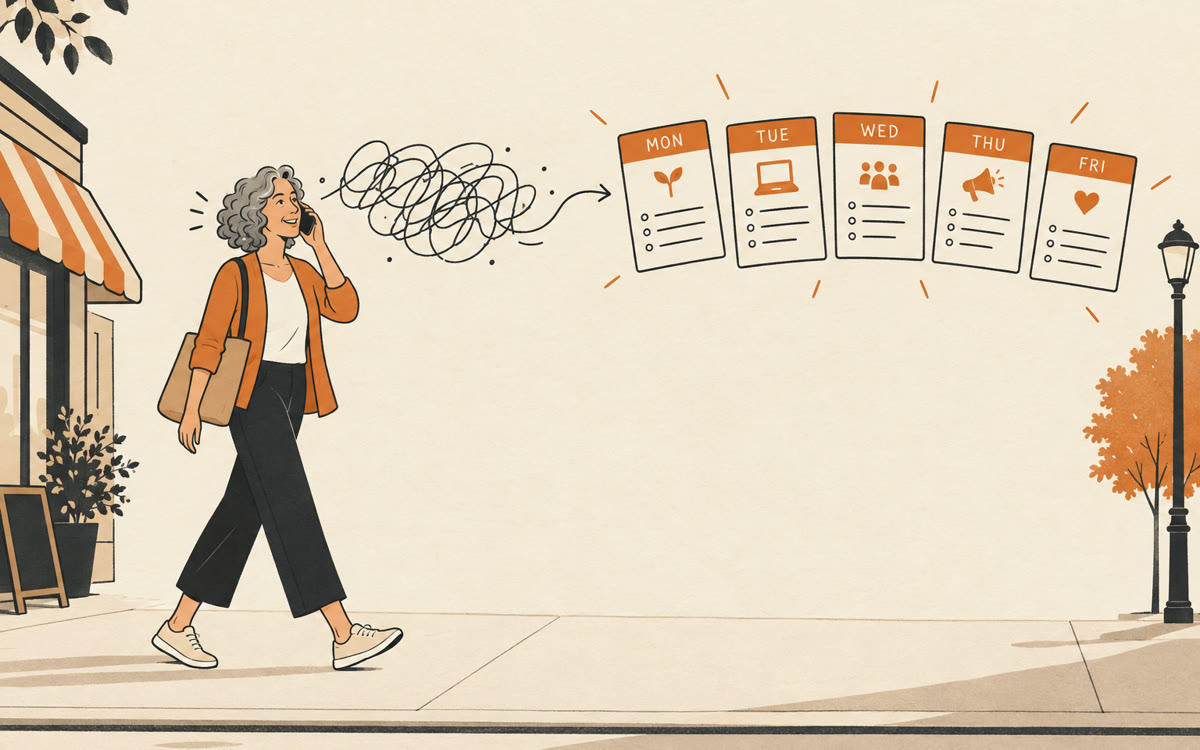
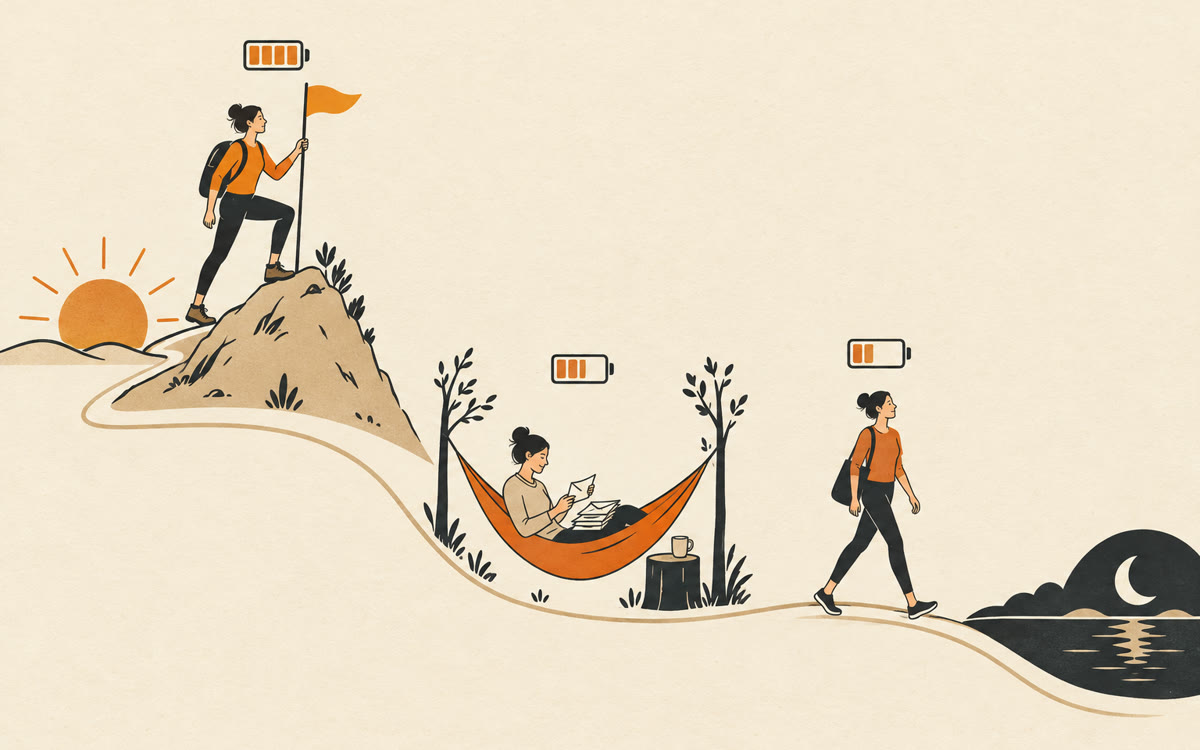
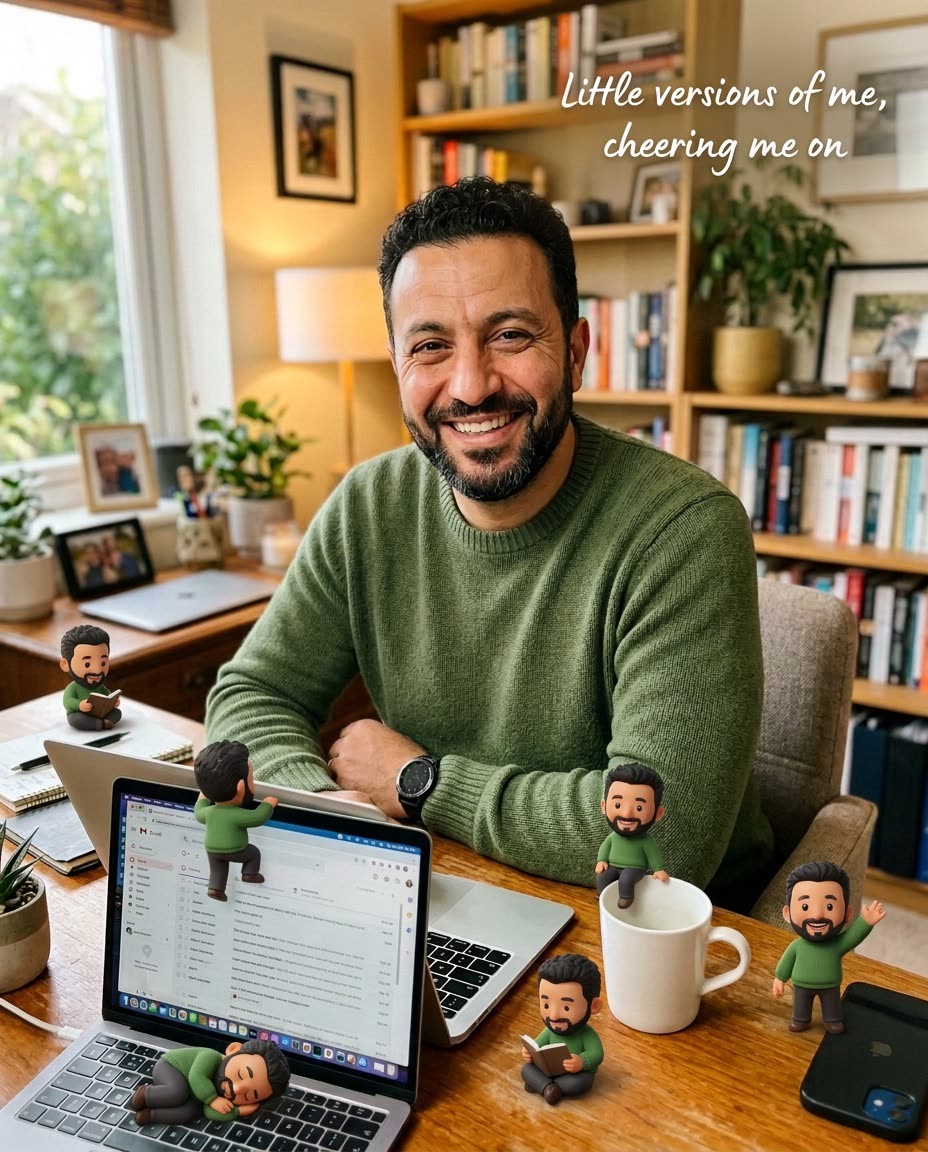
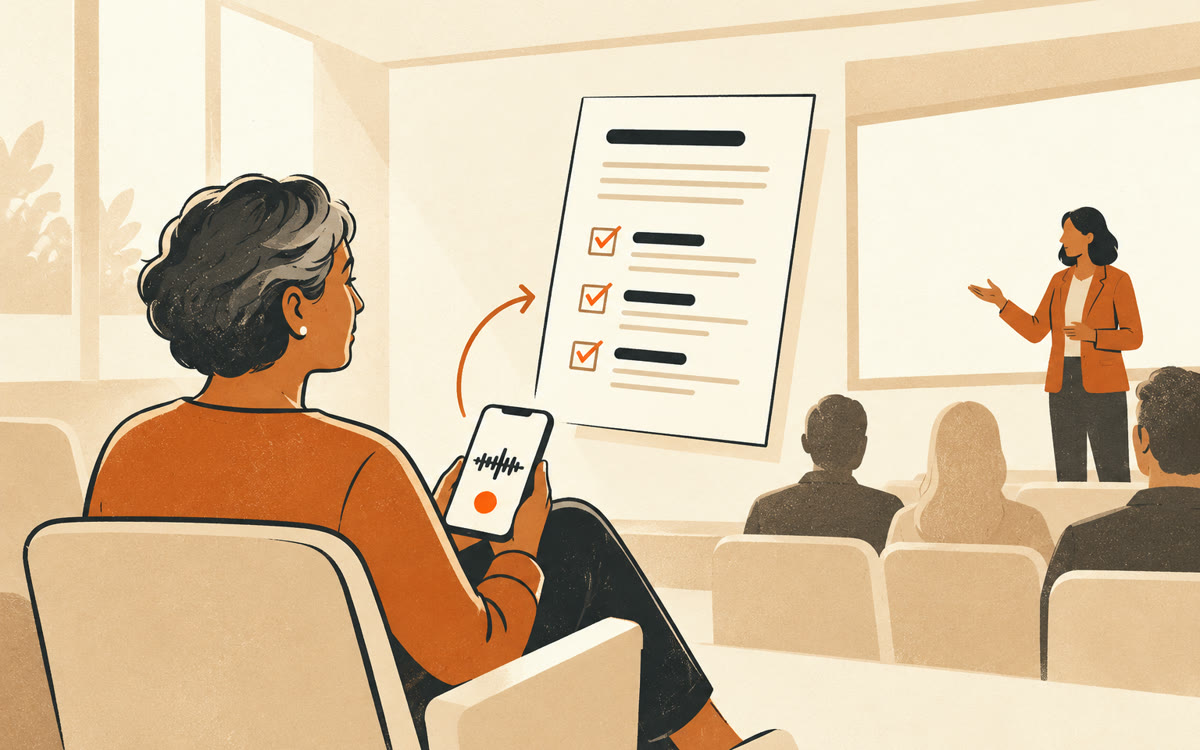
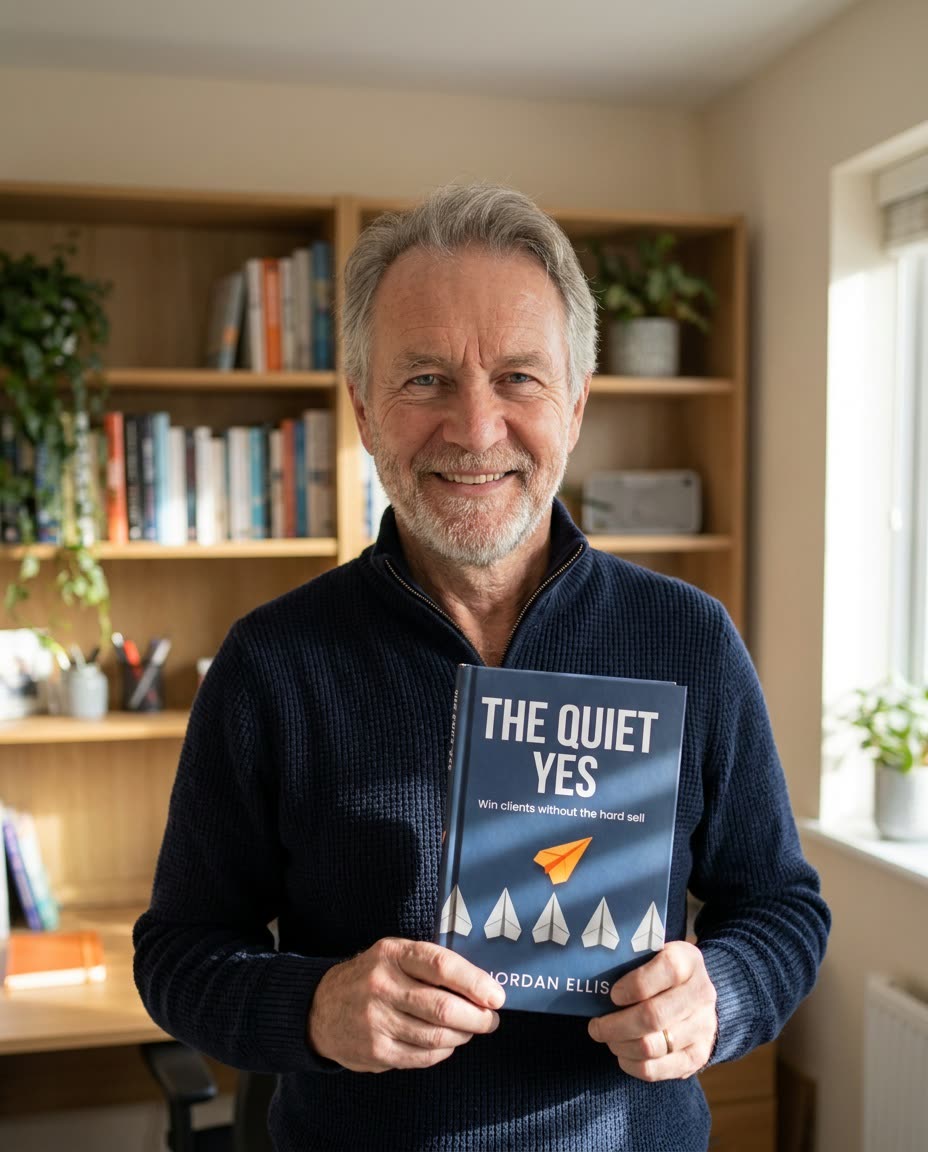
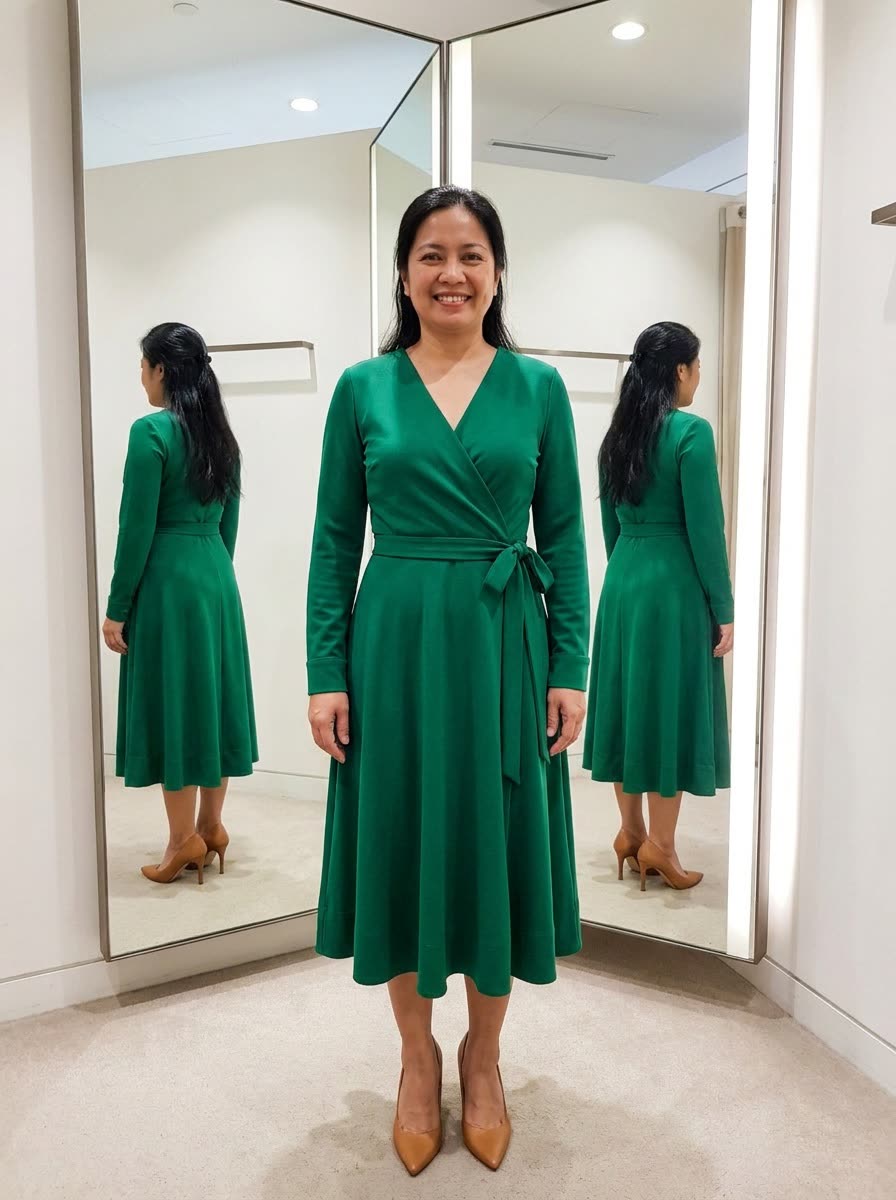
Use it for the tasks that slow your week down. You can clear your inbox and calendar just by talking to ChatGPT on a walk, turn a long article into one clear whiteboard image, or get a professional headshot from a kitchen selfie. Each use case shows the steps, the prompt and what you'll get back.

How do I use these copy and paste ChatGPT prompts?

Open any use case and type your details into the fill-in boxes. Then tap the ChatGPT button. For text prompts, ChatGPT opens with the full prompt already typed in, so you read it over and press send. For image prompts, the button copies your prompt and opens a new chat, and you paste it in.

Do these prompts work in Claude and Gemini too?

Many do. Plenty of use cases here also list Claude or Gemini, and their pages have a button for each of those AIs. Claude opens with the prompt typed in, just like ChatGPT. Gemini opens a new chat, and you paste the prompt. Try the same prompt in two tools if you'd like to compare answers.