Put your business on autopilot
Teach AI a task once and never explain it again
A prompt is a one-time request. Saved instructions are a playbook your AI follows the same way every time.
Published . Updated . Steps as of October 2026.
How do I teach AI a repeat task so I never re-explain it?
Pick one task you do every week and describe how you do it, like you'd explain it to a new assistant. Paste it with the prompt. Then save the result: a skill or project instructions in Claude, a Project in ChatGPT, or a skill in Gemini. Next week, run it with one line. If your process changes, update the instructions.

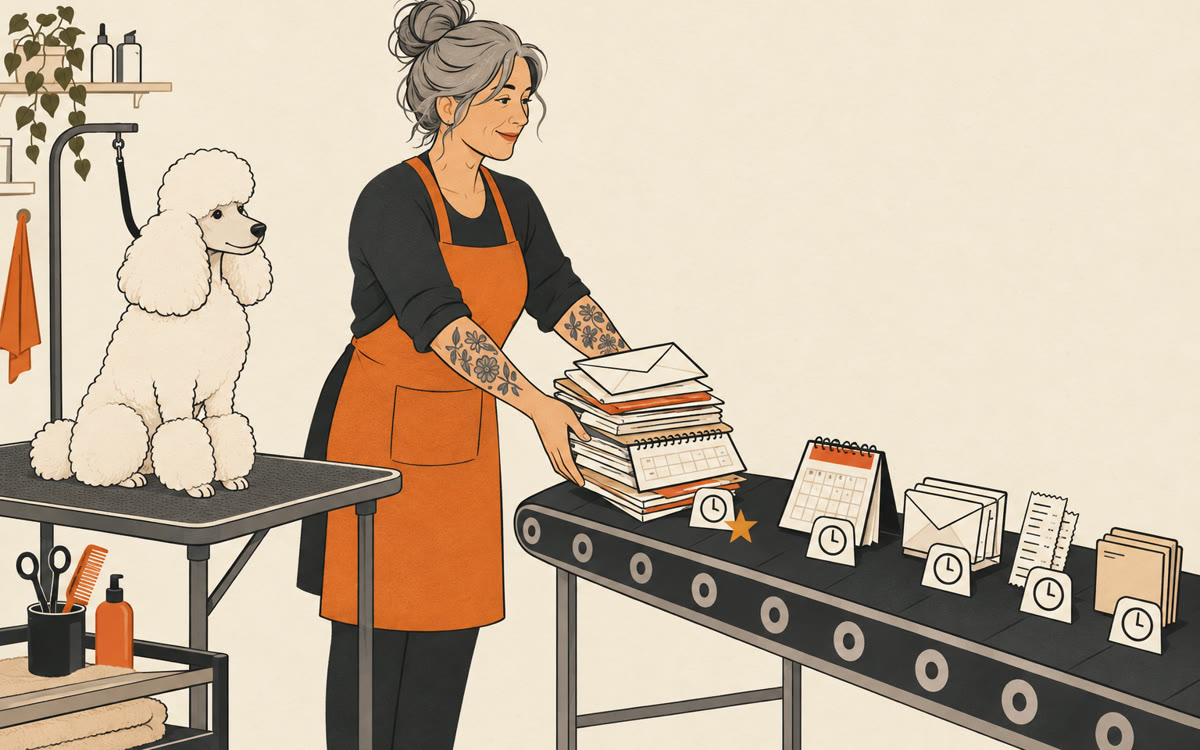
A picture made with AI to show the idea.
Your prompt
Fill in your details. Skip any you like.
Claude and ChatGPT open with your prompt already typed in. Gemini can't be filled in from a link, so its button copies your prompt: paste it into the new chat.
The prompt that gets copied
I want to turn a task I repeat into reusable instructions you can follow every time. The task is [THE TASK, e.g. writing my weekly client recap].

Here's how I do it now, step by step:
[DESCRIBE YOUR PROCESS]

Here's an example of a great finished result (or write none):
[PASTE A GREAT EXAMPLE]

Turn this into a clear instruction set with:
1. A one-line name and when to use it.
2. The inputs you need from me each time.
3. The steps, in order.
4. The quality bar: what good looks like and common mistakes to avoid.
5. The exact output format.

Ask me up to 5 questions first if anything's unclear. Then write the final instructions so a brand-new assistant could follow them without asking me anything.
Describe a task you repeat every week, step by step, and AI turns it into reusable instructions you can run with one line.
Step by step
- Pick one task you do every week, like a client recap or a weekly content plan.
- Paste the prompt and describe how you do it, the way you'd explain it to a new assistant.
- Save it as a skill or project instructions in Claude, a Project in ChatGPT, or a skill in Gemini.
- Run it next week with one line, and update the instructions when your process changes.
What you'll get
A ready-to-save instruction set for one repeat task, with inputs, steps, a quality bar, and the output format.
- Made for
- Coaches, Consultants, Creators, Small business owners, Everyone
- Works in
- Claude, ChatGPT, Gemini