Get more done by planning your day around your energy
Your hardest task lands at 9am when you're sharp, and the inbox waits for your 2pm slump.
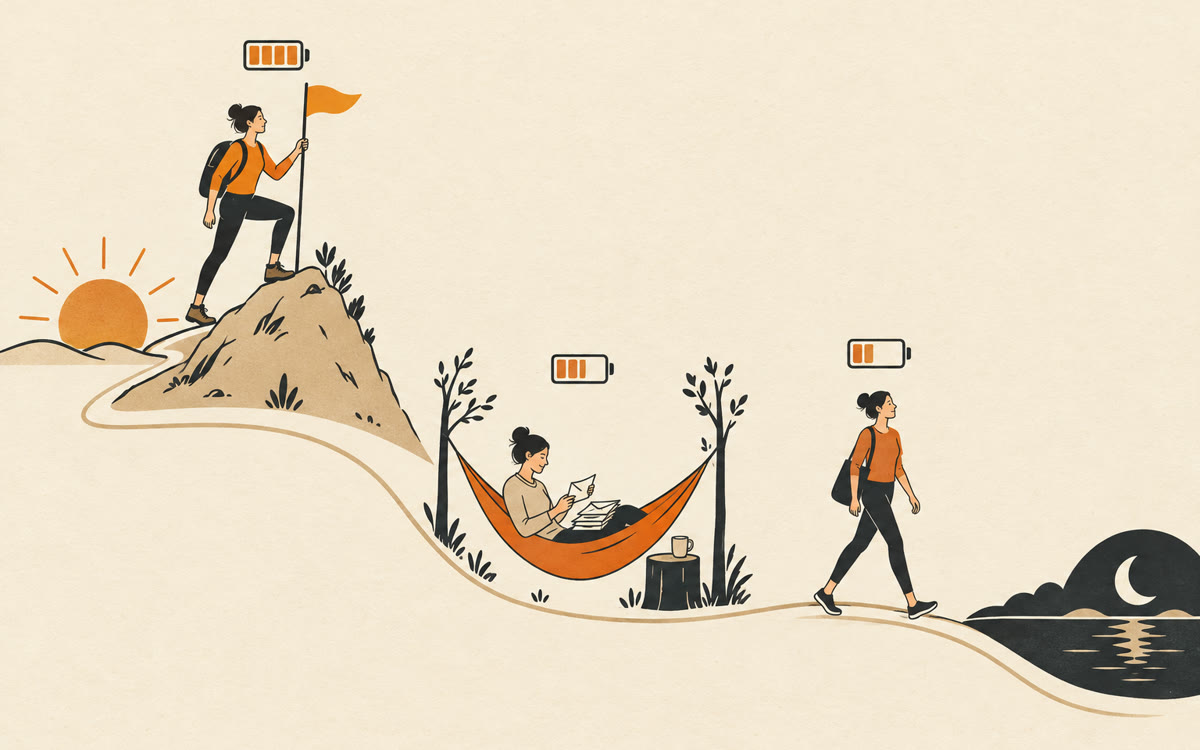
A picture made with AI to show the idea.
Your prompt
Fill in your details. Skip any you like.
ChatGPT and Claude open with your prompt already typed in. Gemini can't be filled in from a link, so its button copies your prompt: paste it into the new chat.
The prompt that gets copied
Help me plan tomorrow around my energy, not just the clock. My energy pattern: [YOUR ENERGY PATTERN, e.g. sharp 8 to 11, crash after lunch]. Fixed appointments: [YOUR APPOINTMENTS]. Tasks I need to do: [YOUR TASKS]. Sort my tasks into deep work, creative work, people work and admin. Then build a time-blocked schedule from [START TIME, e.g. 8am] to [END TIME, e.g. 5pm] that puts the hardest thinking in my best hours, admin in my low points, and short breaks in between. Leave about 20% of the day open for surprises. Flag anything that doesn't fit and suggest what to move or drop.
Tell AI when you're sharp, when you crash and what's on your plate. It builds a time-blocked day that puts deep work in your best hours and email and errands in your slumps.
Step by step
- Note when you usually feel sharp, flat and tired.
- Paste the prompt below with your tasks and fixed appointments.
- Copy the blocks into your calendar.
- Tell it at day's end what worked and ask for tomorrow's version.
What you'll get
A time-blocked day matched to your energy, tasks sorted by type, buffer time built in and a note on what doesn't fit.
- Made for
- Everyone, Coaches, Consultants, Creators
- Works in
- ChatGPT, Claude, Gemini


