See yourself holding your finished book before it's printed
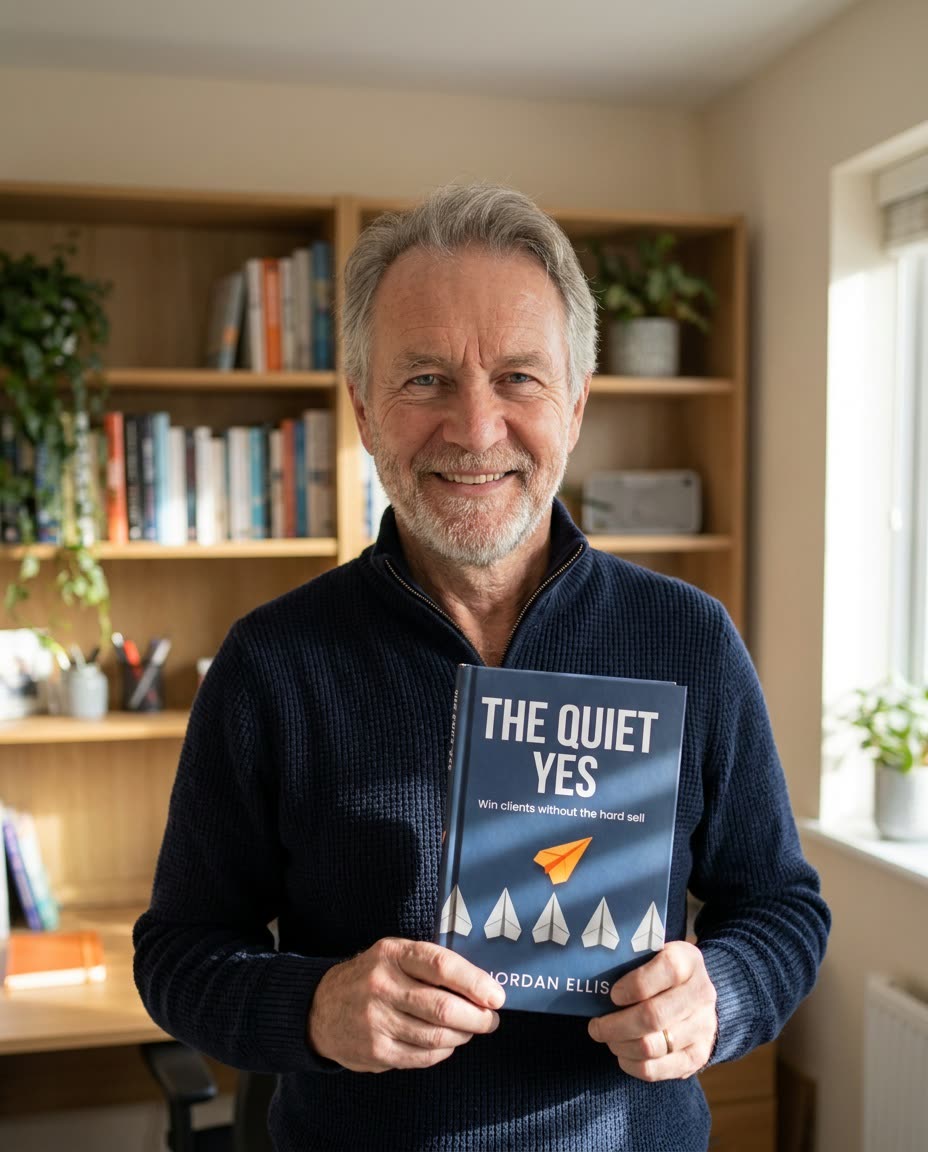
Your book isn't in print yet, but there's a photo of you holding it.
 Before
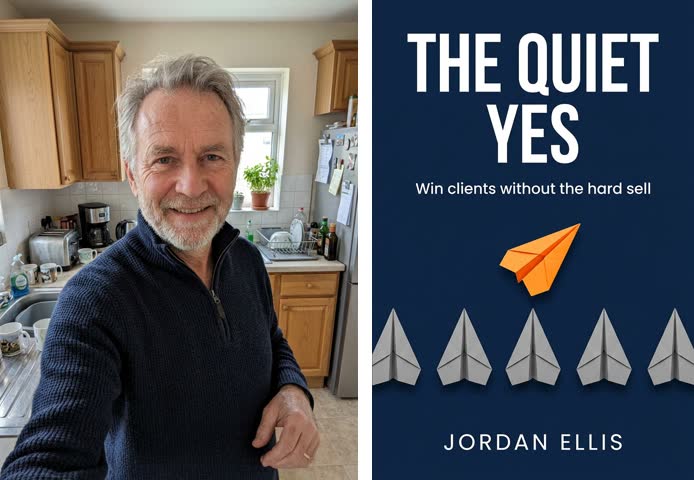
A real example. The small "before" photo is a sample we made with AI, and the result came from running this exact prompt on it in Google Gemini's image tool. Sample details used: Photo setting: a cozy home office with bookshelves; Your outfit: a navy quarter-zip sweater.
Your image prompt
Attach a clear photo first, then paste the prompt with it.
Fill in your details. Skip any you like.
Each button copies your prompt and opens a new chat that makes images. Just paste it in.
The prompt that gets copied
Image 1 is me. Image 2 is my book cover. Create a candid lifestyle photo of me holding a hardcover copy of this exact book at chest height with both hands, cover facing the camera. Keep my face, hair, and features exactly as shown in Image 1. Keep the cover design, title, and colors exactly as shown in Image 2, sharp and fully readable. Natural, relaxed hands with five fingers each. Setting: [PHOTO SETTING, e.g. a cozy home office with bookshelves], softly blurred behind me. I'm wearing [YOUR OUTFIT, e.g. a navy blazer] and smiling warmly. Soft window daylight from the side, shallow depth of field, warm neutral tones, and realistic shadows on the book. Photorealistic editorial photography. Leave some open space at the top for a headline.
Upload your photo and your book cover, and get a natural lifestyle shot of you holding the book. It's perfect for launch posts, preorder pages, and speaker one-sheets.
Step by step
- Save your cover as a flat JPG or PNG.
- Upload your selfie first, then the cover.
- Paste the prompt, then check that the title reads correctly.
What you'll get
A warm, natural photo of you holding a real-looking copy of your book, cover crisp and readable, with room at the top for a launch headline.
- Made for
- Coaches, Consultants, Creators
- Works in
- Gemini, ChatGPT



 Before