Put your logo into seasonal scenes for every holiday post
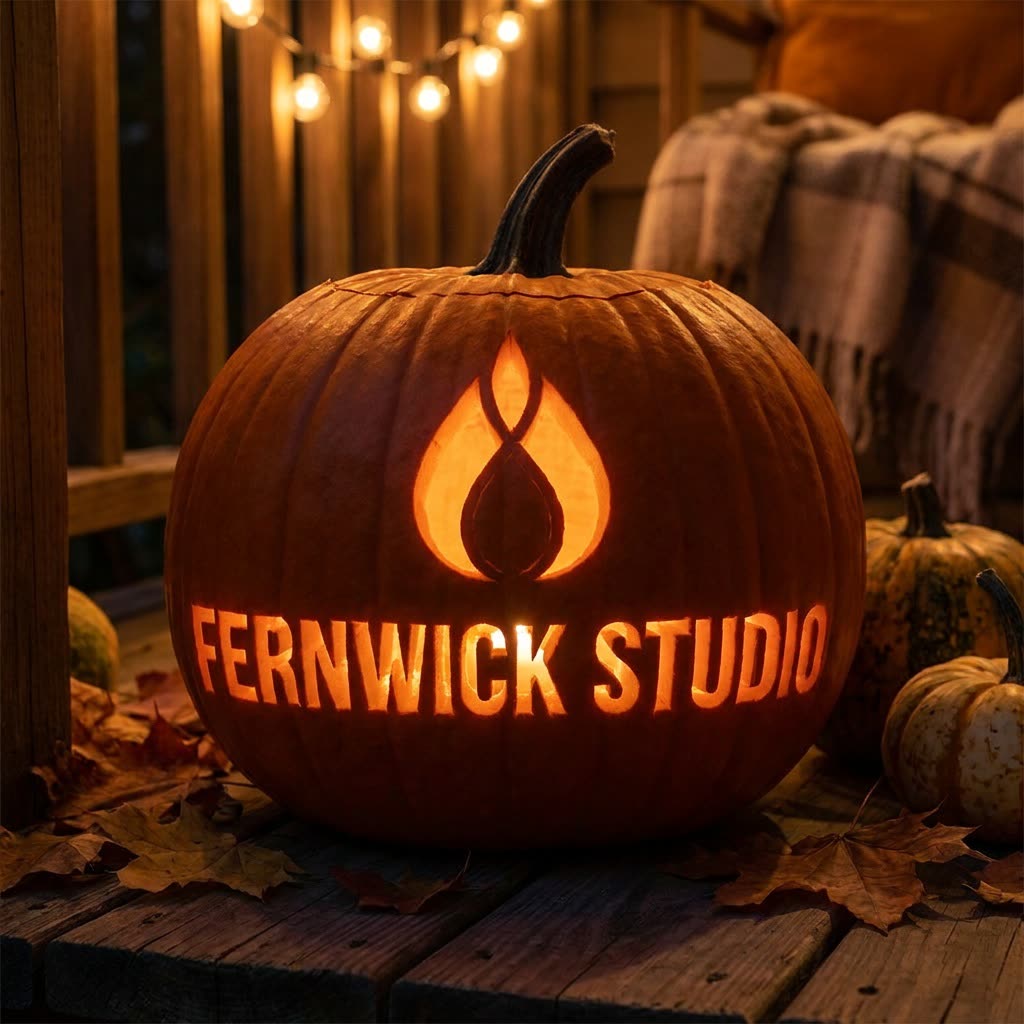
Your logo glows from a carved pumpkin on a porch at night, and it still looks exactly like your logo.
 Before
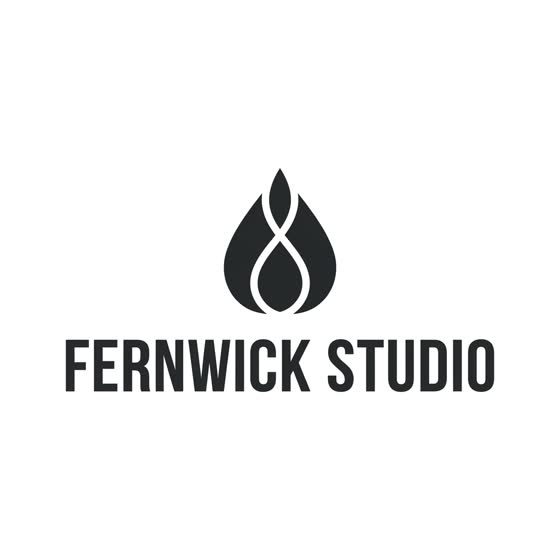
A real example. The small "before" photo is a sample we made with AI, and the result came from running this exact prompt on it in Google Gemini's image tool. Sample details used: Seasonal scene: carved jack-o-lantern on a porch at night; Holiday or season: Halloween.
Your image prompt
Attach a clear photo first, then paste the prompt with it.
Fill in your details. Skip any you like.
Each button copies your prompt and opens a new chat that makes images. Just paste it in.
The prompt that gets copied
Use my attached logo exactly as it is: same shape, letters and proportions. Show it worked naturally into a [SEASONAL SCENE, e.g. carved jack-o-lantern on a porch at night] for a [HOLIDAY OR SEASON, e.g. Halloween] social post. The logo should look like it's made from the materials in the scene, for example carved, drawn in snow, built from flowers or lit up, not pasted on top. Make it photorealistic with cozy, believable lighting and a simple background that leaves room for a caption. Don't change any letters or add other text. Make it square for the feed.
Upload your logo, pick a season or holiday, and see it carved into a pumpkin, traced in snow or spelled out in spring flowers. You get a ready-made post for each season.
Step by step
- Upload a clean version of your logo.
- Paste the prompt with the season or holiday.
- Repeat for each holiday so your posts are ready ahead of time.
What you'll get
A photoreal seasonal image with your exact logo built into the scene, ready to post.
- Made for
- Small business owners, Creators, Coaches
- Works in
- Gemini, ChatGPT


