Make a cinematic promo video without picking up a camera
A promo that once needed a camera crew can now start from one sentence and a few screenshots.
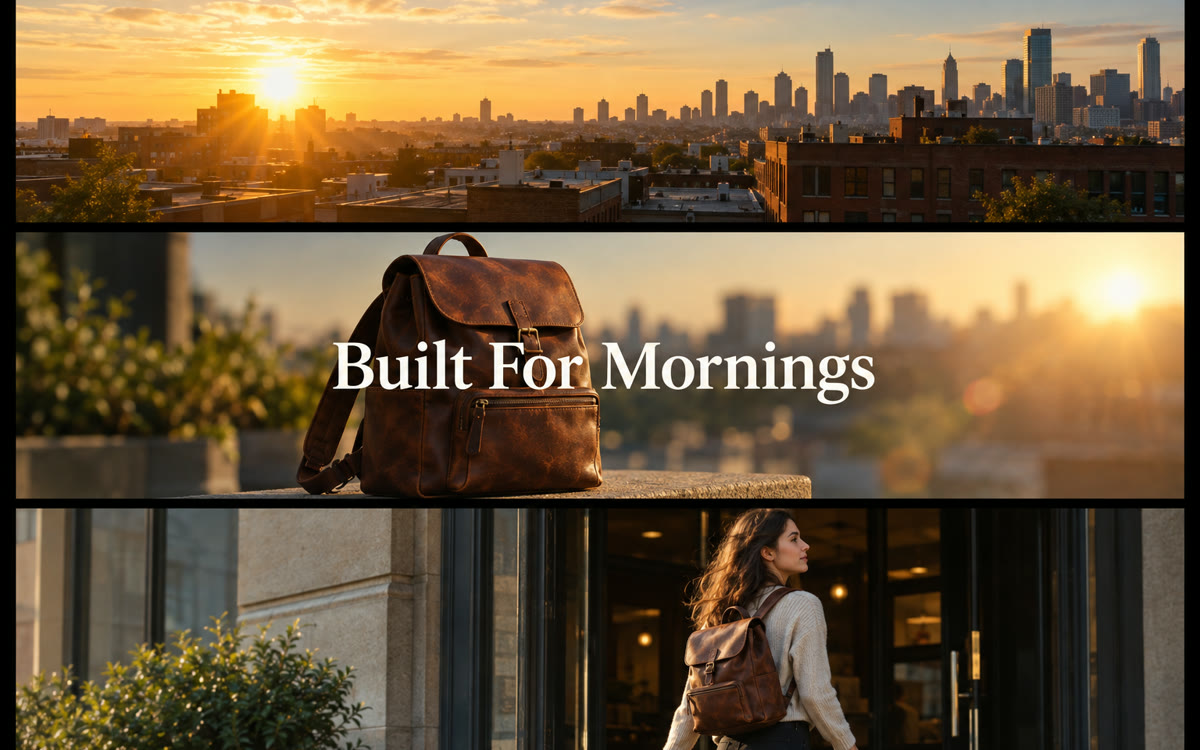
A sample of what you get back, made with AI.
Your prompt
Fill in your details. Skip any you like.
ChatGPT and Claude open with your prompt already typed in. Gemini can't be filled in from a link, so its button copies your prompt: paste it into the new chat.
The prompt that gets copied
Plan a 30-second promo video for [YOUR OFFER, e.g. a 6-week group program]. The one-line promise: [YOUR PROMISE, e.g. calmer mornings in 6 weeks]. The audience: [YOUR IDEAL CLIENT, e.g. working moms]. I've uploaded [NUMBER OF IMAGES, e.g. 4] screenshots or photos to use.

Style: high-end and minimal. One idea per shot, lots of empty space, and one accent color: [ACCENT COLOR, e.g. coral]. A clean modern font. Smooth, simple motion. No flashy effects, no lens flares, no shaky camera.

Give me:
1. A voiceover script of about 70 words that opens with a hook in the first 2 seconds.
2. A shot list with timing for each shot, what's on screen, which image to use, and how it moves.
3. On-screen text for each shot, 5 words or fewer, no periods.
4. The music mood and tempo, and where the beat should drop.
5. A final shot with my name and a clear call to action.

Show me the storyboard first, then ask what to change.
Turn one sentence about your offer and a few screenshots into a shot-by-shot promo plan: the script, scenes, on-screen text, music mood, and voiceover.
Step by step
- Write one sentence about your offer and gather 3 to 5 screenshots or photos.
- Paste the prompt and upload the images.
- Use the plan in your video app, or ask Claude to build the scenes as an animated page.
- Add a voiceover in your own voice or a built-in AI voice.
What you'll get
A full promo storyboard: the hook, a voiceover script, a timed shot list, on-screen text, and music direction.
- Made for
- Small business owners, Coaches, Creators, Consultants
- Works in
- ChatGPT, Claude, Gemini



 Before