Clear an overwhelming room in small five-minute wins
It points at real things in your photo, like the shirts on the chair or the two cups on the desk.
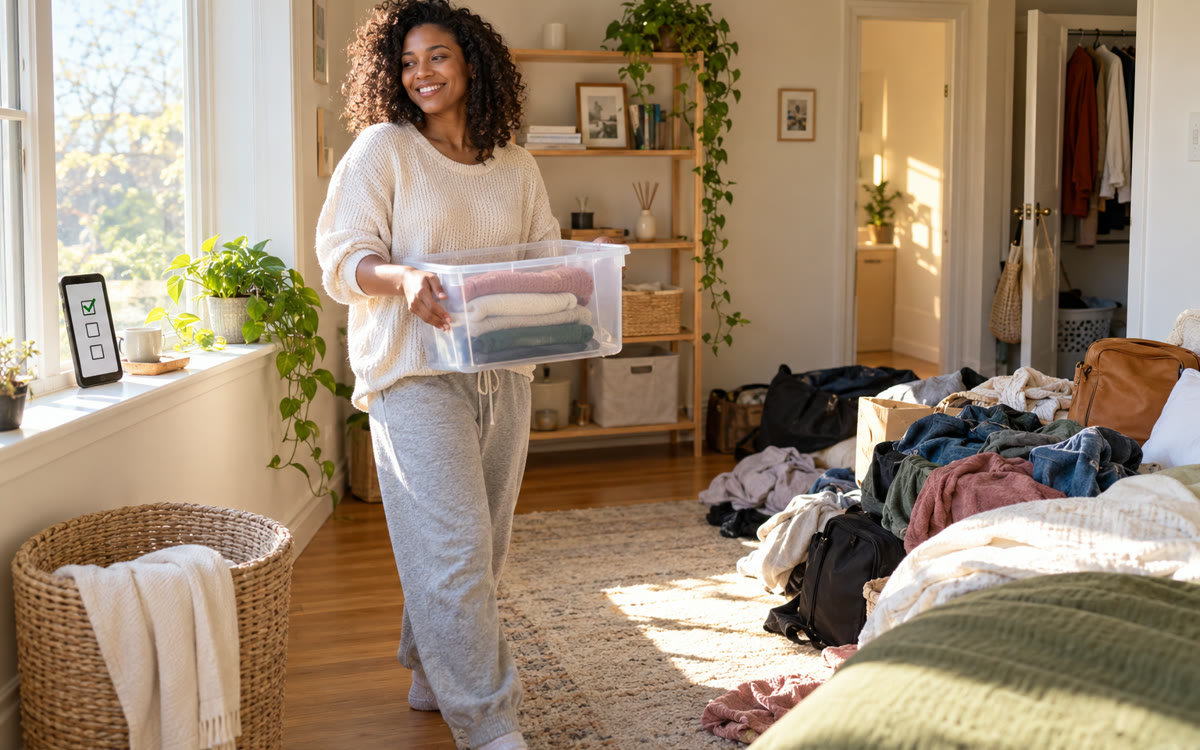
A picture made with AI to show the idea.
Your prompt
Attach a clear photo first, then paste the prompt with it.
Fill in your details. Skip any you like.
ChatGPT and Claude open with your prompt already typed in. Gemini can't be filled in from a link, so its button copies your prompt: paste it into the new chat.
The prompt that gets copied
Here's a photo of a room I feel overwhelmed by: [WHICH ROOM, e.g. home office]. Today I have [YOUR ENERGY TODAY, e.g. low energy and an ADHD brain]. Don't give me the whole plan. Give me one five-minute task at a time, naming specific things you can see in the photo, like the shirts on the chair or the cups on the desk. Start with the easiest visible win. After each task, wait for me to say done, cheer me on briefly, offer a short break, then give the next task. Every three tasks, ask if I want to keep going or stop. If I send a new photo, update based on what's changed.
Snap a photo of the room that's too much to face. AI gives you one tiny, specific task at a time, like hanging the three shirts on the chair, with breaks built in so you don't stall.
Step by step
- Take one wide photo of the messy room.
- Upload it and paste the prompt.
- Do only the first five-minute task, then reply done.
- Send a new photo when you want the next round.
What you'll get
A gentle, one-task-at-a-time cleanup guide based on the actual stuff in your photo.
- Made for
- Everyone
- Works in
- ChatGPT, Gemini, Claude


 Before
 Before