Give your website a matching set of 3D service icons
Six plain line icons become a matching set of chunky 3D blocks in your brand colors.
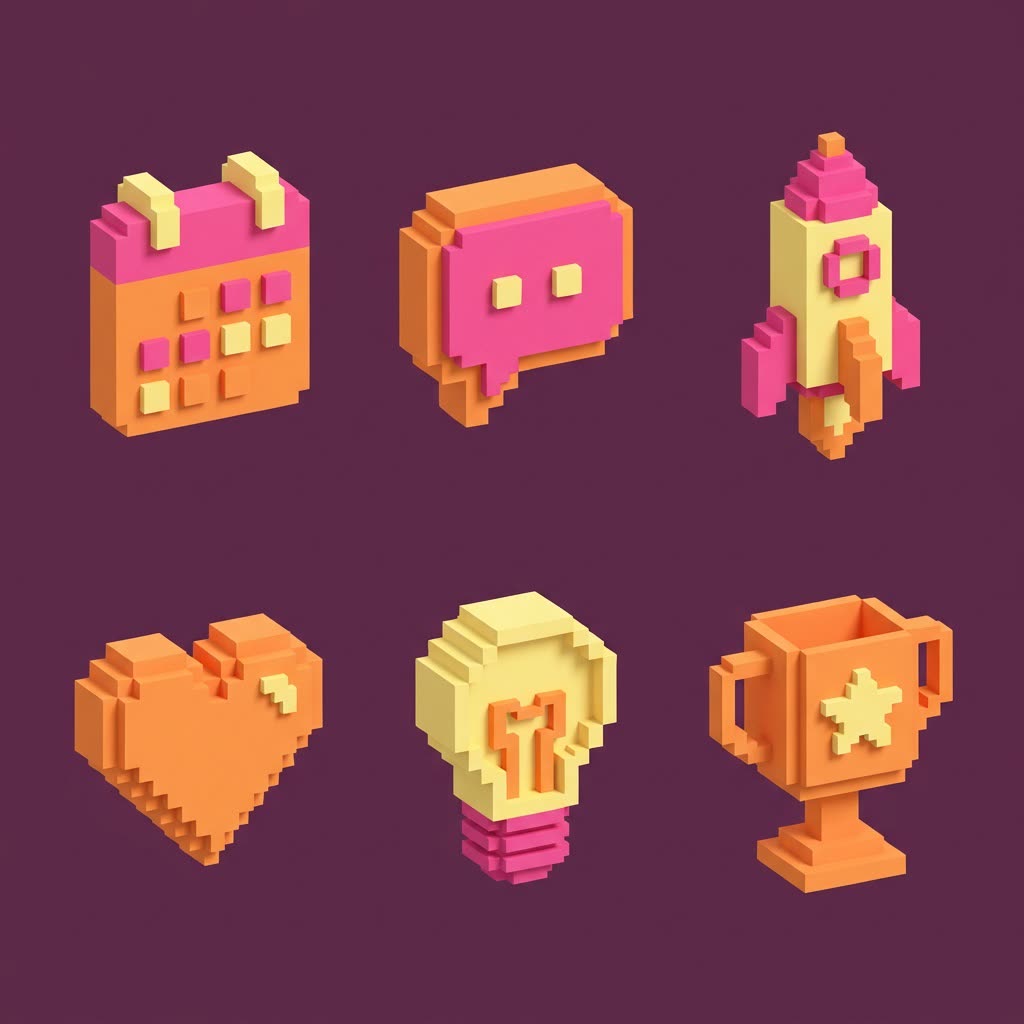
A real example, made with this exact prompt in Google Gemini's image tool, with sample details filled in. Sample details used: Number of icons: 6; Background color: deep plum; Icon subjects: calendar, chat bubble, rocket, heart, lightbulb, trophy; Icon style: chunky voxel blocks; Brand colors: tangerine, hot pink and butter yellow.
Your image prompt
Fill in your details. Skip any you like.
Each button copies your prompt and opens a new chat that makes images. Just paste it in.
The prompt that gets copied
Create a matching set of [NUMBER OF ICONS, e.g. 6] 3D icons for my website's services section, arranged in a neat grid on a plain [BACKGROUND COLOR, e.g. off-white] background. The icons are: [ICON SUBJECTS, e.g. calendar, chat bubble, rocket, heart]. If I've attached my current icons, keep their meaning and basic shape. Use one consistent [ICON STYLE, e.g. chunky voxel blocks] style for every icon, with the same viewing angle, the same soft lighting and only these colors: [BRAND COLORS, e.g. teal, coral and cream]. Keep each icon simple enough to read at a small size. Add no text.
Upload a few plain icons from your site, or just list your services, and get a matching set of 3D icons in one style, like soft clay or chunky voxel blocks, ready for service pages and slides.
Step by step
- Upload your current icons, or list your services.
- Paste the prompt with the style and colors you want.
- Ask for each icon on its own on a plain background.
What you'll get
A grid of matching 3D icons in your brand colors, one per service.
- Made for
- Coaches, Consultants, Creators, Small business owners
- Works in
- Gemini, ChatGPT



 Before