Turn workshop whiteboard photos into a recap for attendees
Messy sticky notes and marker scrawl become a polished recap your clients get the same afternoon.

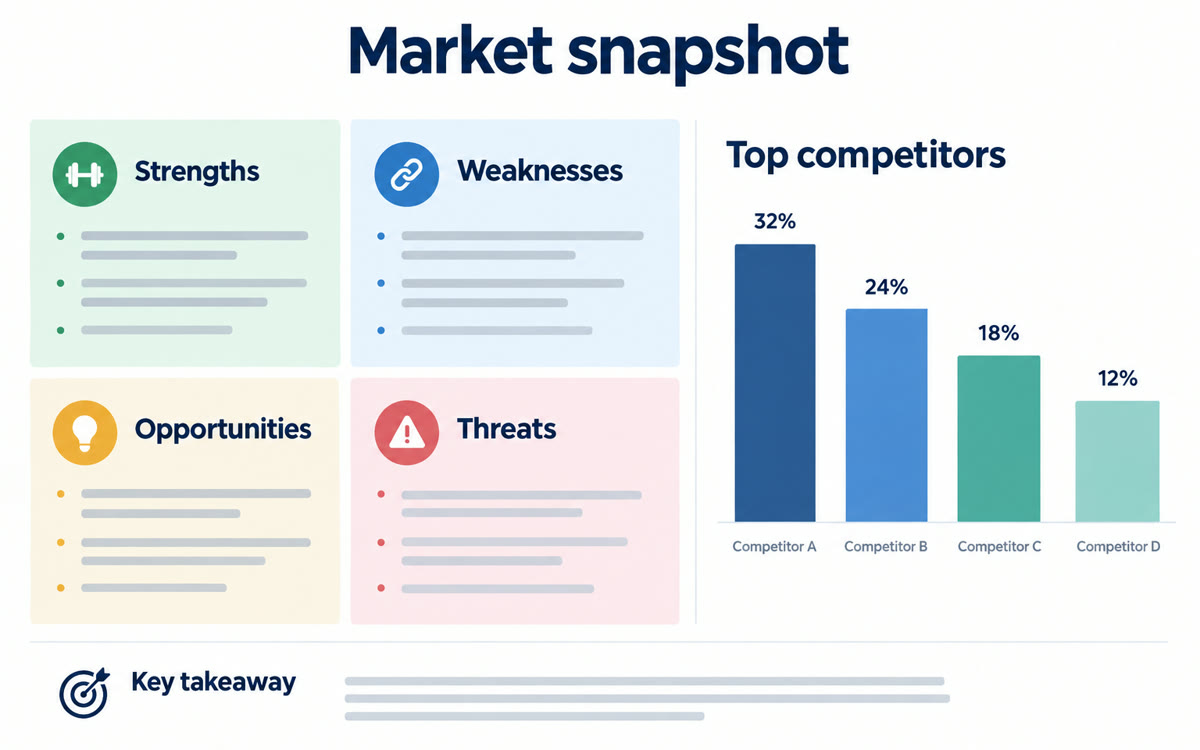
A sample of what you get back, made with AI.
Your prompt
Attach a clear photo first, then paste the prompt with it.
Fill in your details. Skip any you like.
ChatGPT and Claude open with your prompt already typed in. Gemini Notebook can't be filled in from a link, so its button copies your prompt: paste it into the new chat.
The prompt that gets copied
These photos are whiteboards, flip charts and sticky notes from my workshop for [CLIENT OR GROUP, e.g. a sales team of 12]. Read all the handwriting, including the sticky notes, and organize it into a recap: 1) The 5 biggest ideas or decisions, in clear sentences. 2) Every action item, with an owner and due date if one was written and a blank if not. 3) Questions the group left open. 4) Notable quotes or phrases people wrote. Group similar sticky notes into themes and tell me anything you couldn't read so I can fill it in. Mark any owner or date you're unsure about with the word CHECK. Then write a short, warm email to attendees that shares the recap and thanks them.
Snap the whiteboards, flip charts and sticky notes at the end of a workshop. Gemini Notebook turns them into a clean recap, action items and a thank-you email for attendees.
Step by step
- Photograph every whiteboard, flip chart and sticky note wall before anything gets wiped.
- Add the photos and your agenda as sources in Gemini Notebook, or upload them to ChatGPT or Claude.
- Paste the prompt, then fill in anything it flags as unreadable.
- Check each owner and date, then send the recap email the same day.
What you'll get
A typed, organized recap of the workshop with themes, action items and open questions, plus a thank-you email for attendees.
Image sources and camera upload work in the Gemini Notebook mobile app. Check anything it flags as unclear.
- Made for
- Coaches, Consultants
- Works in
- Gemini Notebook, ChatGPT, Claude