Stay relaxed on camera with an AI interviewer asking questions
It reacts to your last answer like a real host, so you sound like you're in a conversation, not reading.
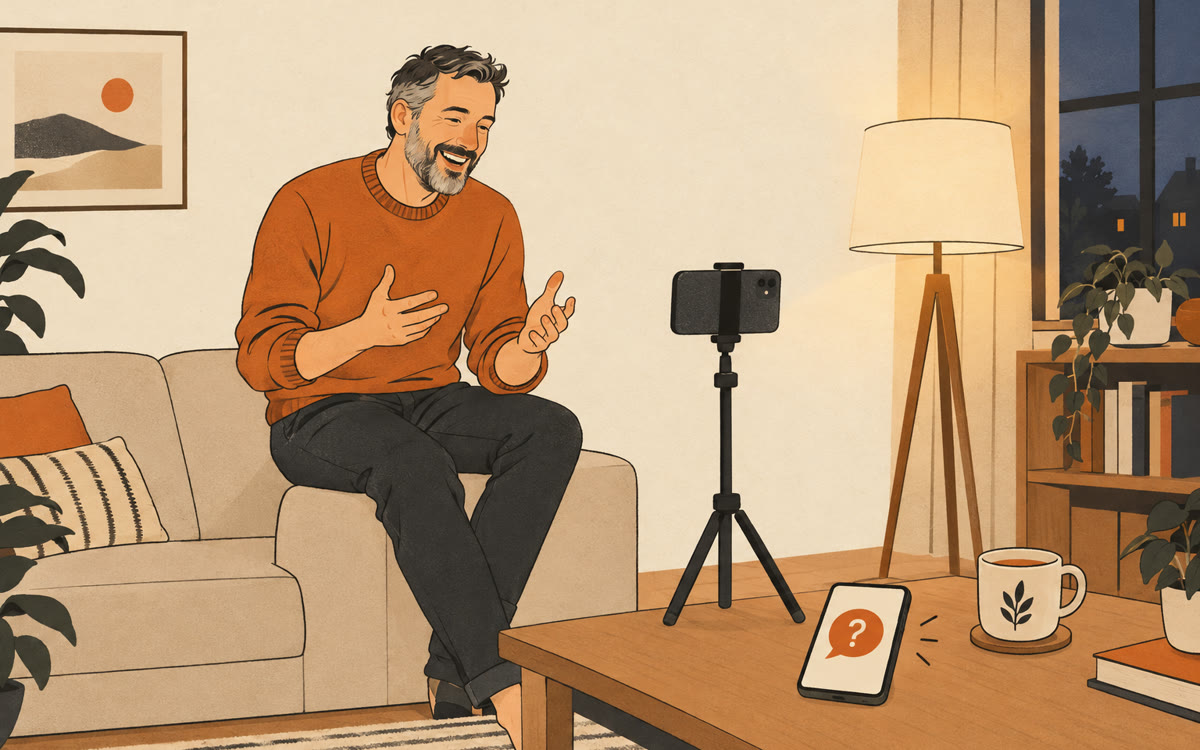
A picture made with AI to show the idea.
Your prompt
Fill in your details. Skip any you like.
ChatGPT opens with your prompt already typed in. Gemini can't be filled in from a link, so its button copies your prompt: paste it into the new chat.
The prompt that gets copied
You're a warm, curious podcast host interviewing me for short videos. I'm [YOUR NAME, e.g. Dana], a [YOUR NICHE, e.g. career coach for nurses]. My audience is [YOUR IDEAL CLIENT, e.g. nurses thinking about a career change]. Ask me one question at a time, out loud, and wait for my full answer. After each answer, ask one natural follow-up that pulls out a story, a number or a specific example. Every few questions, switch to a new topic my audience cares about. Keep your questions short so my answers are the star. If I ramble, gently ask me to say it in one sentence. Start with an easy warm-up question.
Start a voice chat and let the AI play podcast host while you record yourself. It asks one question at a time and follows up on what you just said, so you get natural, unscripted clips.
Step by step
- Set up your phone or webcam to record yourself.
- Paste the prompt into Gemini or ChatGPT on a second device, then switch to voice.
- Answer each question on camera, then clip the best answers into posts.
What you'll get
A natural back-and-forth recording session that gives you several short, unscripted clips to edit into posts.
Voice chat is free in Gemini and ChatGPT. Use a second device so your recording app keeps the microphone.
- Made for
- Coaches, Creators, Consultants
- Works in
- Gemini, ChatGPT


