Turn the school email flood into a calm family calendar
One parent's daily task reads the school emails and updates the family calendar. They say it feels like a secretary.
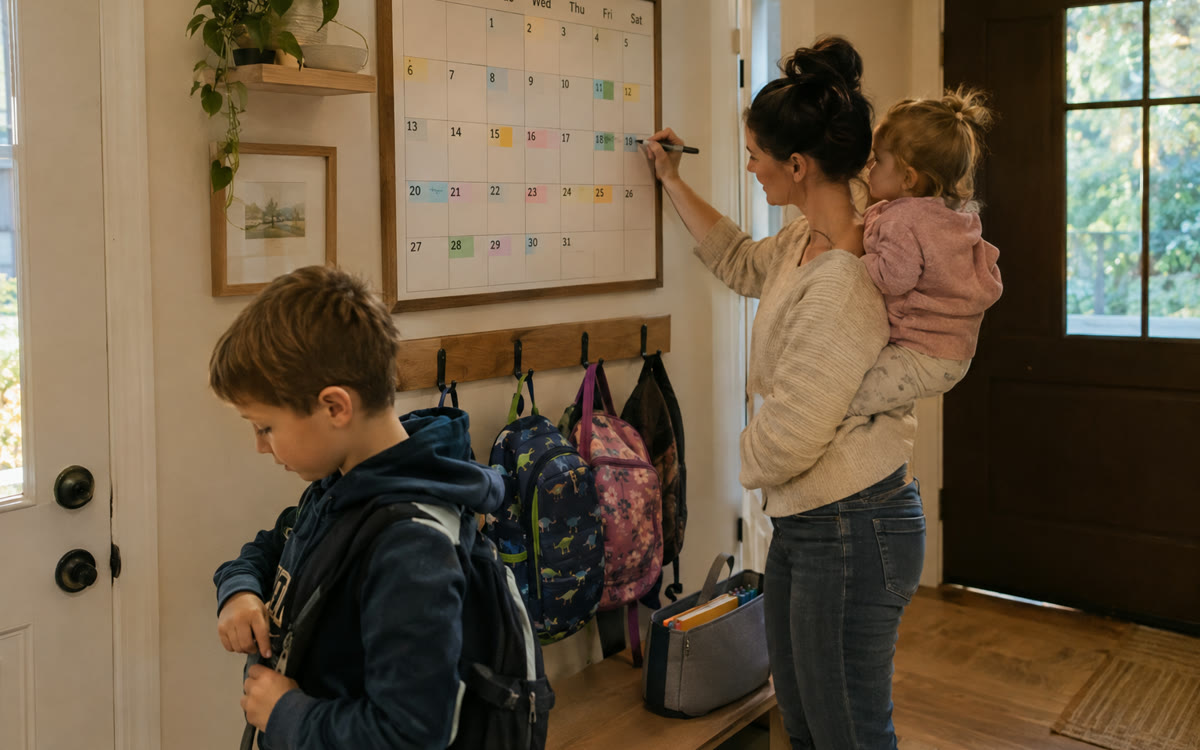
A picture made with AI to show the idea.
Your prompt
Fill in your details. Skip any you like.
ChatGPT and Claude open with your prompt already typed in. Gemini can't be filled in from a link, so its button copies your prompt: paste it into the new chat.
The prompt that gets copied
I'm a busy parent drowning in school emails. I'll paste this week's emails, newsletters and app messages from [SCHOOL NAME] about [KIDS AND GRADES, e.g. Maya, 3rd grade; Sam, 6th grade].

Read everything and give me:
1. Every date as a calendar list: event, date, start and end time, location, which child, and what to bring or wear. Format it for [YOUR CALENDAR APP, e.g. Google, Apple or Outlook], or give me a downloadable .ics file if you can.
2. A to-do list of anything that needs action from me (forms, payments, sign-ups, volunteer requests), sorted by deadline.
3. A shopping list of any supplies or costumes mentioned.
4. A two-line summary of anything I'd hate to miss (schedule changes, early dismissals, closures).
5. Anything unclear or contradictory, so I can check with the teacher.
Skip fundraising fluff unless it needs a response.
Paste a week of school emails and newsletters. You get every date ready for your calendar, a to-do list sorted by deadline and a heads-up on anything you'd hate to miss.
Step by step
- Paste this week's school emails and newsletters into the chat with the prompt.
- Add the events it lists to your calendar (or import the file it makes).
- Once it works, connect Gmail and your calendar in ChatGPT and ask it to run this as a daily task.
What you'll get
A ready-to-add family calendar, a deadline-sorted to-do list, a supply list and a heads-up on anything important.
The automatic daily version needs ChatGPT tasks and connected email, which may need a paid plan.
- Made for
- Everyone
- Works in
- ChatGPT, Gemini, Claude


