Get a branded 6-second intro for every YouTube video
You get a custom channel intro without buying a template pack or learning motion design.
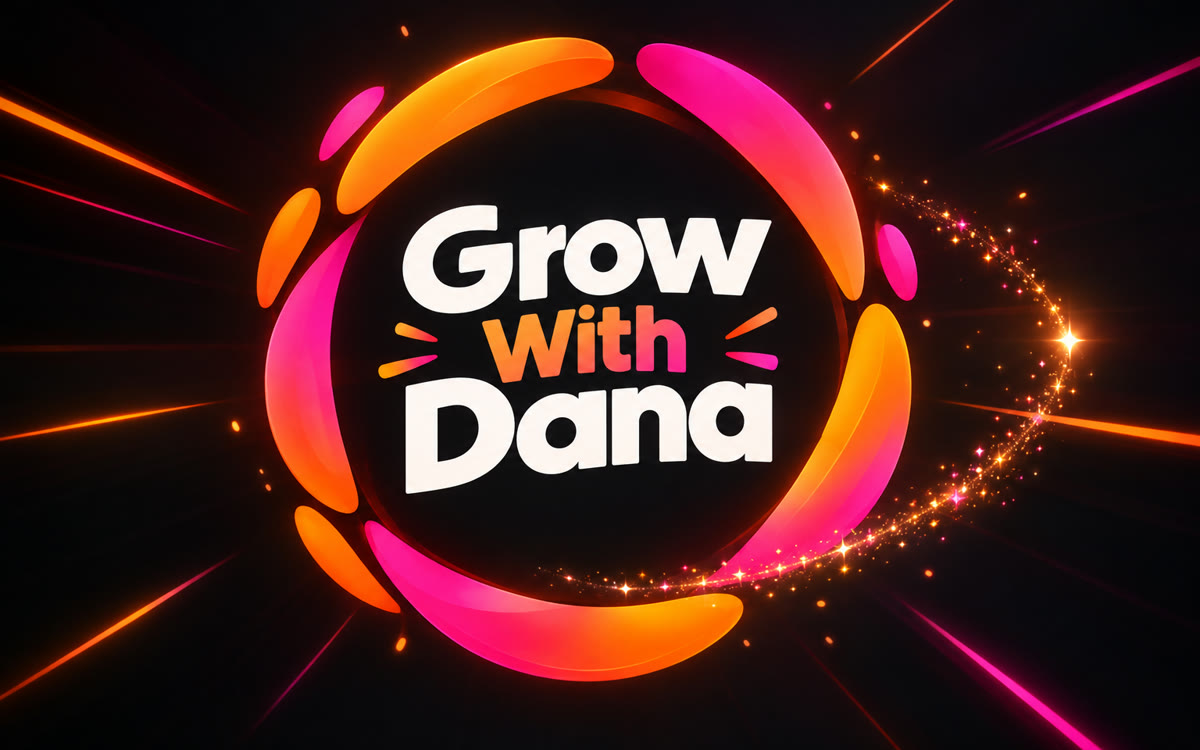
A sample of what you get back, made with AI.
Your prompt
Fill in your details. Skip any you like.
Claude and ChatGPT open with your prompt already typed in. Gemini can't be filled in from a link, so its button copies your prompt: paste it into the new chat.
The prompt that gets copied
Build a 6-second animated intro for my YouTube channel as one web page that plays by itself in the preview.

Channel: [CHANNEL NAME, e.g. The Money Minute]. Tagline: [YOUR TAGLINE, e.g. Money tips for busy parents]. Topic: [YOUR NICHE, e.g. family budgeting]. Host: [YOUR NAME, e.g. Dana Reyes].

Make it feel [CHANNEL VIBE, e.g. bright, friendly and quick]. Start with a small animated symbol made from simple shapes that fits my topic. Have it transform into my channel name, then reveal the tagline underneath. Give it one satisfying final pop and land on a clean title card.

Colors: [BRAND COLORS, e.g. mint and deep purple]. One bold font. 16:9, text inside safe margins, no sound. Start on one blank second, hold the title card for 1 second, and add a Replay button below the frame. After you build it, suggest two other style directions I could try.
Tell Claude your channel name, topic and vibe, and it builds a short animated intro that lands on your name and tagline. Record it once and use it at the start of every video.
Step by step
- Open Claude and paste the prompt with your channel name, tagline and colors.
- Ask for the two other style directions it suggests, then pick your favorite.
- Record it with Shift-Command-5 (Mac) or Windows+Shift+R (Windows), starting on the blank second.
- Add the clip to the start of your next video in your editing app.
What you'll get
A 6-second branded channel intro you can replay, change and record, plus two other style ideas to try.
Works on every Claude plan and in Gemini Canvas. In ChatGPT, click Preview on the code block. Add your intro sound in your editor.
- Made for
- Creators, Coaches, Consultants, Small business owners
- Works in
- Claude, Gemini, ChatGPT



 Before