Know exactly what's in every box with one photo
Every box in the garage gets a printed, alphabetized contents label from a single photo.
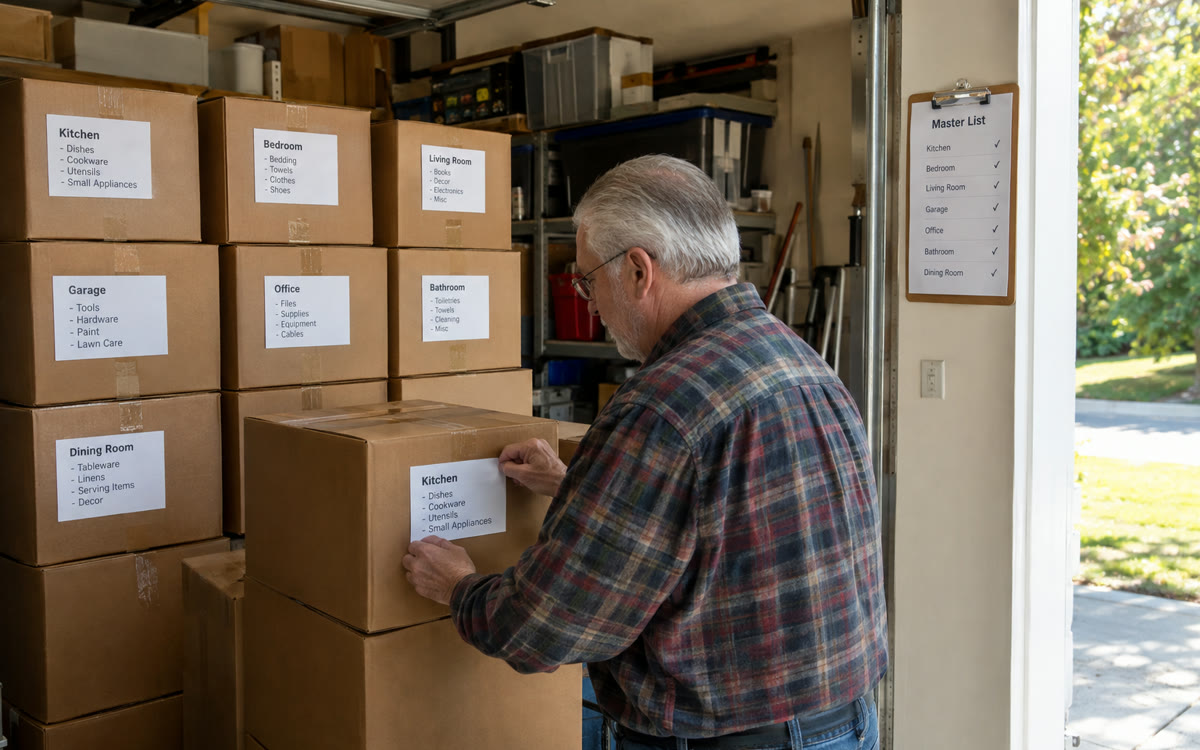
A picture made with AI to show the idea.
Your prompt
Fill in your details. Skip any you like.
ChatGPT and Claude open with your prompt already typed in. Gemini can't be filled in from a link, so its button copies your prompt: paste it into the new chat.
The prompt that gets copied
I'm packing and organizing my [SPACE YOU'RE ORGANIZING, e.g. garage, attic, or whole home]. I'll upload one photo per box, taken from above with the contents spread out so you can see them.

For each photo:
1. Give the box a number and a short name (for example 'Box 07: Kitchen Gadgets').
2. List everything you can see, alphabetized, in a format I can print as a label.
3. Suggest which room it belongs in.
4. Flag anything that looks fragile, valuable, or unsafe to store in a hot garage (batteries, candles, photos, documents).

After the last photo, give me one master inventory table (box number, name, room, contents) so I can search it later when I'm looking for something.
Snap one photo of each box with the contents spread out. You get a printable, alphabetized label for every box and one master list you can search later.
Step by step
- Spread the contents out a little and take one photo per box from above.
- Upload the photos with the prompt.
- Print the labels and save the master list in your notes.
What you'll get
A printable contents label for every box and one searchable master inventory.
- Made for
- Everyone
- Works in
- ChatGPT, Gemini, Claude


 Before
 Before