Turn a phone photo of your building into a clean 3D illustration
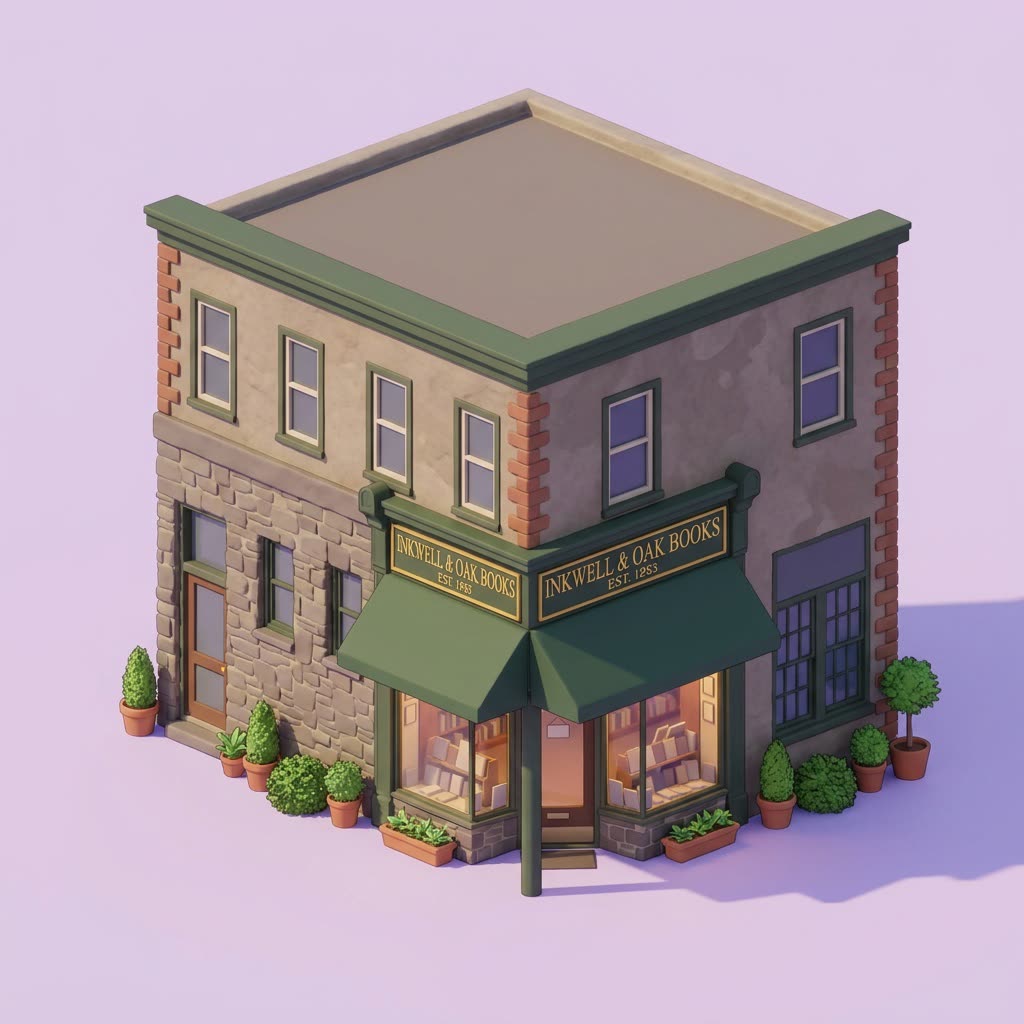
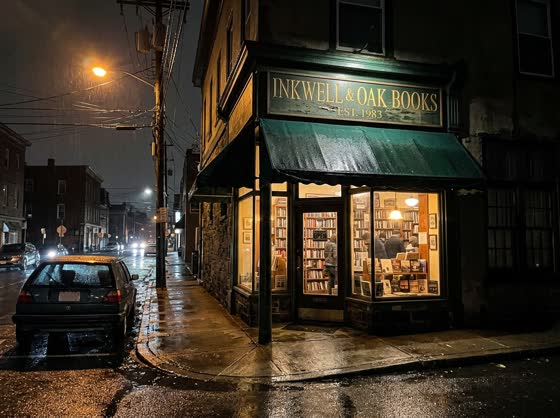
A dim nighttime snapshot becomes a crisp daytime model of your building on a clean background.
 Before
A real example. The small "before" photo is a sample we made with AI, and the result came from running this exact prompt on it in Google Gemini's image tool. Sample details used: Background color: soft lilac; Illustration style: soft clay-like 3D.
Your image prompt
Attach a clear photo first, then paste the prompt with it.
Fill in your details. Skip any you like.
Each button copies your prompt and opens a new chat that makes images. Just paste it in.
The prompt that gets copied
Turn the building in this photo into a clean isometric 3D illustration in bright daylight. Show only the building, isolated on a plain [BACKGROUND COLOR, e.g. soft cream] background, with no cars, people, wires or street clutter. Keep the real shape, number of floors, windows, doors, roof and colors of the building. Use a [ILLUSTRATION STYLE, e.g. soft clay-like 3D] look with gentle shadows, and add a little greenery at the base. If there's a sign on the building, keep its words exactly as shown and don't add any new text.
Snap your shop, office or home from the street, even at night, and get a bright daytime isometric illustration of just the building, ready for your website, a map or your about page.
Step by step
- Take a clear photo of the building from the street.
- Upload it and paste the prompt.
- Ask for a version with your logo on the front if you want.
What you'll get
A tidy daytime isometric version of your building on a plain background, true to its real shape and colors.
- Made for
- Small business owners, Everyone
- Works in
- Gemini, ChatGPT



 Before