Fill out any paper form just by talking it through
You talk like you're explaining it to a friend, and the form comes back filled in field by field.
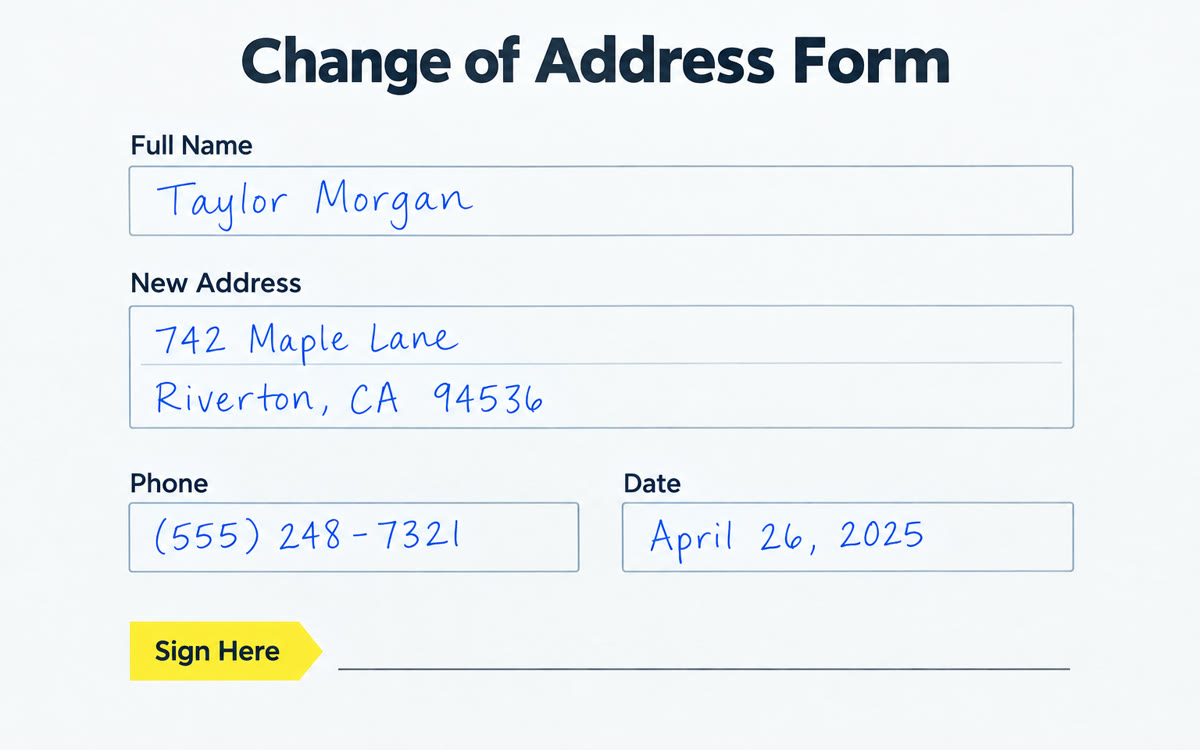
A sample of what you get back, made with AI.
Your prompt
Attach a clear photo first, then paste the prompt with it.
Fill in your details. Skip any you like.
ChatGPT opens with your prompt already typed in. It's copied too, just in case.
The prompt that gets copied
I've uploaded a form I need to fill out. First, list every field on it in order and tell me in plain English what each one is asking for. Then ask me for the answers one at a time. I'll answer out loud, so keep each question short. If something I say doesn't fit a field, or a field is unclear, ask before you fill it in. Skip anything marked for office use. When we're done, give me a completed version of the form that looks like the original, plus a checklist of anything I still need to sign, date or attach. This form is for [FORM PURPOSE, e.g. my daughter's summer camp].
Snap a photo of a paper or PDF form and tell ChatGPT out loud what goes where. It asks about anything unclear and hands back a neatly completed version for you to check and print.
Step by step
- Take a clear, flat photo of the form or upload the PDF.
- Paste the prompt, then switch to voice and answer its questions.
- Check every field against your documents before you print or submit it.
What you'll get
A filled-in copy of your form plus a short list of what still needs a signature, a date or an attachment.
Think twice before sharing ID or account numbers. Always check the result before you submit it.
- Made for
- Everyone
- Works in
- ChatGPT


