Know what a confusing message really means before you reply
It reads the tone behind a text the way a socially sharp friend would, then offers two replies that fit.
Published . Updated . Steps as of October 2026.
What does this text message really mean, and how should I reply?
Screenshot the conversation or paste the message into ChatGPT, Claude or Gemini, and add a line about who they are to you. You'll get the likely meaning and tone, other ways to read it, hints you might miss and two replies that fit. If it's from a client, the context about what happened before helps most. Read the possible meanings before you answer, then pick or tweak one reply.
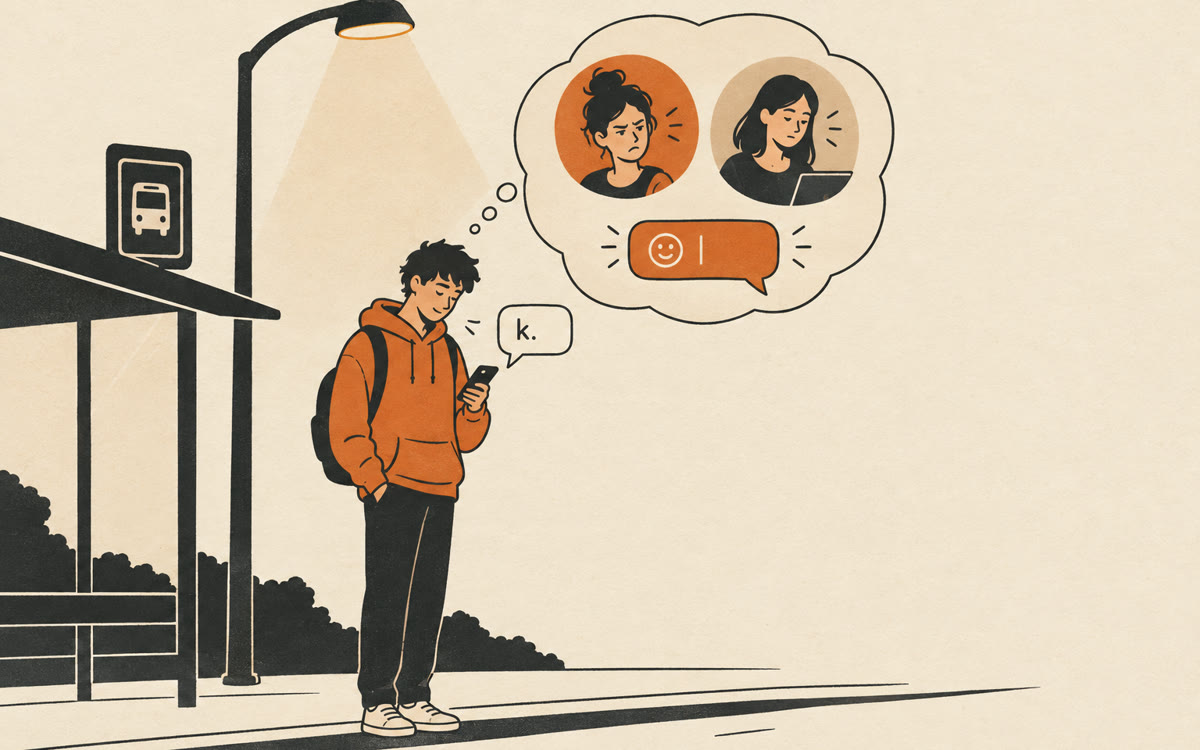
A picture made with AI to show the idea.
Your prompt
Fill in your details. Skip any you like.
ChatGPT and Claude open with your prompt already typed in. Gemini can't be filled in from a link, so its button copies your prompt: paste it into the new chat.
The prompt that gets copied
Help me understand this message before I reply. It's from [WHO IT'S FROM, e.g. a new client]. Context: [WHAT HAPPENED BEFORE, e.g. I sent my quote yesterday]. The message: [PASTE THE MESSAGE OR SCREENSHOT]. 1) Tell me the most likely meaning and the tone, in plain words. 2) Give two other possible readings and how likely each one is. 3) Point out anything I might be taking too literally, or a hint I might miss, like sarcasm, a hidden request or politeness that really means no. 4) Suggest two short replies that fit the most likely meaning, one warm and one neutral. Don't guess about their private feelings beyond what the words show.
Paste or screenshot a message that left you unsure. AI explains the likely meaning and tone, anything you might be reading too literally, and suggests a reply that fits.
Step by step
- Screenshot the conversation or paste the message.
- Add a line about who they are to you.
- Read the possible meanings before you answer.
- Pick or tweak one of the suggested replies.
What you'll get
The likely meaning and tone, other readings to consider, hints you'd miss and two fitting replies.
- Made for
- Everyone, Small business owners
- Works in
- ChatGPT, Claude, Gemini