Hidden AI superpowers
Turn any idea into an interactive explainer people can play with
Ask AI to build a small interactive web page that teaches a concept with sliders, buttons and live visuals, right inside the chat.
Get the promptHidden AI features are tools already built into ChatGPT, Claude and Gemini that most people have never tried. This collection has 50+ of them. See what ChatGPT remembers about you and tidy it up, find a tiny lost item with one photo, or get a working spreadsheet with real formulas from one sentence. Each use case shows exactly where to tap and what to type.
Hidden AI superpowers
Ask AI to build a small interactive web page that teaches a concept with sliders, buttons and live visuals, right inside the chat.
Get the promptHidden AI superpowers
ChatGPT's memory builds a picture of you from your chats. Ask it to show what it has stored and inferred, then keep what's useful and delete what you never meant to share.
Get the promptHidden AI superpowers
Take one clear photo from above and say what you dropped. The AI scans it section by section and tells you exactly where to look, using landmarks in the photo.
Get the promptHidden AI superpowers
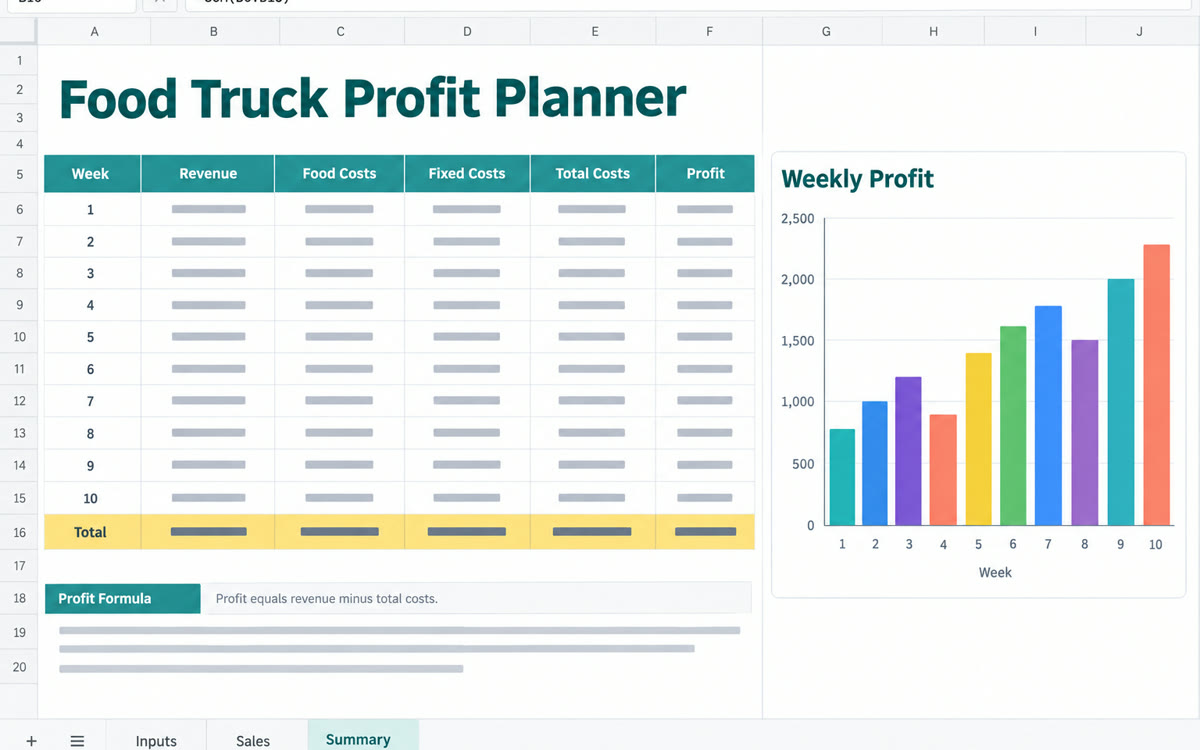
Describe the spreadsheet you need, like a cash flow forecast or a pricing calculator. The AI builds a real Excel file with tidy tabs and working formulas you can download and edit.
Get the promptHidden AI superpowers
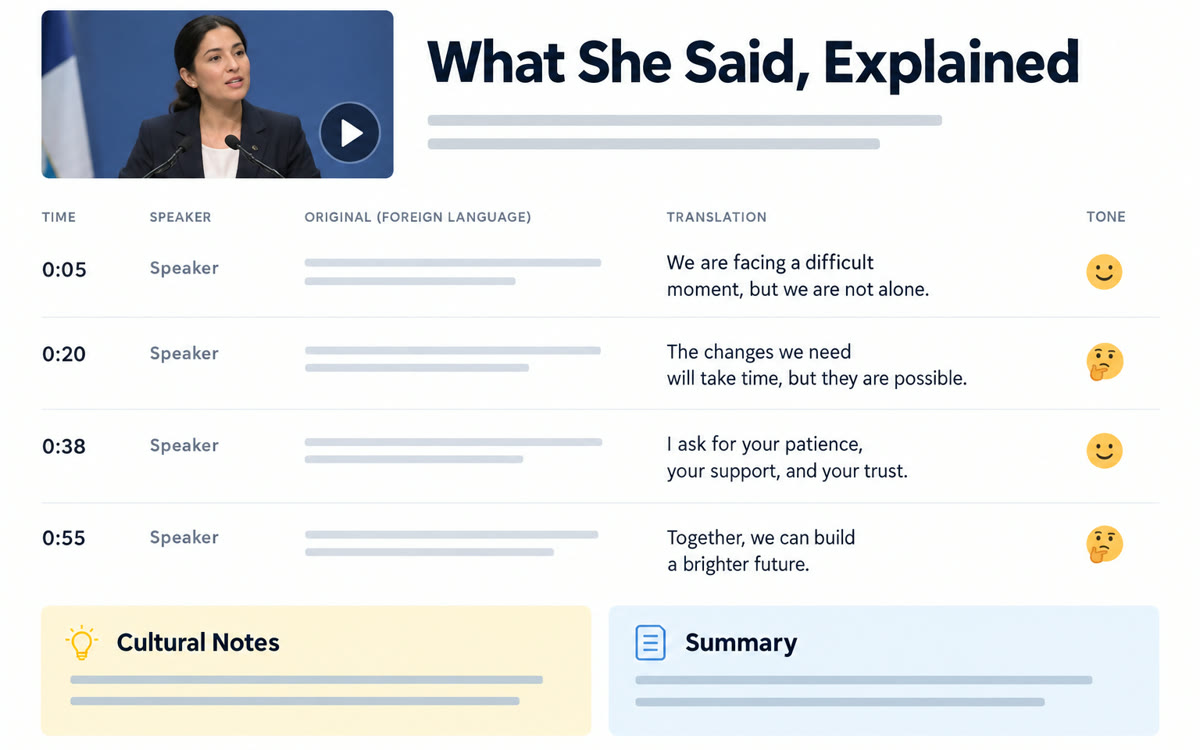
Screen-record a short clip in any language and upload it. AI gives you a full translation with who's speaking, the tone and any cultural context you'd miss.
Get the promptHidden AI superpowers
Add a few lines to the end of any request asking for the answer as a single web page. You get headings, tables, color and simple visuals that are far easier to read than a wall of text.
Get the promptHidden AI superpowers
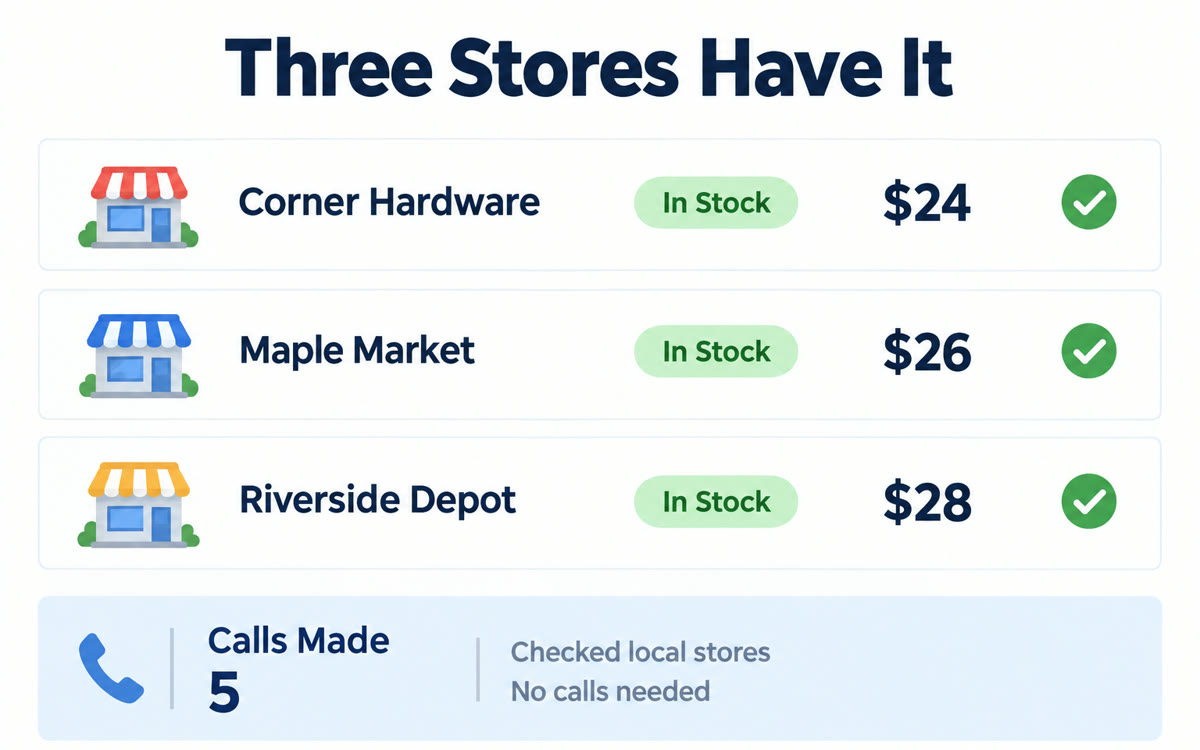
Describe what you need in Google's AI Mode, and Google's AI calls nearby stores to find out who has it and what it costs. Then it sends you the details.
Get the promptHidden AI superpowers
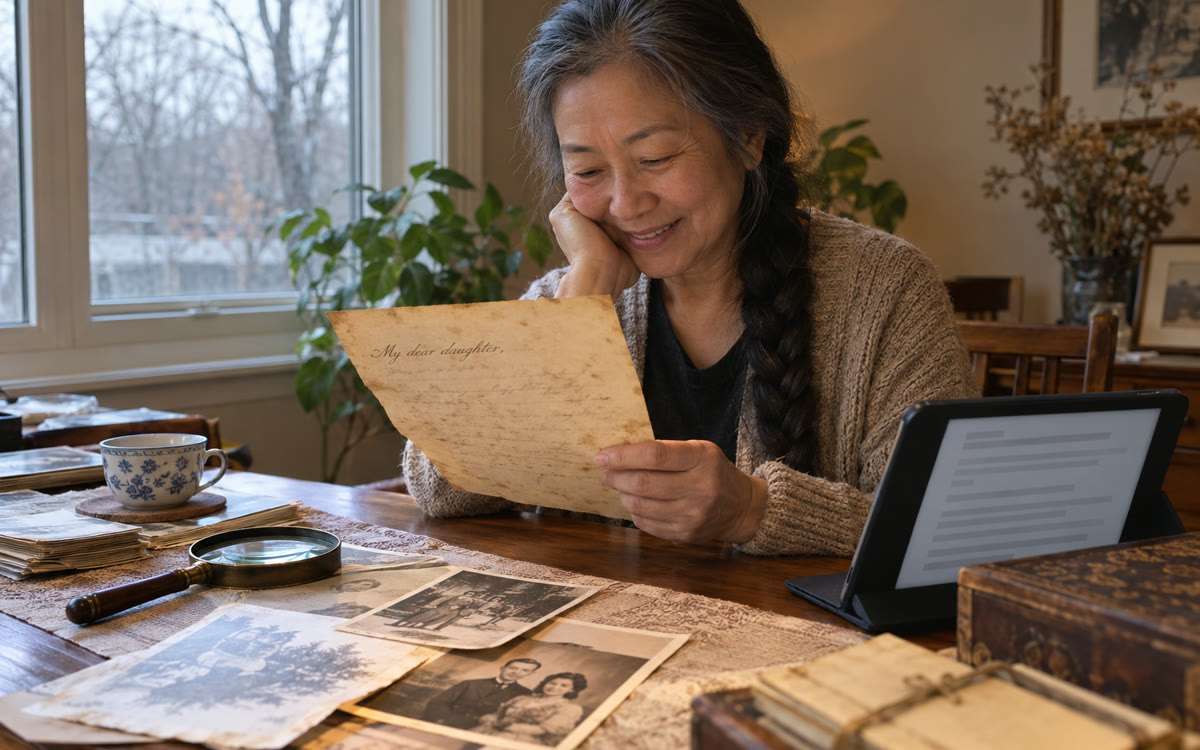
Photograph an old letter, diary or record in faded cursive. AI transcribes it, marks words it can't read, explains old terms and gives you a plain modern version.
Get the promptHidden AI superpowers
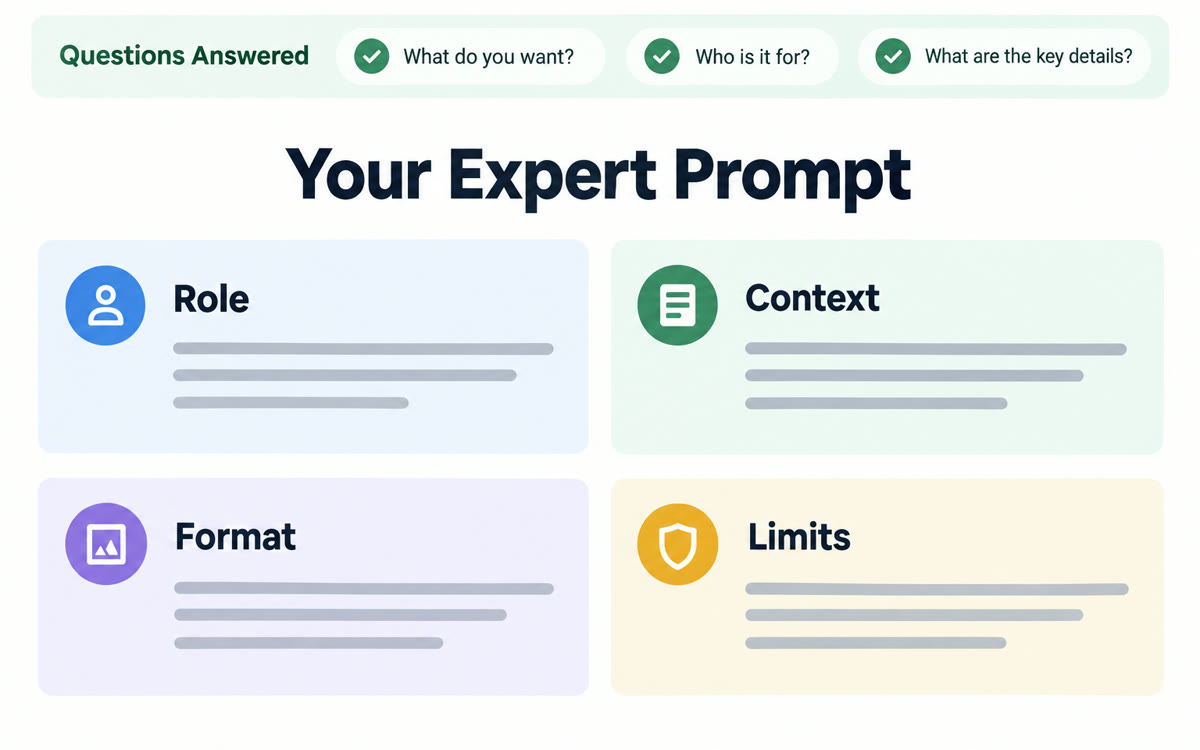
Paste a setup prompt that makes the AI interview you first, then rewrite your rough request into a detailed prompt with the right role, context and format. You get far better answers on the first try.
Get the promptHidden AI superpowers
Before you act on any AI answer, ask what it's least confident about and what you're missing. It lists the weak spots it skipped, and you dig into the one that matters.
Get the promptHidden AI superpowers
Upload your journals, notes and favorite books to Gemini Notebook. It answers only from what you gave it, so you can ask what you've learned, what keeps repeating and what you'd tell yourself.
Get the promptHidden AI superpowers
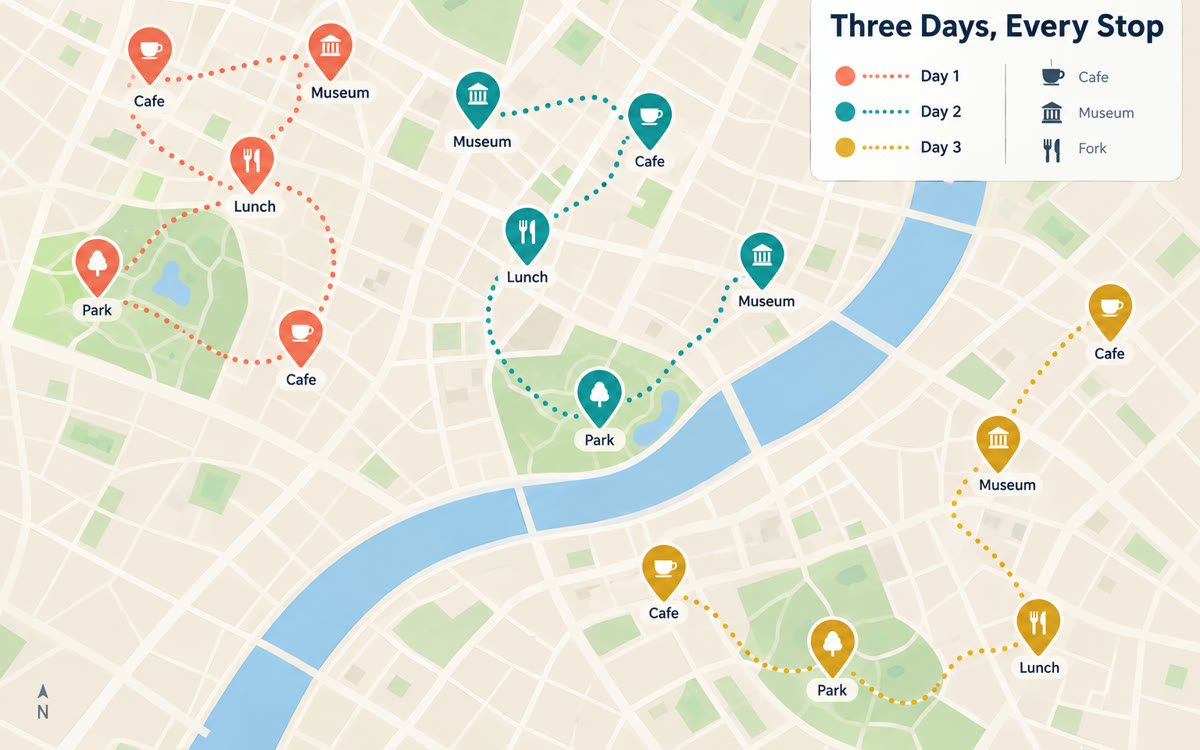
Paste your itinerary and ask for a KML map file. Import it into Google My Maps and every stop shows up as a tappable pin on your phone, grouped by day.
Get the promptNothing in this collection matches both.
One full use case with its copy-paste prompt, plus 2 quick picks. Free, and one click to unsubscribe.
Add a valid email, like [email protected].
You're in. Watch your inbox on weekday mornings.
Hidden AI superpowers
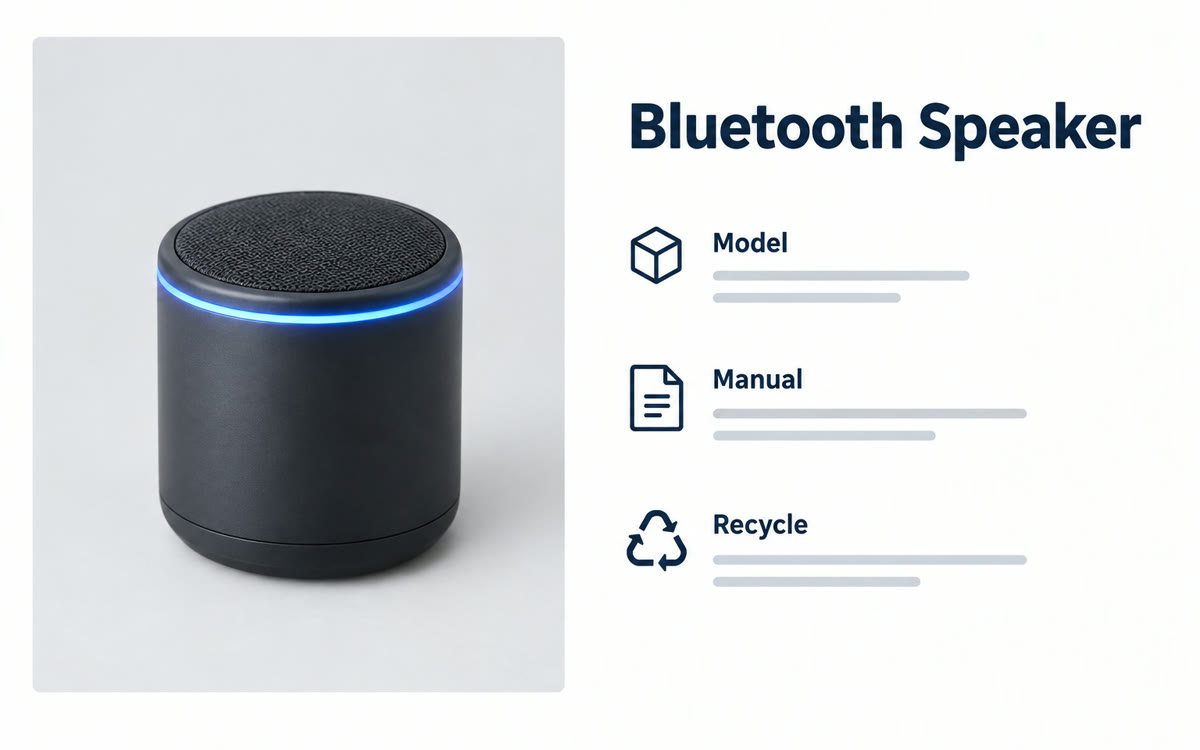
Found a gadget, part or tool you can't place? Snap a photo, include any labels, and AI tells you what it is, what it's for and where to find the manual or a replacement.
Get the promptHidden AI superpowers
In a Google Meet call, turn on Speech translation and each person hears the other in their own language, in a voice that sounds like the speaker, a few seconds behind.
Get the promptHidden AI superpowers
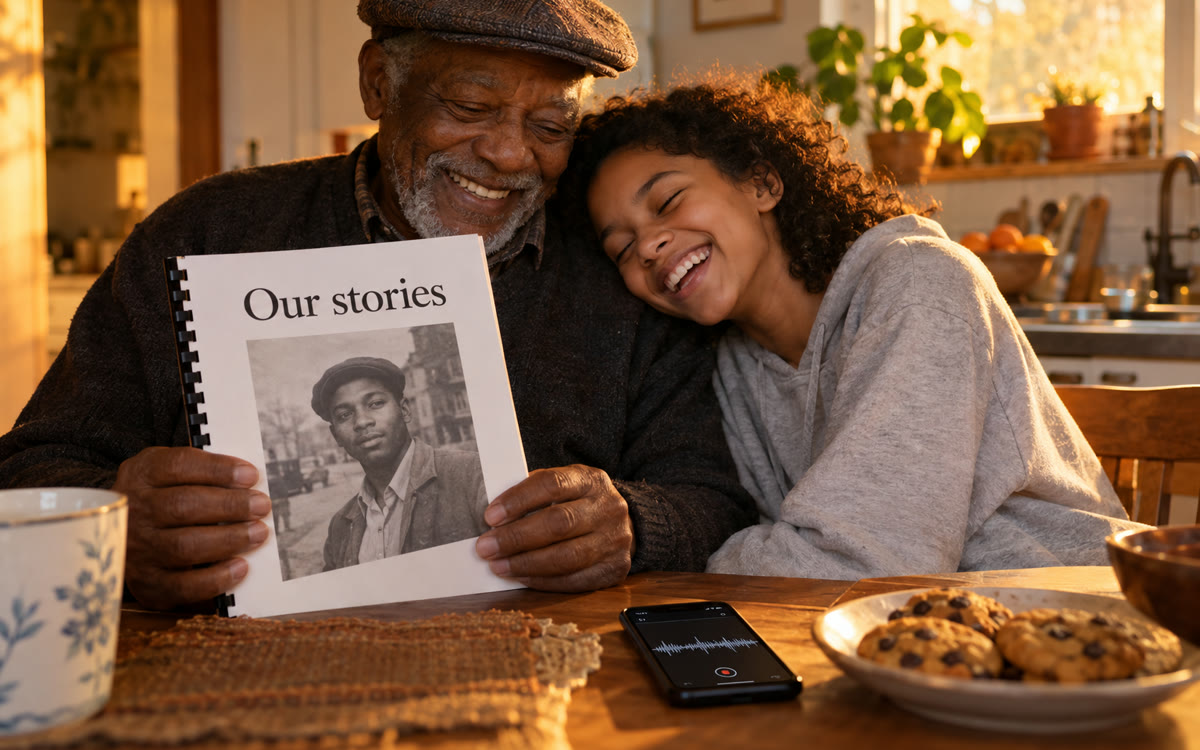
Record a grandparent telling stories on your phone, then upload the audio file to ChatGPT. You get a transcript and a warm, readable chapter in their own words, ready to print and share.
Get the promptHidden AI superpowers
Upload a school handbook, benefits letter or lease to Gemini Notebook and set the Audio Overview language to your relative's. AI hosts explain it in Spanish, Vietnamese or 80+ other languages.
Get the promptHidden AI superpowers
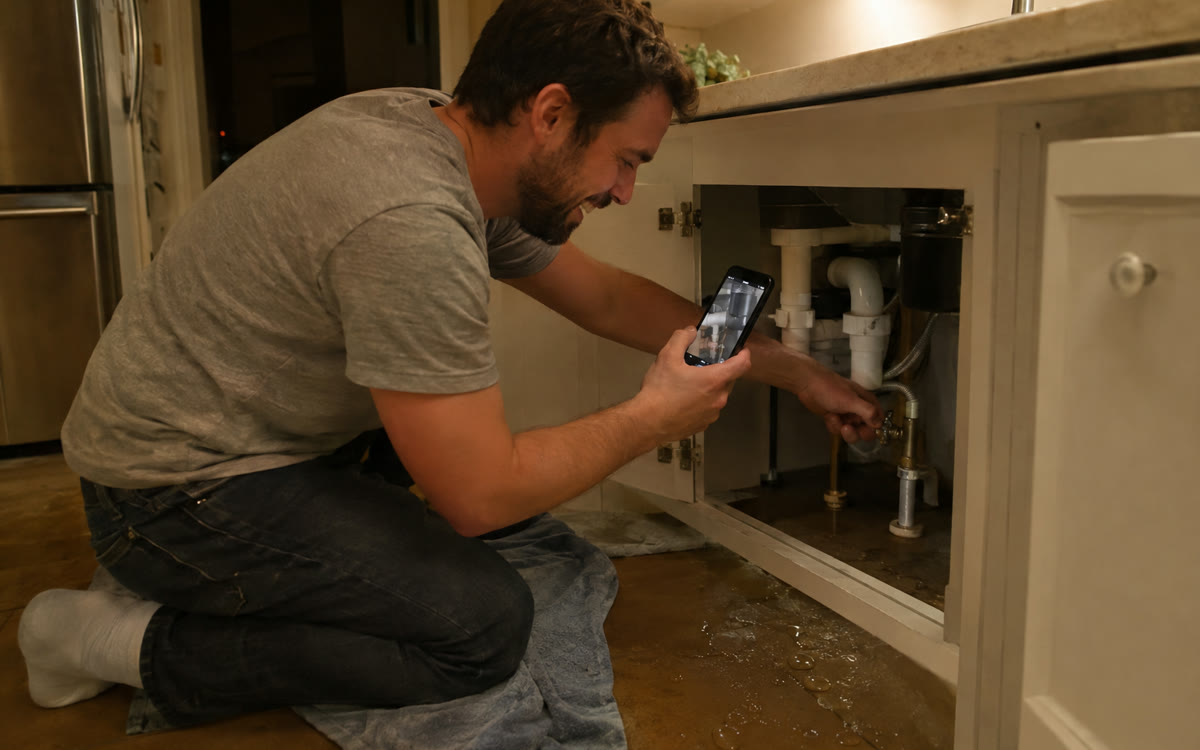
Open Gemini Live, turn on your camera, and show it the leaking dishwasher, the blinking error light or the squeaky chair. It talks you through what to check, one step at a time.
Get the promptHidden AI superpowers
When you reply to an email about finding a time, click Help me schedule in Gmail. Gemini checks your Google Calendar, drops open slots into your reply, and the invite appears once they pick.
Get the promptHidden AI superpowers
Save 1-800-CHATGPT in a parent's phone and they can call from a landline or flip phone and just talk. It's free for 30 minutes a month, with no app, account or screen needed.
Get the promptHidden AI superpowers
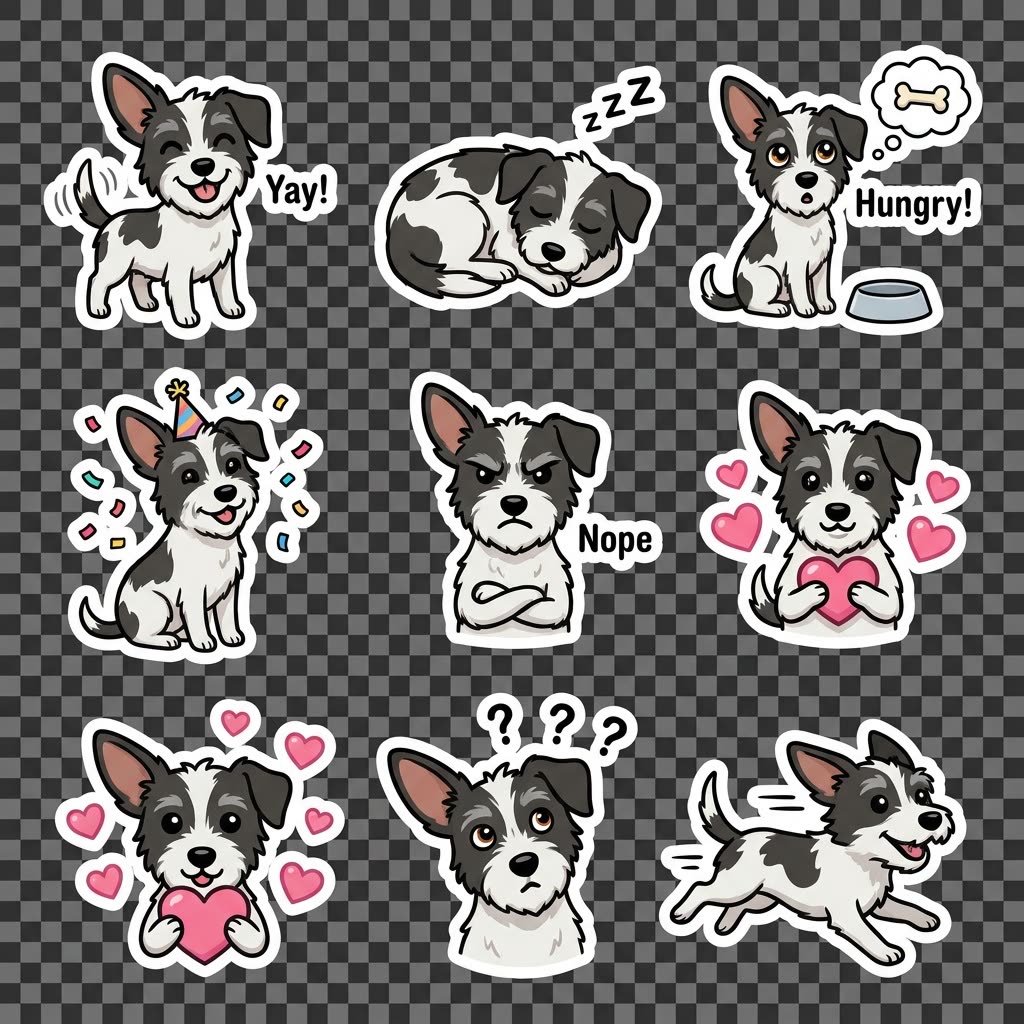
Upload a photo of your dog or cat in the ChatGPT phone app and ask for a sticker pack. Download the set or add it straight to iMessage or WhatsApp.
Get the promptHidden AI superpowers
This trend brought millions of new users to Gemini. Upload a full-body photo and see yourself as a realistic collectible figure on a desk, next to its own toy box.
Get the promptHidden AI superpowers
The easiest way to start: tap the microphone, vent for a few minutes about your business and your schedule, then say 'help, interview me.' The AI asks smart follow-ups and turns the mess into a plan.
Get the promptHidden AI superpowers
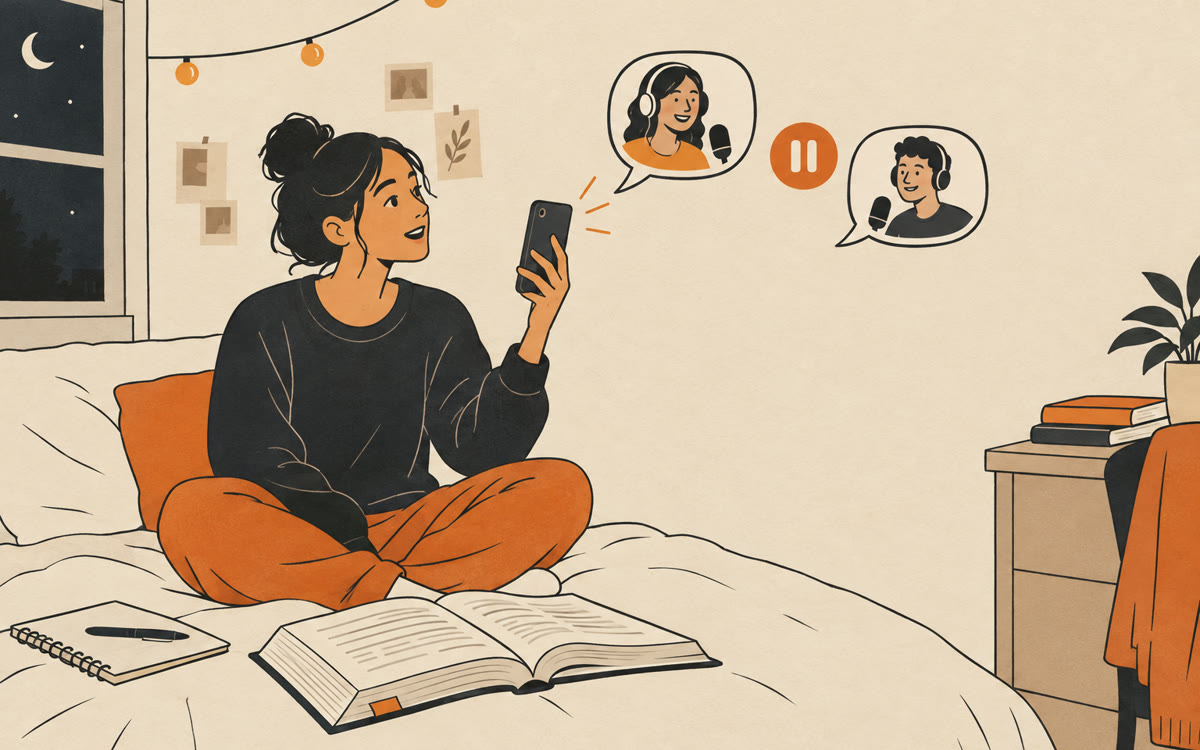
Turn your notes or a long PDF into a two-host Audio Overview in Gemini Notebook, switch on Interactive mode, and tap Join to ask the hosts your own question out loud.
Get the promptHidden AI superpowers
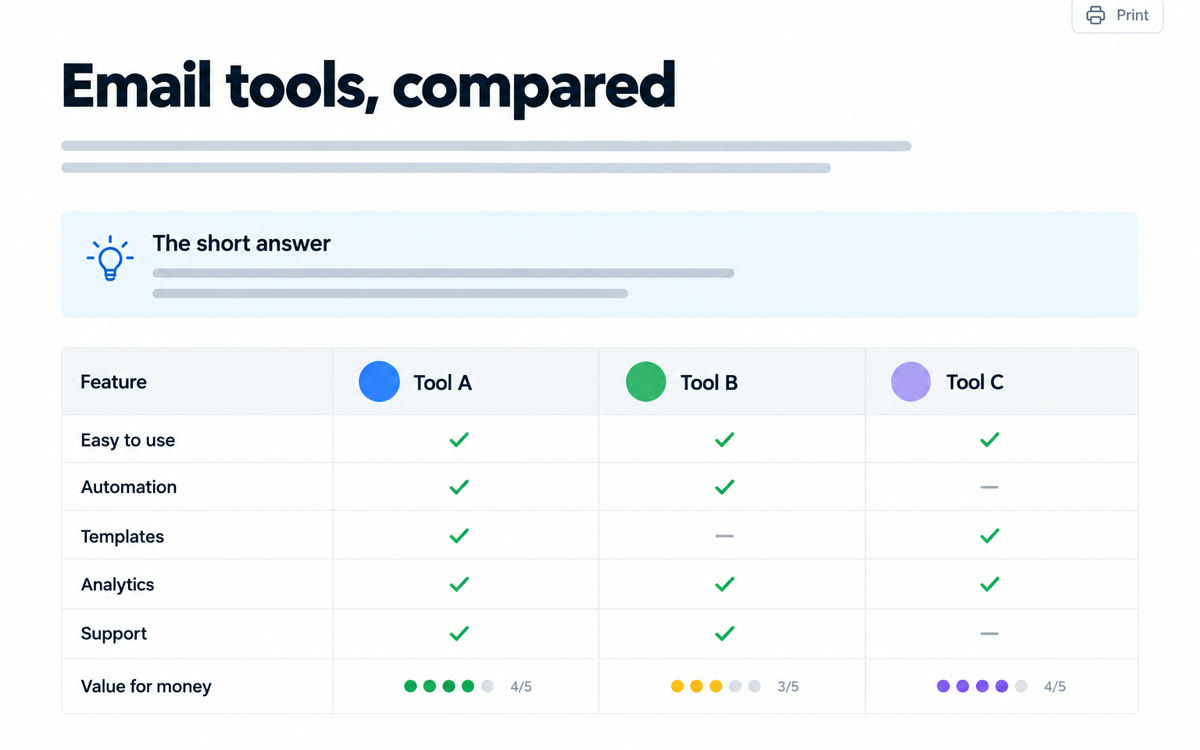
Open the products, hotels or vendors you're weighing in Chrome, click Ask Gemini and add the tabs. Gemini reads them all and builds one side-by-side comparison with a recommendation.
Get the promptHidden AI superpowers
Open the Google app, tap Live and turn on video. Point your camera at a building, painting or menu while you travel and ask out loud. Search answers in real time with links to learn more.
Get the promptHidden AI superpowers
Turn on Personal Intelligence and connect Gmail, Photos and Drive. Then ask plain questions like when your passport expires or what your plate number is, and Gemini finds it in your own stuff.
Get the promptHidden AI superpowers
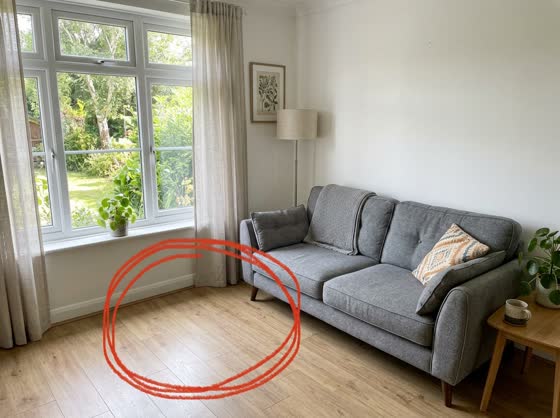
Draw a quick circle on your photo with your phone's markup tool, then tell Gemini what goes there. It changes only that spot and erases your marks.
Get the promptHidden AI superpowers
ChatGPT's memory knows you, so it can go easy on your work. Start a Temporary chat set to Unpersonalized and it reads your page like a stranger who's never heard of you.
Get the promptHidden AI superpowers
Describe your group trip's shared costs and ask ChatGPT for an interactive splitter. With GPT-6's Intelligent UI, it can build a tool in the chat where you change amounts and see who owes whom.
Get the promptHidden AI superpowers
Ask ChatGPT how to pronounce a name, brand or term before a call or talk. Tap to hear it aloud with a phonetic breakdown, then say it back in voice mode to check yourself.
Get the promptHidden AI superpowers
Paste this once into your AI's custom instructions and every reply leads with the answer, uses short bullets, and tells you exactly what to do next.
Get the promptHidden AI superpowers
Ask Gemini to find the best options for something you want, save them to Google's new Universal Cart, and get a ping when a price drops or an item's back in stock.
Get the promptHidden AI superpowers
Upload your book chapter, course outline or sales page to Gemini Notebook and pick The Critique format. Two AI hosts talk through what works, what's confusing and what to fix.
Get the promptHidden AI superpowers
Add a long report, manual or course to Gemini Notebook and tap Mind Map. You get a branching map of every main idea, and clicking a branch asks the chat to explain that part.
Get the promptHidden AI superpowers
Install the free Gemini app for Mac, hold the Fn key in any window and talk. Gemini types clean, punctuated text at your cursor, in your email, document or chat box.
Get the promptHidden AI superpowers
Record calls and voice notes with the Record button in the ChatGPT Mac app. With Reference record history on, you can later ask what you promised, decided or quoted in any of them.
Get the promptHidden AI superpowers
Use Scan in ChatGPT's camera to capture a stack of notebook pages in a row. ChatGPT combines them into one PDF, reads your handwriting and turns it into organized typed notes.
Get the promptHidden AI superpowers
Add the free ChatGPT add-in to PowerPoint, open your old deck and ask it to tighten, reorder and rewrite the slides for a new audience, while the slides stay editable in your own template.
Get the promptHidden AI superpowers
Run an export prompt in ChatGPT, then paste the result into Claude's memory import. Claude starts out knowing your work, projects and preferences instead of starting from zero.
Get the promptHidden AI superpowers
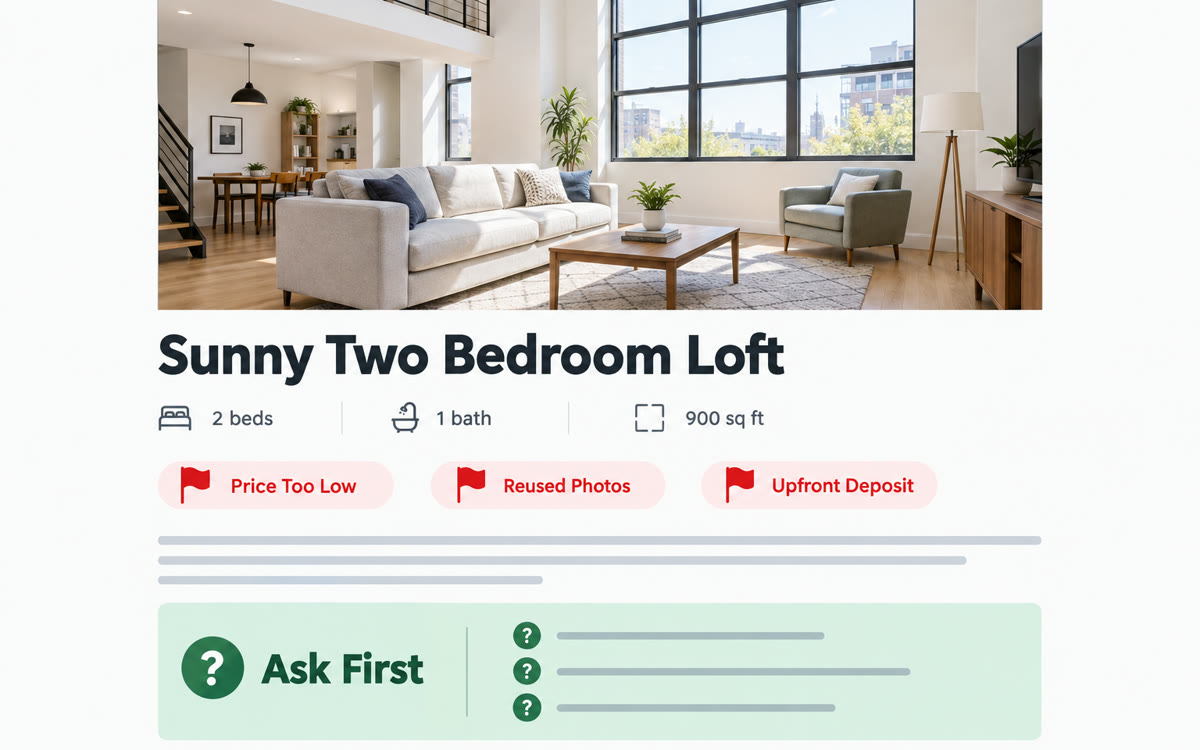
Share your Android phone screen with Gemini Live while you scroll a rental, used car or marketplace listing. Talk it through and it flags warning signs and questions to ask before you reply.
Get the promptHidden AI superpowers
On an Android phone, long press the home button or bar, circle a product, plant or place in any app, then tap dive deeper with AI Mode to ask follow-ups without leaving what you're doing.
Get the promptHidden AI superpowers
Build a weekly reflection task in ChatGPT, then share its link. Each client opens it, adjusts the details and schedules their own private copy that checks in with them every week.
Get the promptHidden AI superpowers
Run Gemini Deep Research on your own Gmail and Drive, not just the web. It pulls every email, doc and proposal about one client into a timeline of what you agreed, delivered and still owe.
Get the promptHidden AI superpowers
Open a team, class or venue schedule page in the free Comet browser and ask its assistant to add every date to your Google Calendar. It shows you the list first, and you approve before anything is added.
Get the promptHidden AI superpowers
Point Claude at your cluttered desktop or Downloads folder. It opens the files, figures out what each one actually is, builds sensible folders, and tells you exactly what it moved.
Get the promptHidden AI superpowers
On a Mac, you record yourself doing a routine computer task once, like downloading a monthly report or filing an expense. ChatGPT turns the recording into a reusable skill it can run for you next time.
Get the promptHidden AI superpowers
Add the free ChatGPT add-in to Microsoft Word, open a messy document like a handbook or old guide, and ask the sidebar to fix headings, formatting and wording without changing your meaning.
Get the promptHidden AI superpowers
With the Claude app on your Mac, double-tap Option in any app, drag over a review, comment or message, and Claude drafts a reply in your tone. You never copy or paste the original.
Get the promptHidden AI superpowers
Connect GetYourGuide or Fever to Gemini, describe your group and budget, and get experiences that fit, from food tours to classes. You pick one and confirm the booking yourself.
Get the promptHidden AI superpowers
Start a Gemini Live chat on your Android phone, talk through appointments, errands and reminders, and Gemini adds them to Google Calendar, Tasks or Keep, with an Undo button for each one.
Get the promptHidden AI superpowers
Put your files, instructions and key chats in a ChatGPT project, then share it. Your VA or business partner gets the same context, so their drafts sound like yours from day one.
Get the promptHidden AI superpowers
Give each client their own ChatGPT project and set it to Project-only memory. ChatGPT remembers that client's history inside the project, and none of it leaks into your other chats.
Get the promptEvery AI skill I use to run solo, in one room of creators who ship: the Solo Creators AI Studio.
Second Brain
A memory for your AI
Give your AI a memory it reads across every project, so it finally knows your business.
No AI Slop
Sounds like you
A sharp editor that cuts the AI tells from any draft. Your point and your voice stay.
AI Rewind
Nothing stays lost
Reads your own AI history back to you: the projects you dropped, what your usage really costs, and answers with the real messages attached.
ChatGPT can show you what it remembers about you, so you can tidy it up. It can turn any trip plan into tappable pins on Google Maps and build a working spreadsheet with real formulas from one sentence. On a Mac, you can even show ChatGPT a boring task once and let it repeat it for you.
Two simple ones work in any chat. Turn any rough request into an expert-level prompt before you send it. Then catch what the AI missed by asking two closing questions at the end. You can also ask for short, skimmable answers you can act on right away, or get any long answer as a clean page you can print.
Gemini can compare up to 10 open tabs in one table without you copying a thing. You can circle what you want changed in a photo and watch it happen, or talk through your week and have Gemini add it to your calendar. It can even spot red flags in a listing while it watches your screen.
Claude can turn any idea into an interactive explainer people can play with. On a Mac, it can reply to any message on your screen without you copying a word. It can also help you get a spotless, organized computer, and you can move what ChatGPT knows about you into Claude in minutes.
Most do. The prompts work in the free versions of ChatGPT, Claude and Gemini unless a use case notes a paid plan, and that note sits right on its page. Each page also lists the exact steps, so you know where to find the feature and what to type once you're there.







 Before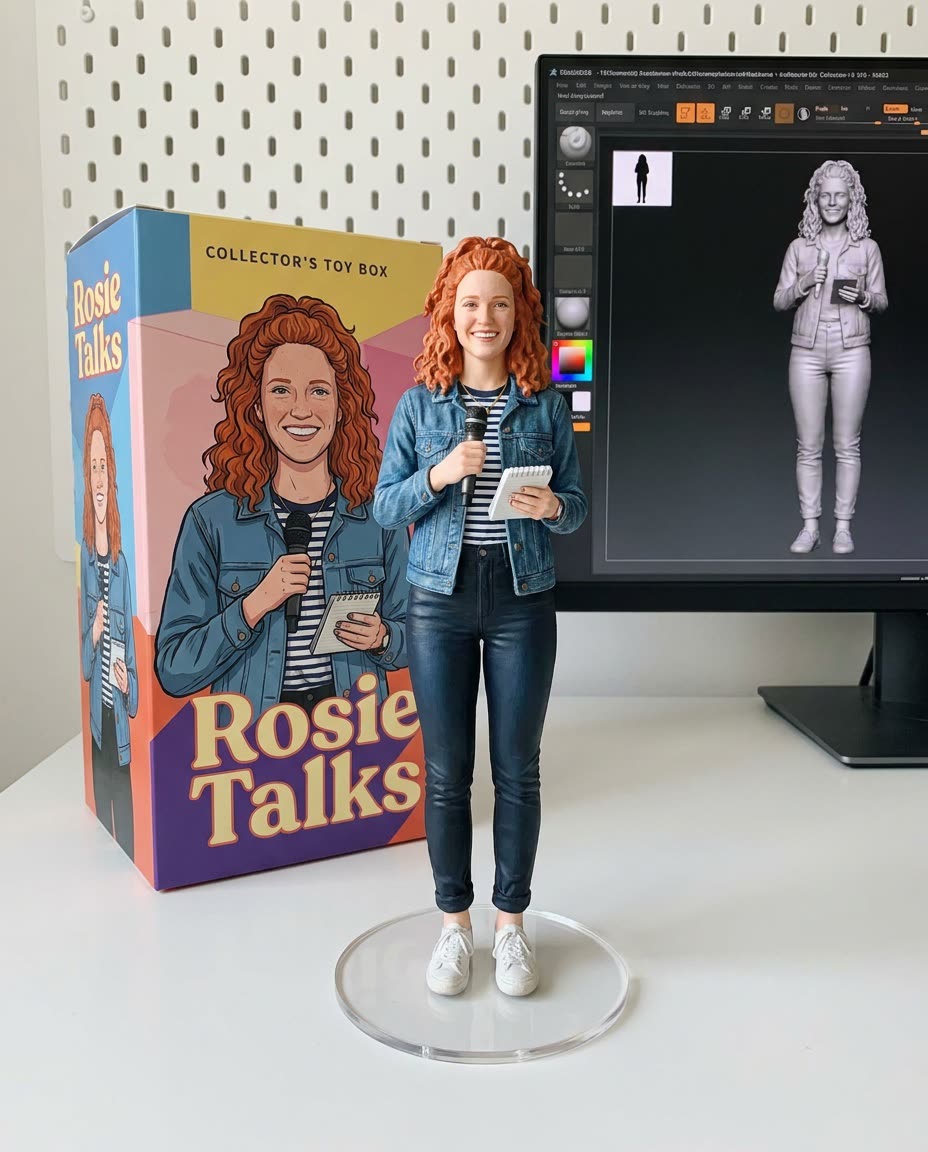
 Before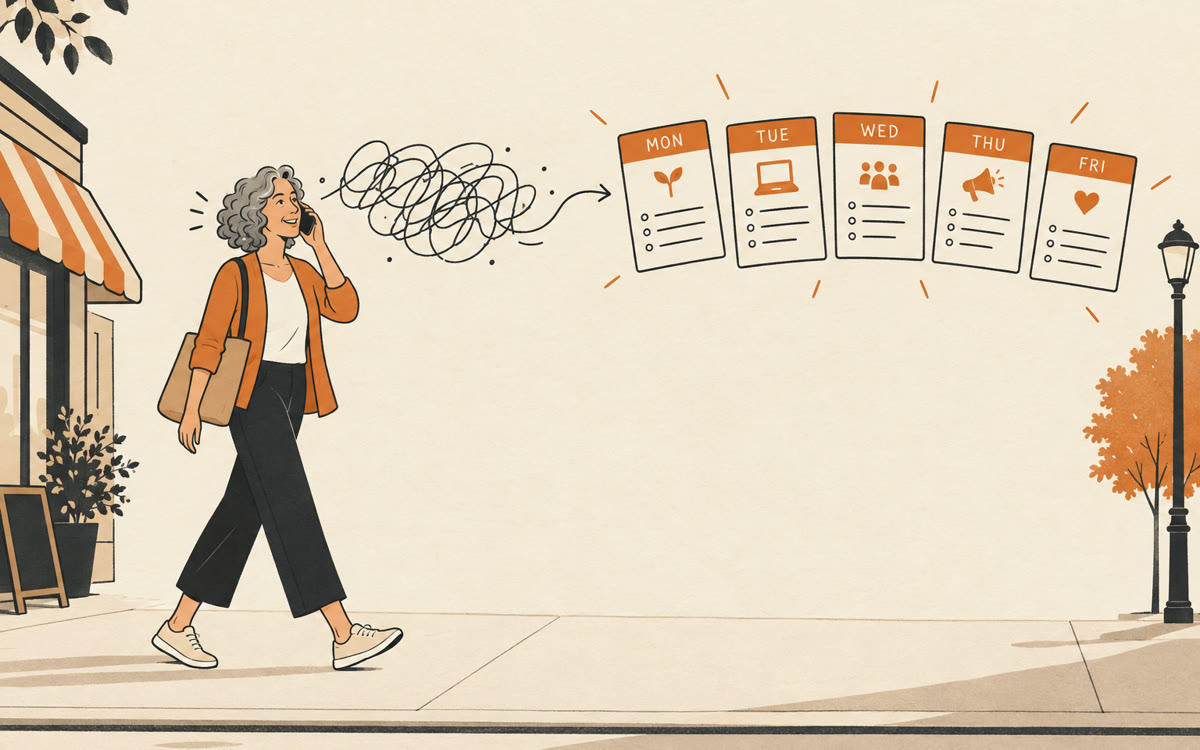



 Before