Turn your logo and catchphrases into a sticker pack fans use
Your signature lines and inside jokes become stickers your clients actually send each other.
 Before
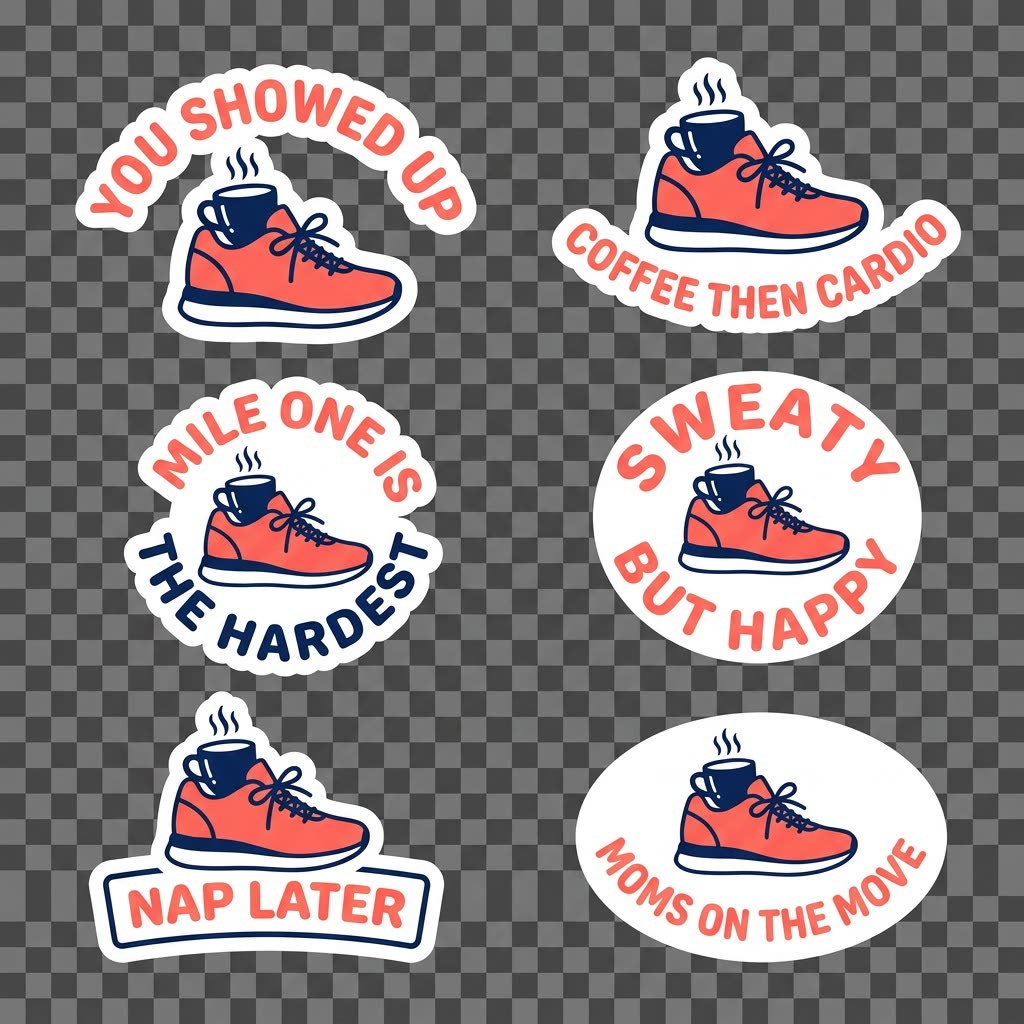
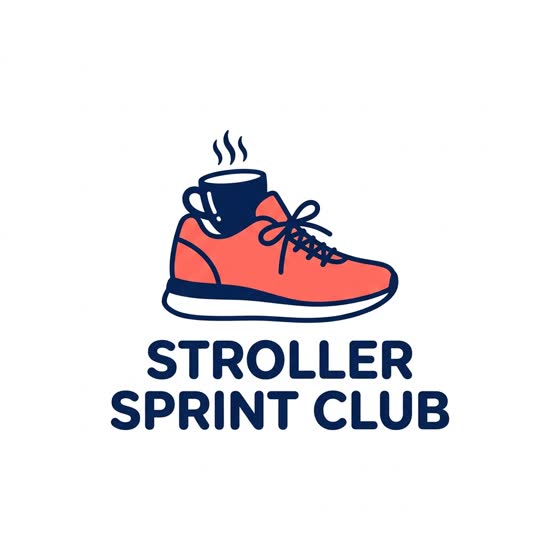
A real example. The small "before" photo is a sample we made with AI, and the result came from running this exact prompt on it in Google Gemini's image tool. Sample details used: Your business: a running club for busy moms; Brand colors: coral and navy.
Your image prompt
Attach a clear photo first, then paste the prompt with it.
Fill in your details. Skip any you like.
Each button copies your prompt and opens a new chat that makes images. Just paste it in.
The prompt that gets copied
Create a set of 6 sticker designs for [YOUR BUSINESS, e.g. a running club for busy moms] using the attached image as the main character or logo. Make each sticker die-cut style with a thick white border and a transparent background. Use these phrases, one per sticker: [YOUR PHRASES, e.g. You showed up, Coffee then cardio]. Keep the brand colors [BRAND COLORS, e.g. coral and navy], bold rounded lettering and a fun, friendly look that reads well at small sizes. Show all 6 on one sheet first, then create each one on its own so I can download them separately.
Upload your logo or a photo and list your favorite phrases. ChatGPT makes a matching set of stickers with transparent backgrounds, ready to share in iMessage, WhatsApp or your community.
Step by step
- Upload your logo, your mascot or a photo of yourself.
- Paste the prompt with your phrases and brand colors.
- Download each sticker as a transparent PNG and share the pack.
What you'll get
A matching set of six transparent stickers in your brand style, ready to download and share.
Transparent backgrounds work in ChatGPT Images. Free plans have daily image limits.
- Made for
- Creators, Coaches, Small business owners
- Works in
- ChatGPT


