Get a polished webinar slide from one sentence
It doesn't just make a picture. It lays out the whole slide like a designer would.
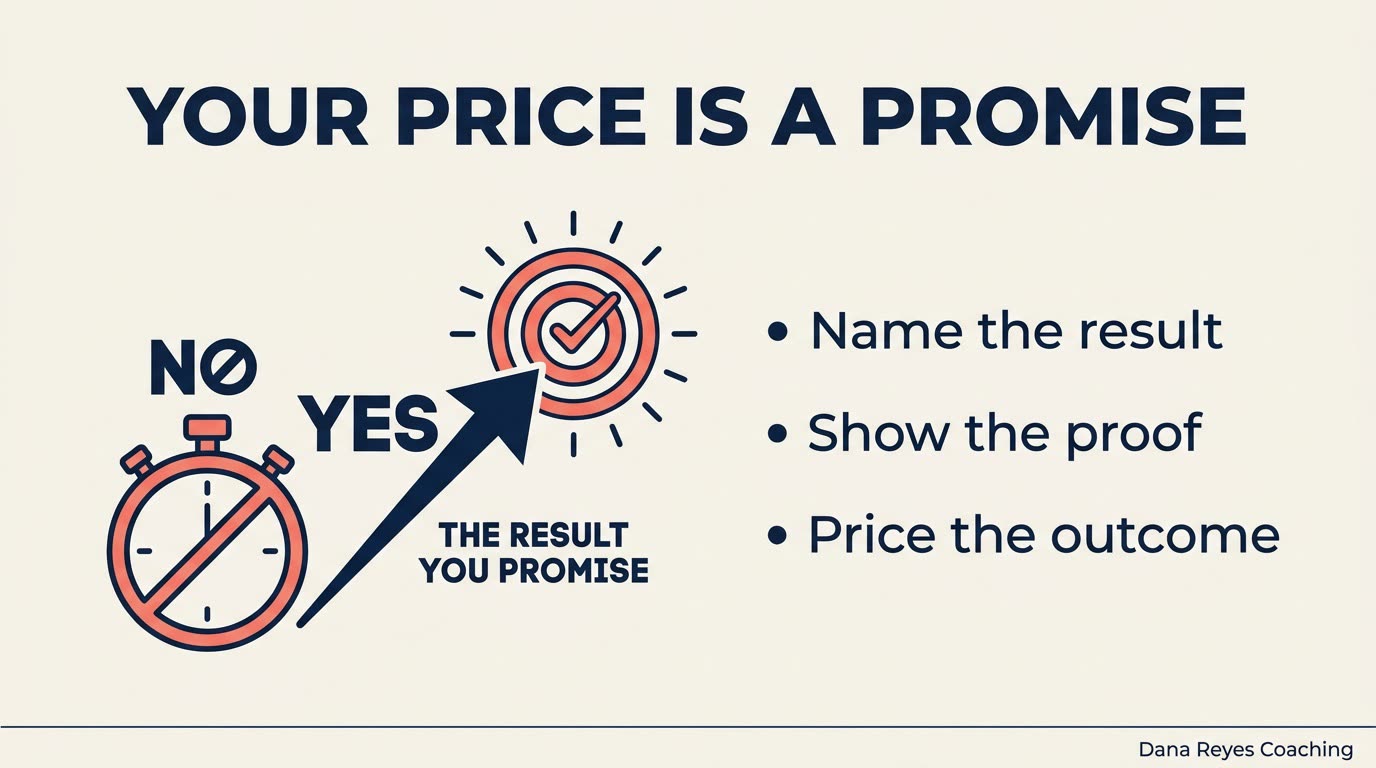
A real example, made with this exact prompt in Google Gemini's image tool, with sample details filled in. Sample details used: Webinar topic: raising your rates; Your audience: new coaches; Slide headline: Your price is a promise; Bullet 1: Name the result; Bullet 2: Show the proof; Bullet 3: Price the outcome; Your brand colors: navy and coral; Your name: Dana Reyes Coaching.
Your image prompt
Fill in your details. Skip any you like.
Each button copies your prompt and opens a new chat that makes images. Just paste it in.
The prompt that gets copied
Design a single 16:9 presentation slide for my webinar on [WEBINAR TOPIC, e.g. raising your rates] for [YOUR AUDIENCE, e.g. new coaches]. The slide's one big idea: "[THE POINT IN ONE SENTENCE]". Layout: a bold headline at the top that says "[SLIDE HEADLINE, e.g. Your price is a promise]" (8 words max), a simple illustration on the left that shows the idea visually, and three short bullet points on the right: "[BULLET 1]", "[BULLET 2]", "[BULLET 3]". Style: clean and modern, [YOUR BRAND COLORS, e.g. navy and coral] on an off-white background, one sans-serif font, and lots of breathing room. Add a small footer with "[YOUR NAME, e.g. Dana Reyes Coaching]". Render every word exactly as written. No stock-photo look and no clutter.
Describe the point you want to make and get a fully designed slide with a headline, a visual, and short supporting text. Keep going in the same chat to build a matching deck.
Step by step
- Write the one idea this slide must land.
- Paste the prompt and generate.
- Say "Make the next slide in the same style about pricing" to build the deck.
What you'll get
A ready-to-present slide with a strong headline, a clear visual, and three tidy bullets in your brand colors.
- Made for
- Coaches, Consultants, Creators
- Works in
- ChatGPT, Gemini



 Before