Find the great ideas buried in your old AI chats
Months of half-finished ideas come back as a ranked list, with the one most worth finishing at the top.
Published . Updated . Steps as of October 2026.
How can I find good ideas in my old ChatGPT conversations?
Turn on chat history access first: Reference chat history in ChatGPT, or search past chats in Claude (as of October 2026). Then paste the prompt into a new chat with how far back to look. You'll get your dropped projects, repeat questions, forgotten ideas and the top three worth reviving, with your own messages quoted. If you've chatted for months, go back three months. Pick one dropped project and finish it this week.
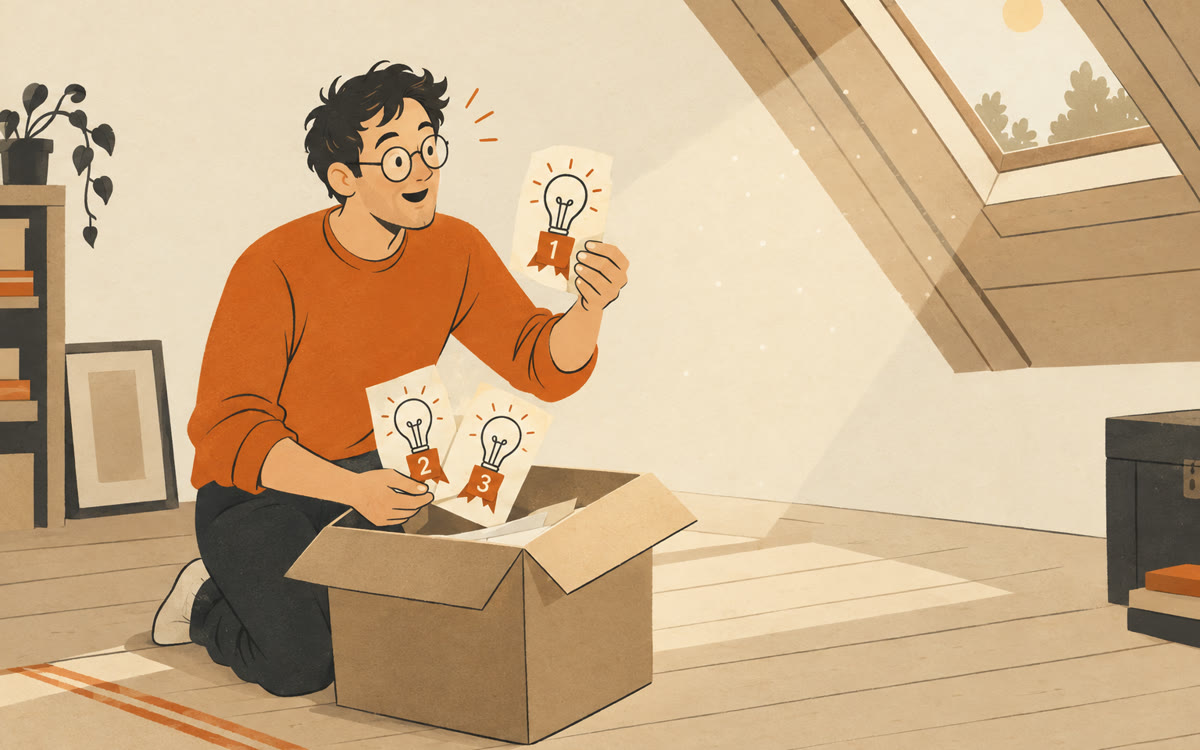
A picture made with AI to show the idea.
Your prompt
Fill in your details. Skip any you like.
ChatGPT and Claude open with your prompt already typed in. It's copied too, just in case.
The prompt that gets copied
Look back through our past conversations from the last [TIME PERIOD, e.g. 3 months]. I want a rewind of what I've been working on.

Give me:
1. Projects I started and then dropped, with roughly when I last mentioned each one and how far I got.
2. Questions or problems I keep coming back to.
3. Good ideas I mentioned once and never acted on.
4. Decisions I made, and any signs I changed my mind later.
5. The 3 things most worth picking back up, ranked by impact, with a first step for each.

Quote my actual messages where you can, so I can find them again. If you can't see a conversation clearly, say so. Don't fill gaps with guesses.
Ask your AI to look back through your past conversations and surface the projects you dropped, the questions you keep asking, and the ideas worth reviving.
Step by step
- Turn on chat history access: Reference chat history in ChatGPT, or search past chats in Claude.
- Paste the prompt into a new chat.
- Pick one dropped project and finish it this week.
What you'll get
A rewind of your dropped projects, repeat questions, forgotten ideas, and the top 3 worth reviving, with your own messages quoted.
- Made for
- Everyone, Creators, Coaches, Consultants
- Works in
- ChatGPT, Claude