Get a year of evergreen posts from one long interview
Every post is built on a line you actually said, so a full year of content still sounds like you.
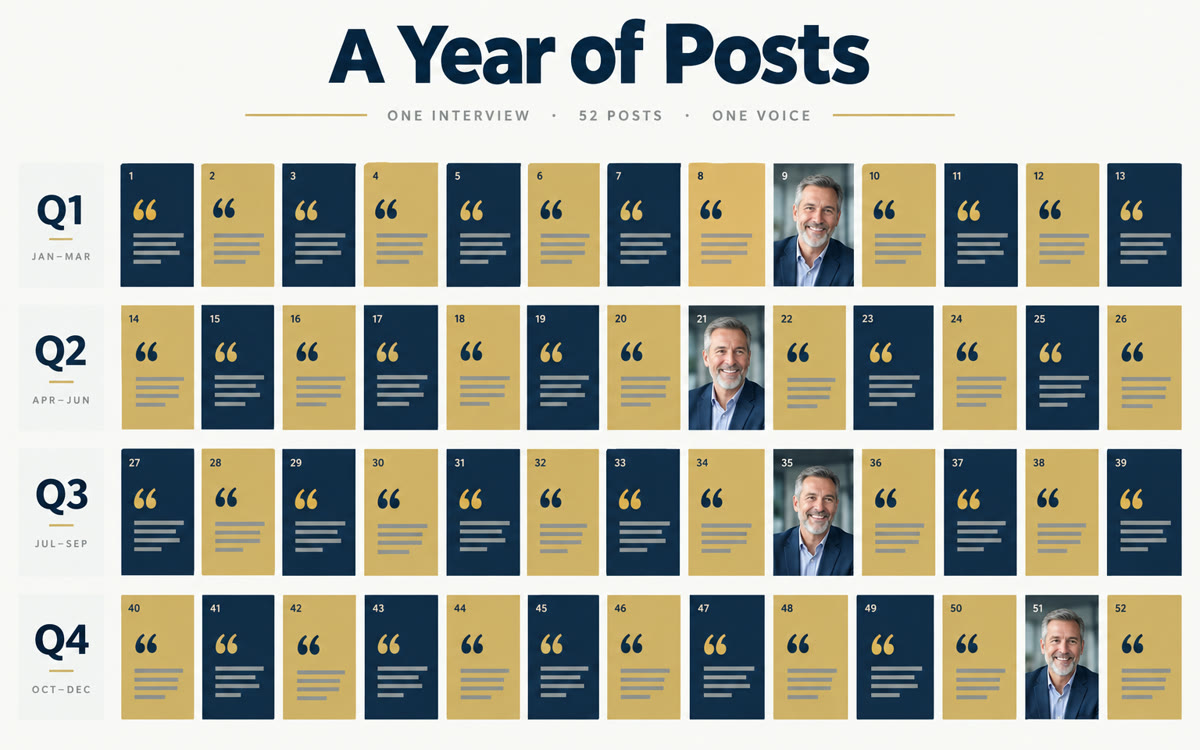
A sample of what you get back, made with AI.
Your prompt
Fill in your details. Skip any you like.
ChatGPT and Claude open with your prompt already typed in. It's copied too, just in case.
The prompt that gets copied
Below is the transcript of a long interview where I talked about my work as [YOUR NICHE, e.g. a career coach for nurses]. Turn it into a year of evergreen posts for [YOUR PLATFORMS, e.g. LinkedIn and Instagram].

1. Pull out every story, opinion, mistake, tip and client result I mentioned, quoting my exact words for each one.
2. Group them into 12 monthly themes.
3. Write 52 weekly posts, each built on one quote from me. Mix stories, how-tos, myths and questions. Skip anything tied to a date or a trend.
4. For each post, add a short line for a quote graphic and an image idea.
5. Put everything in a table with these columns: week, theme, post, graphic line, image idea, so I can save it as a CSV.

Don't invent stories, numbers or client names. Flag any week where the transcript ran thin. Transcript: [PASTE TRANSCRIPT]
Let ChatGPT Voice interview you for an hour, have Claude turn the transcript into 52 weekly posts built on your own words, then make the graphics in Canva and schedule them in Content Planner.
Step by step
- Start a project in ChatGPT, open Voice and say: interview me for an hour about my work.
- Answer out loud, then copy the written transcript that Voice saves in the chat.
- Paste the prompt and the transcript into Claude and review the 52-week table.
- Ask Claude, with Canva connected, to make the quote graphics, or use Canva Bulk create with the table.
- Read each post and graphic, then schedule them in Canva's Content Planner, a month at a time.
What you'll get
A 52-week plan of posts built on your own quotes, a graphic for each one and a schedule loaded into Canva's Content Planner.
Canva Bulk Create and Content Planner scheduling need Canva Pro. ChatGPT Voice options vary by plan.
- Made for
- Coaches, Consultants, Creators, Small business owners
- Works in
- ChatGPT, Claude, Canva


