See your logo or mascot on a whole shelf of merch
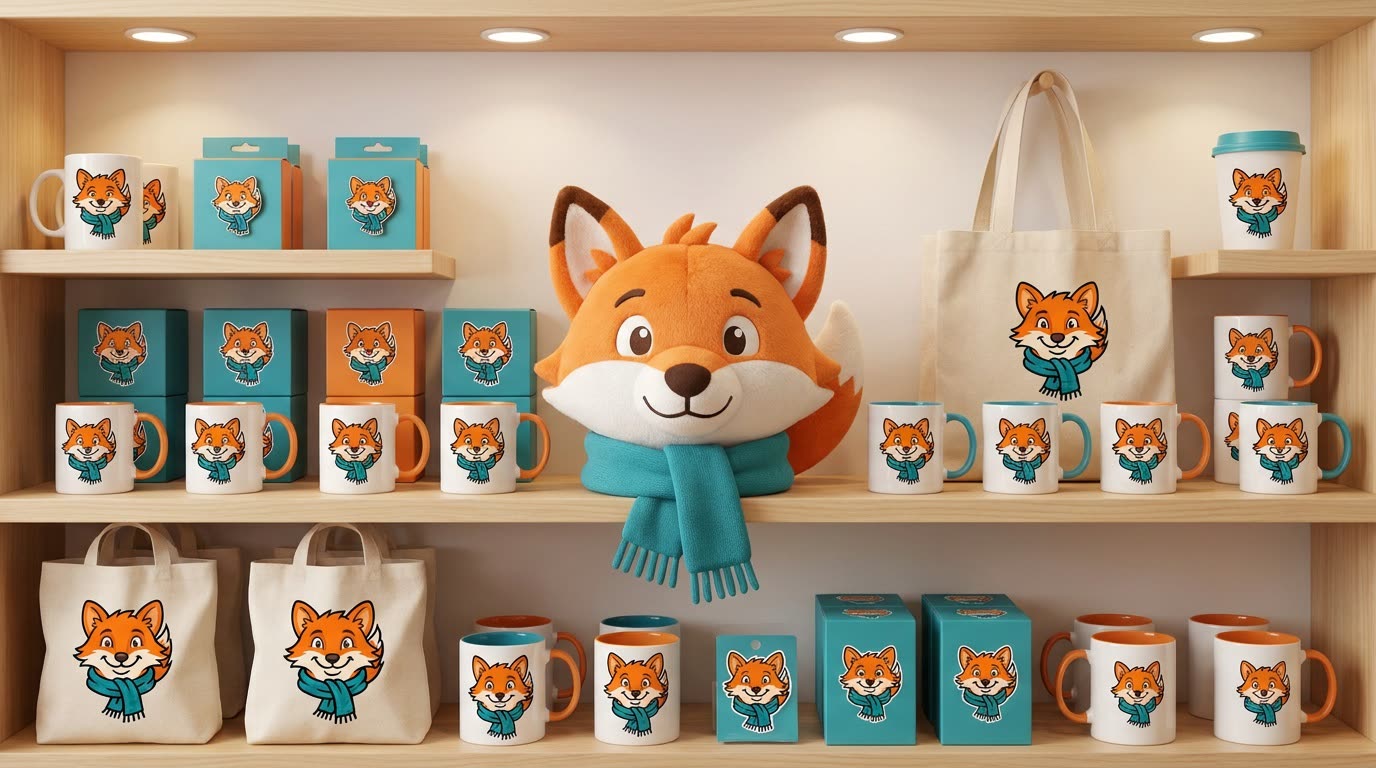
Your logo shows up on mugs, totes, stickers and a plush toy, all lined up like a real store display.
 Before
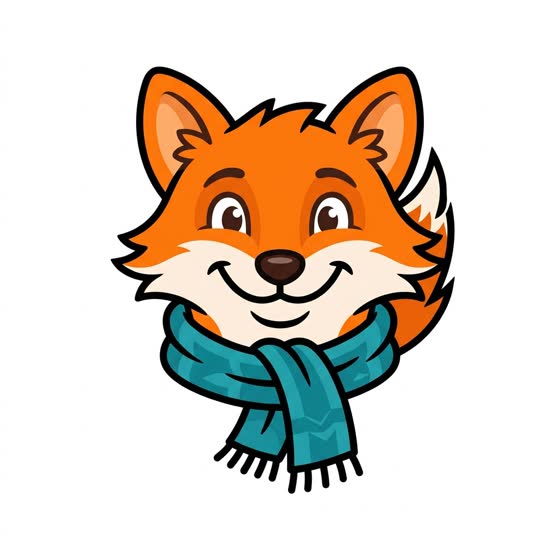
A real example. The small "before" photo is a sample we made with AI, and the result came from running this exact prompt on it in Google Gemini's image tool. Sample details used: Artwork type: logo; Merch items: mugs, tote bags, stickers, enamel pins and a plush toy.
Your image prompt
Attach a clear photo first, then paste the prompt with it.
Fill in your details. Skip any you like.
Each button copies your prompt and opens a new chat that makes images. Just paste it in.
The prompt that gets copied
Remove the background from my attached [ARTWORK TYPE, e.g. logo]. Then show it on a full line of branded merchandise displayed on the shelves of a bright, cheerful gift shop. Include [MERCH ITEMS, e.g. mugs, tote bags, stickers, enamel pins] arranged neatly, with one large hero item in the center. Keep my artwork accurate on every item, adjusting only for each material, like print on fabric or glaze on ceramic. Use a photorealistic style, soft store lighting and colors that match my brand. Don't add other brand names or text.
Upload your logo, mascot or artwork and get a bright shop shelf full of mugs, totes, stickers, pins and plush toys that carry it, so you can test merch ideas before ordering anything.
Step by step
- Upload your logo, mascot or artwork on a plain background.
- Paste the prompt and list the items you're considering.
- Ask for a close-up of the two items you like most.
What you'll get
A photoreal store display of your artwork across a full range of merch items.
A mockup for deciding. Get real samples before you sell anything.
- Made for
- Creators, Small business owners, Coaches
- Works in
- Gemini, ChatGPT



 Before