Get a hand-drawn chalkboard sign for your specials or event
A list you typed in seconds looks like it took a chalk artist an hour.
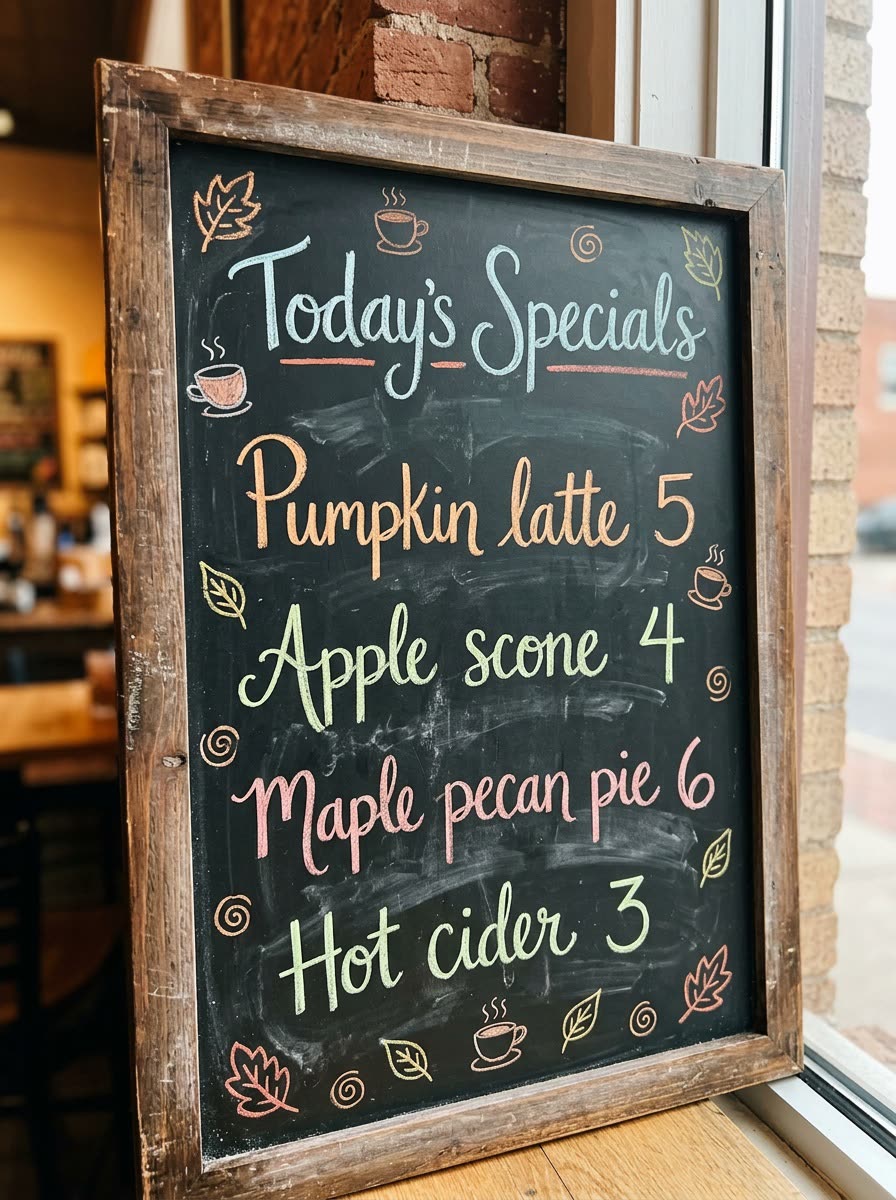
A real example, made with this exact prompt in Google Gemini's image tool, with sample details filled in. Sample details used: Your business: a neighborhood cafe; Board title: Today's Specials; Doodle theme: autumn leaves and coffee cups.
Your image prompt
Fill in your details. Skip any you like.
Each button copies your prompt and opens a new chat that makes images. Just paste it in.
The prompt that gets copied
Create a realistic photo of a chalkboard sign for [YOUR BUSINESS, e.g. a neighborhood cafe], hand-lettered in colored chalk. Title at the top: "[BOARD TITLE, e.g. Today's Specials]". List these items with prices, in this order: [ITEMS AND PRICES, e.g. Pumpkin latte 5, Apple scone 4]. Add small chalk doodles of [DOODLE THEME, e.g. autumn leaves and coffee cups] around the edges. Mix neat script with bold block letters, add light chalk dust and smudges for realism, and frame the board in wood. Photograph it slightly from the side in warm indoor light. Spell every word and number exactly as I wrote it.
Type your specials, prices or event details and get a realistic photo of a chalk-drawn board with colorful lettering and doodles, ready to show on a screen, print or post.
Step by step
- List your specials or event details with any prices.
- Paste the prompt and choose a doodle theme.
- Check every word and price, then ask for fixes in the same chat.
What you'll get
A photoreal chalkboard sign with your exact items, prices and seasonal doodles.
- Made for
- Small business owners, Creators
- Works in
- Gemini, ChatGPT, Ideogram



 Before