Turn a favorite family photo into a painting worth framing
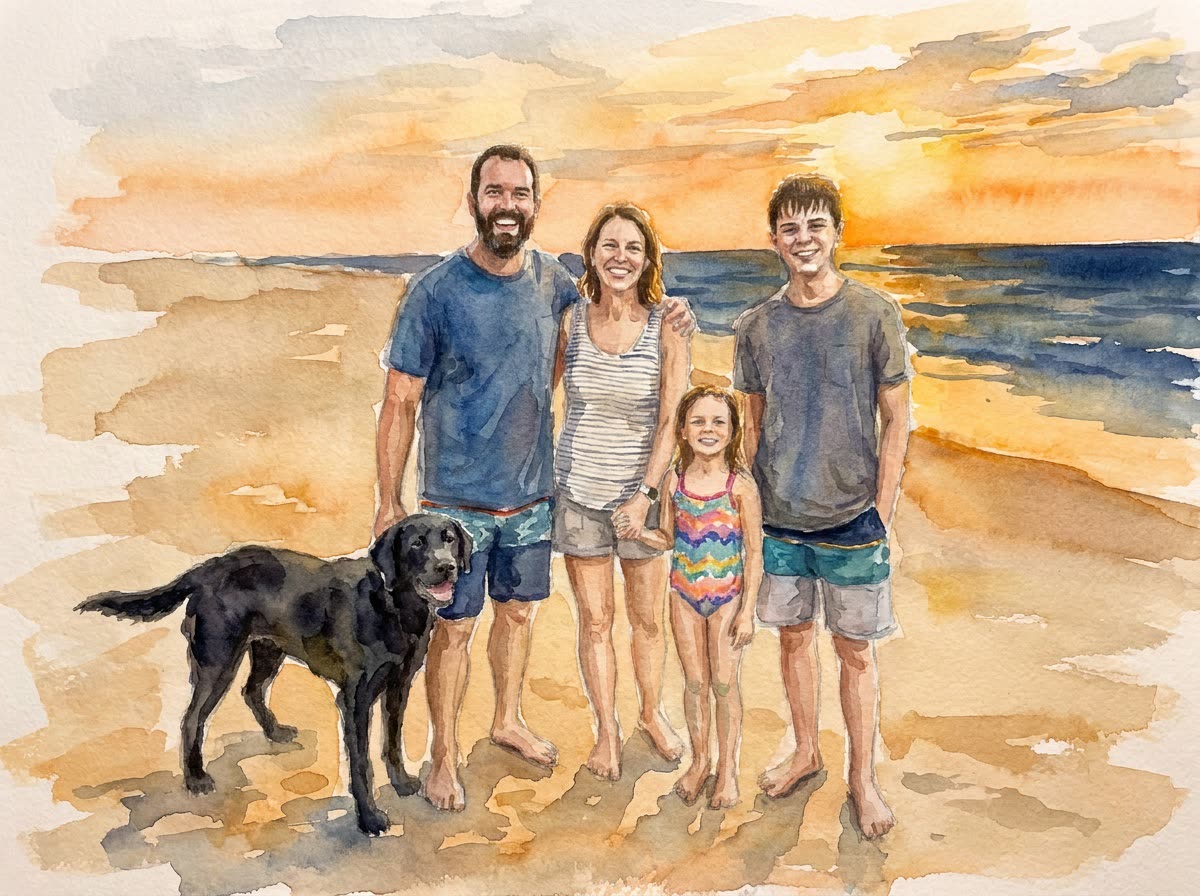
A quick phone photo from the beach becomes a soft watercolor that looks hand-painted for the wall.
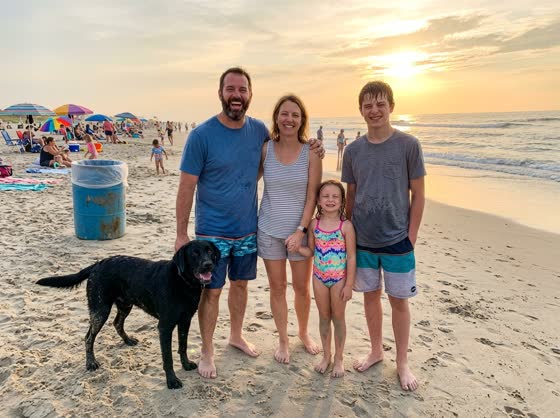 Before
A real example. The small "before" photo is a sample we made with AI, and the result came from running this exact prompt on it in Google Gemini's image tool. Sample details used: Painting style: a soft, loose watercolor; Color mood: warm golden-hour colors.
Your image prompt
Attach a clear photo first, then paste the prompt with it.
Fill in your details. Skip any you like.
Each button copies your prompt and opens a new chat that makes images. Just paste it in.
The prompt that gets copied
Repaint my attached family photo as [PAINTING STYLE, e.g. a soft, loose watercolor]. Keep every person and pet in the same place and pose, and keep each face clearly recognizable, with the same expressions. Simplify the background so the family stands out, and remove small distractions like trash cans or strangers in the distance. Use [COLOR MOOD, e.g. warm golden-hour colors] and real painterly texture, like visible brushstrokes or paper grain. Don't add or remove any family members. Leave a little extra space around the edges for framing.
Upload a family photo and get it repainted as a watercolor, an oil portrait or a storybook illustration, with every face still recognizable. It makes a thoughtful gift.
Step by step
- Upload a photo where every face is visible.
- Paste the prompt with the art style you love.
- Ask for the highest-resolution version before you print.
What you'll get
A painted version of your family photo with everyone recognizable, ready to print and frame.
- Made for
- Everyone
- Works in
- ChatGPT, Gemini


 Before
 Before