Turn your best one-liner into a quote card with your photo
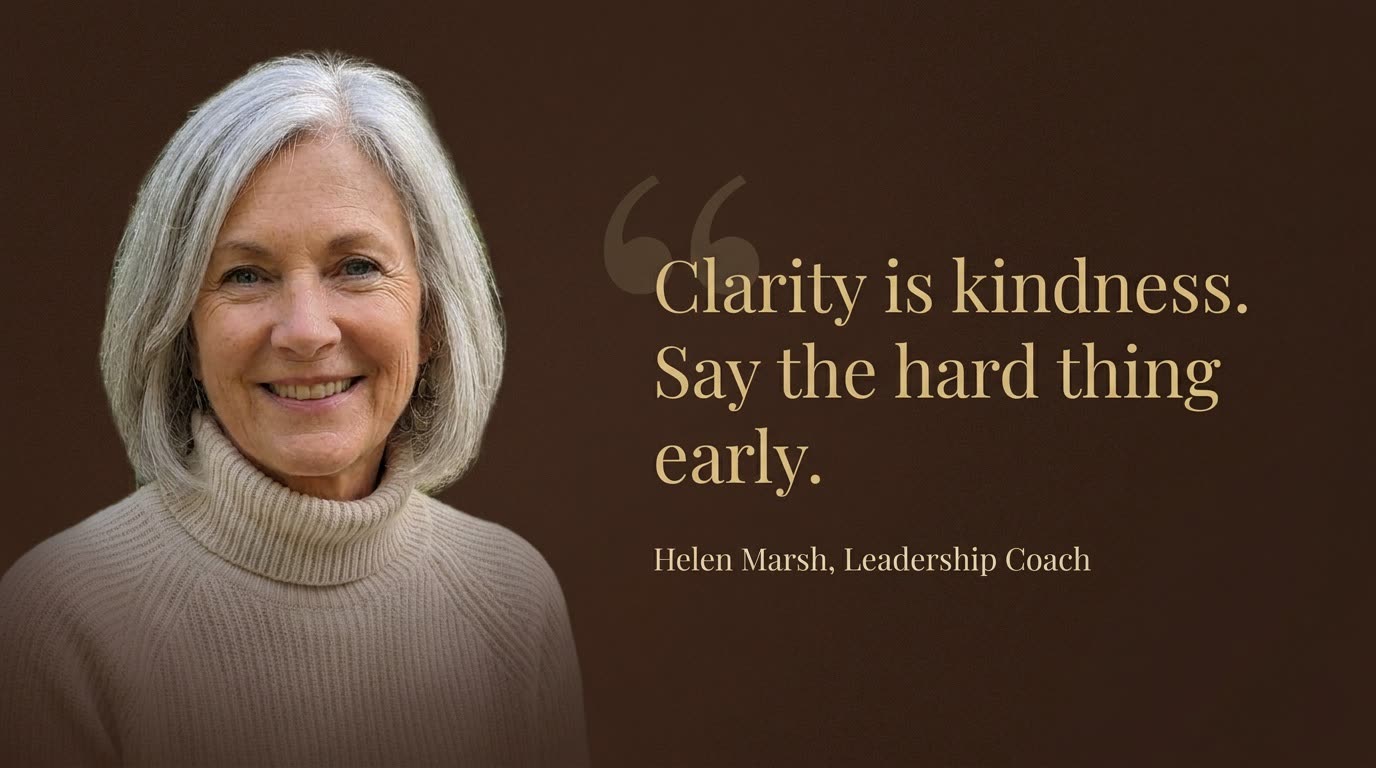
It looks like a page from a leadership book, and the quote's all yours.
 Before
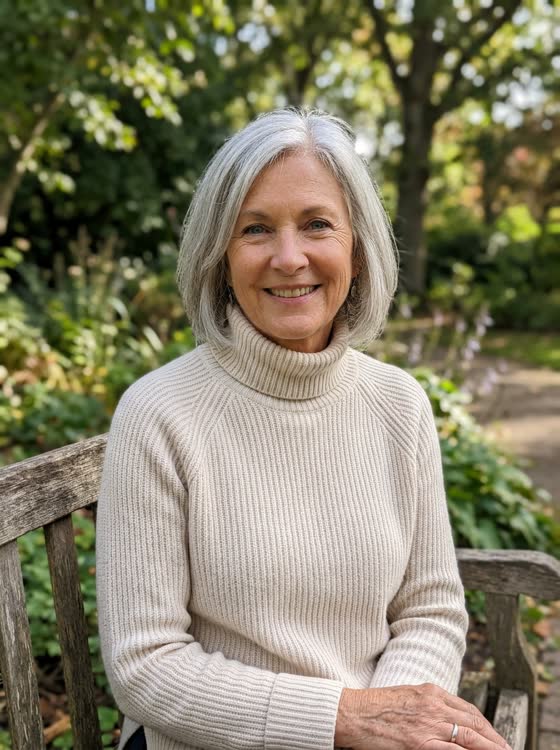
A real example. The small "before" photo is a sample we made with AI, and the result came from running this exact prompt on it in Google Gemini's image tool. Sample details used: Font style: light gold serif; Your quote: Clarity is kindness. Say the hard thing early.; Your name: Helen Marsh; Your title: Leadership Coach; Background color: deep chocolate brown.
Your image prompt
Attach a clear photo first, then paste the prompt with it.
Fill in your details. Skip any you like.
Each button copies your prompt and opens a new chat that makes images. Just paste it in.
The prompt that gets copied
Create a wide quote card using my uploaded photo. Keep my face and features exactly the same. Put my portrait on the left third, fading softly into the background. On the right two-thirds, place my quote in an elegant [FONT STYLE, e.g. light gold serif] font: "[YOUR QUOTE]". Under it, in smaller text: "[YOUR NAME], [YOUR TITLE, e.g. Leadership Coach]". Add one large, faint quotation mark behind the start of the quote. Background: a rich [BACKGROUND COLOR, e.g. deep chocolate brown] with subtle texture. Calm, premium, editorial feel. Spell the quote exactly as written, with no extra words.
Upload your photo and type your quote to get an elegant, wide quote card with your portrait on one side and your words on the other.
Step by step
- Upload a clear photo of yourself.
- Type your quote and your name.
- Swap only the quote to make a whole week of posts.
What you'll get
A sleek, wide graphic with your portrait fading in on the left and your quote set in elegant type on the right.
- Made for
- Coaches, Consultants, Creators
- Works in
- Gemini, ChatGPT


