Turn phone photos of your products into one shop-ready shot
Three wobbly kitchen-table photos become one shot that looks like a catalog.
 Before
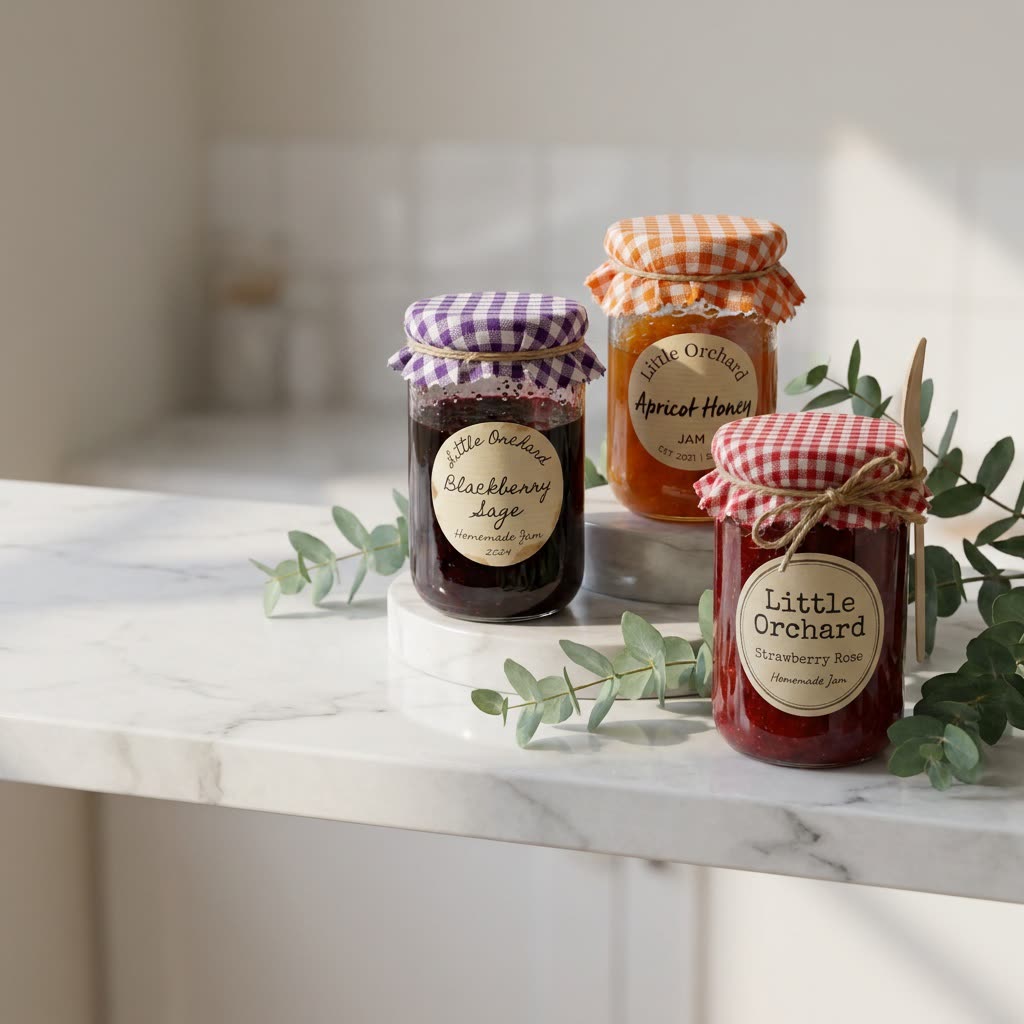
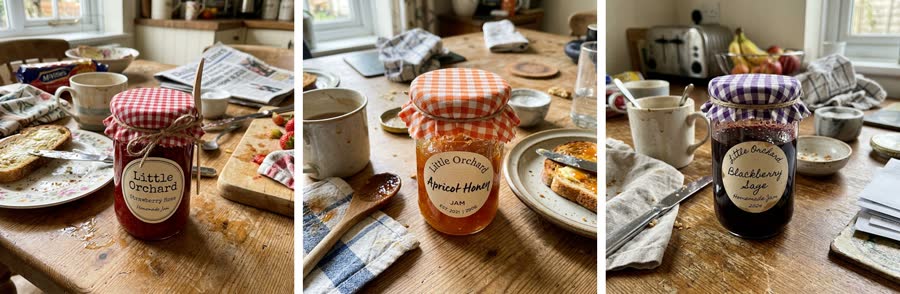
A real example. The small "before" photo is a sample we made with AI, and the result came from running this exact prompt on it in Google Gemini's image tool. Sample details used: Product 1: Strawberry Rose jam; Product 2: Apricot Honey jam; Product 3: Blackberry Sage jam; Photo setting: white marble shelf with eucalyptus; Text side: left.
Your image prompt
Attach a clear photo first, then paste the prompt with it.
Fill in your details. Skip any you like.
Each button copies your prompt and opens a new chat that makes images. Just paste it in.
The prompt that gets copied
I've uploaded photos of my products: [PRODUCT 1], [PRODUCT 2], and [PRODUCT 3]. Arrange all of them together in one styled product photo. Keep each product exactly as it appears in my photos, with the same shape, colors, labels, logos, and text. Don't redesign any packaging. Setting: [PHOTO SETTING, e.g. white marble shelf with eucalyptus]. Place the products at slightly different heights so each one is clearly visible. Soft natural light from the side, gentle realistic shadows and reflections, and a softly blurred background. Clean, premium e-commerce photography. Leave some empty space on the [TEXT SIDE, e.g. left] for text.
Upload up to three product photos and get one styled group shot for your shop, website or ads. Gemini's image model is built to keep each product's shape and label accurate.
Step by step
- Photograph each product on a plain surface.
- Upload all the photos in one message.
- Paste the prompt and check every label for accuracy.
What you'll get
A polished product photo with all your items arranged together, labels intact, in a styled setting with room for a headline.
- Made for
- Small business owners, Creators
- Works in
- Gemini, ChatGPT



 Before