Pick the right wine from any restaurant list with one photo
It only picks bottles that are on the list in your photo, inside the price you set.
Published . Updated . Steps as of October 2026.
How do I pick a good wine from a restaurant menu?
Take a clear photo of the wine list, one page at a time. Upload it to ChatGPT, Gemini or Claude with your dish and budget. You'll get three ranked picks from the actual list, inside your price, with reasons and how to say each name. If you know what you like, add it to the prompt. If you don't, the dish alone works. Ask your server about the top pick before you order.
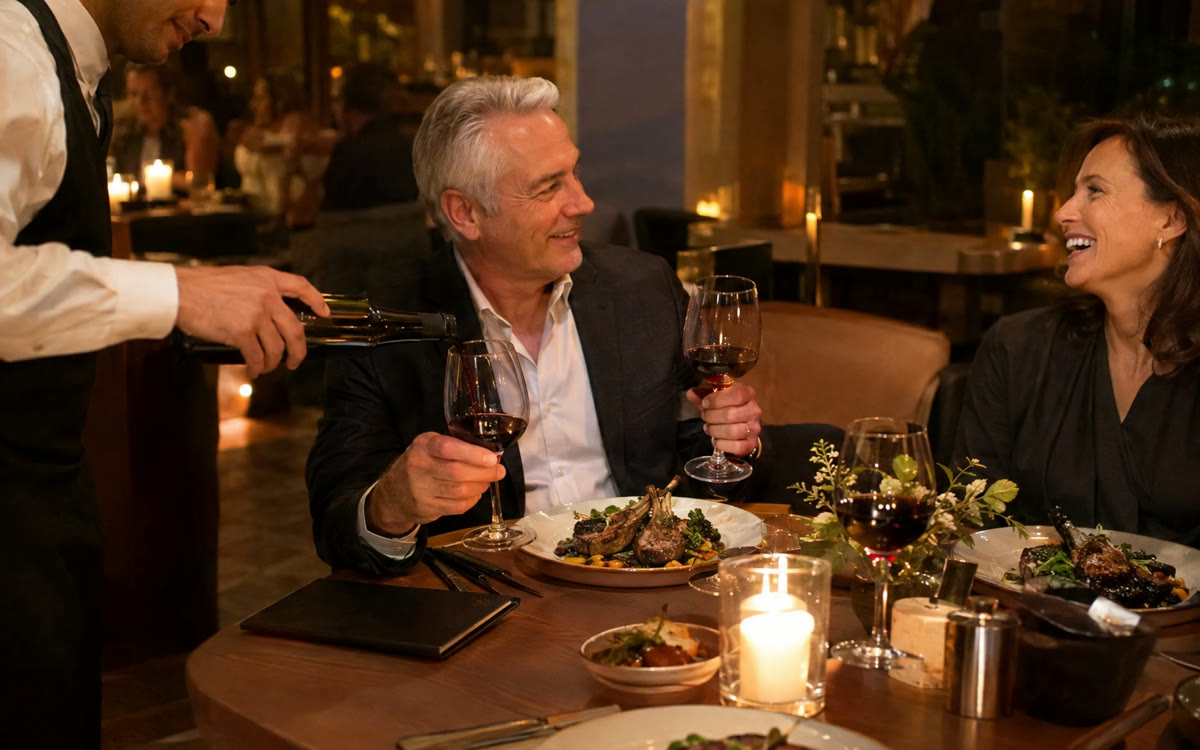
A picture made with AI to show the idea.
Your prompt
Attach a clear photo first, then paste the prompt with it.
Fill in your details. Skip any you like.
ChatGPT and Claude open with your prompt already typed in. Gemini can't be filled in from a link, so its button copies your prompt: paste it into the new chat.
The prompt that gets copied
Here's a photo of a restaurant wine list. I'm ordering [YOUR DISH, e.g. grilled salmon with lemon butter]. My budget: [YOUR BUDGET, e.g. under $15 a glass]. What I usually like: [YOUR TASTE, e.g. dry whites, nothing too oaky]. Recommend three options from this list only, ranked. For each, give the exact name as printed, the price, one line on why it suits the dish and how to pronounce it. Add one wildcard pick if there's something surprising worth trying. If the photo is blurry, tell me which part to retake.
Snap the wine list and say what you're eating and your budget. AI picks the best matches from that list, explains why they work and tells you how to say each name.
Step by step
- Take a clear photo of the wine list, one page at a time.
- Upload the photo and paste the prompt with your dish and budget.
- Ask your server about the top pick before you order.
What you'll get
Three ranked picks from the actual list, with prices, reasons and how to say each name.
- Made for
- Everyone
- Works in
- ChatGPT, Gemini, Claude