Turn a napkin sketch into a clean, client-ready diagram
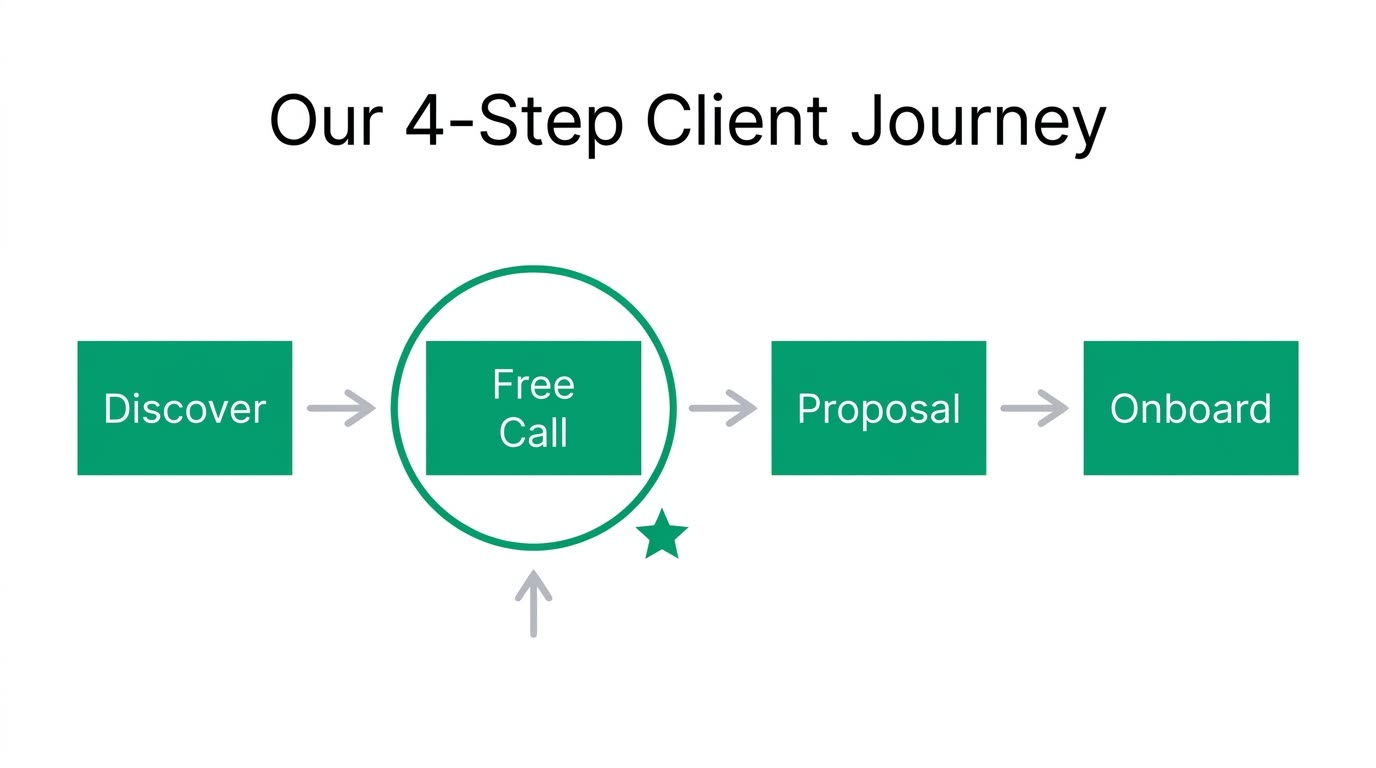
Your coffee-shop scribble comes back looking like a consultant's slide.
 Before
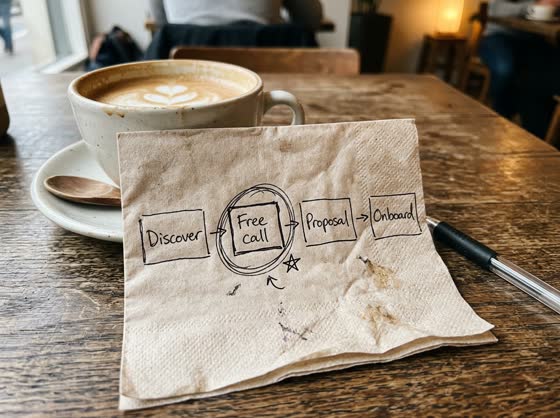
A real example. The small "before" photo is a sample we made with AI, and the result came from running this exact prompt on it in Google Gemini's image tool. Sample details used: Brand color: emerald green; Diagram title: Our 4-Step Client Journey.
Your image prompt
Attach a clear photo first, then paste the prompt with it.
Fill in your details. Skip any you like.
Each button copies your prompt and opens a new chat that makes images. Just paste it in.
The prompt that gets copied
Use my uploaded sketch as the exact layout guide. Redraw it as a clean, professional diagram for a client presentation. Keep the same number of boxes, circles, and arrows, in the same positions, with the same connections. Replace my rough lines with crisp shapes on a white background, aligned to a neat grid with even spacing. Copy every handwritten label exactly as written, in a clear sans-serif font. Use [BRAND COLOR] for the main shapes and soft gray for the arrows. Don't add any boxes, words, or steps that aren't in my sketch. If a word is hard to read, use your best guess and keep it short. Title at the top: "[DIAGRAM TITLE]".
Snap a photo of a rough sketch from a notebook, whiteboard or napkin, and get back a polished diagram with the same boxes, arrows and labels.
Step by step
- Photograph the sketch flat, in good light.
- Upload it and paste the prompt.
- Check that every label matches what you wrote.
What you'll get
A crisp, grid-aligned version of your sketch with the same structure and labels, ready to drop into a slide or proposal.
- Made for
- Coaches, Consultants, Small business owners
- Works in
- Gemini, ChatGPT



 Before