Turn a plain text menu into one with mouthwatering food photos
Every dish gets its own photo, even the ones you've never heard of.
 Before
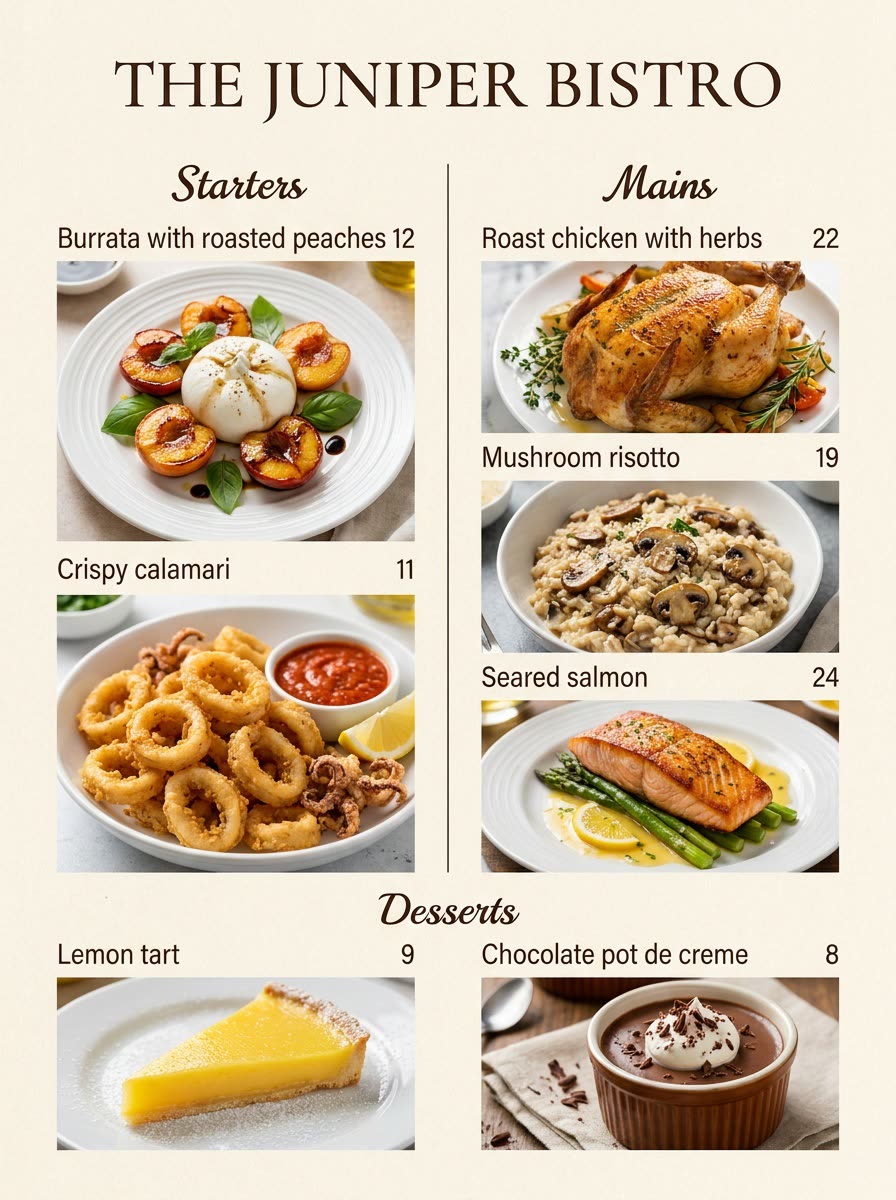
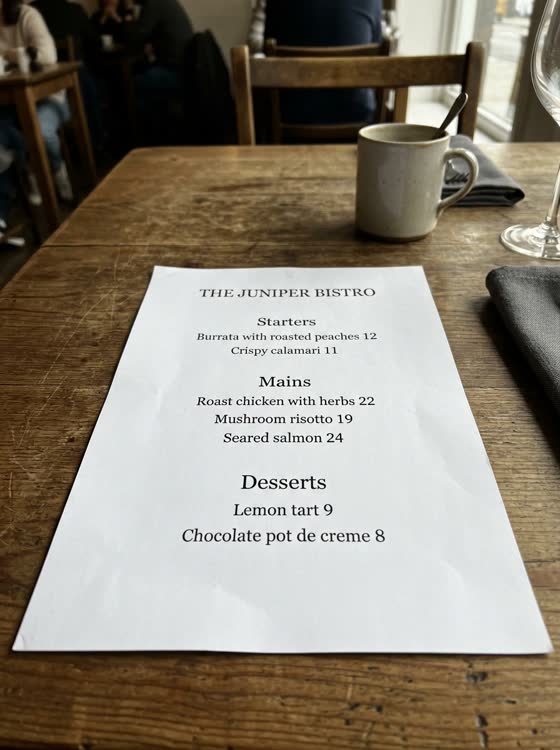
A real example. The small "before" photo is a sample we made with AI, and the result came from running this exact prompt on it in Google Gemini's image tool. Sample details used: Plate style: simple white ceramic; Number of columns: 2; Section names: Starters, Mains, Desserts; Restaurant or cafe name: The Juniper Bistro; Menu style: warm rustic bistro, cream paper.
Your image prompt
Attach a clear photo first, then paste the prompt with it.
Fill in your details. Skip any you like.
Each button copies your prompt and opens a new chat that makes images. Just paste it in.
The prompt that gets copied
Using my uploaded menu, redesign it as an illustrated menu with a realistic, appetizing photo of each dish next to its name. Keep every dish name, description, and price exactly as written on the original. Don't add or remove any items. Show each dish the way it'd really be served, plated on [PLATE STYLE, e.g. simple white ceramic] and photographed from a slight overhead angle in soft natural light. Layout: [NUMBER OF COLUMNS, e.g. 2] columns, clear section headings like "[SECTION NAMES, e.g. Starters, Mains, Desserts]", and a header that says "[RESTAURANT OR CAFE NAME]". Style: [MENU STYLE, e.g. warm rustic bistro, cream paper]. Make all text crisp and easy to read.
Upload a photo of a menu (yours, or one you can't make sense of on vacation) and get a version with an appetizing photo beside every dish.
Step by step
- Snap a clear photo of the menu, or paste the text.
- Paste the prompt.
- For a real business menu, check every name and price before you print.
What you'll get
A full menu page with a photo beside every dish, the original names and prices intact, in a clean, appetizing layout.
- Made for
- Small business owners, Everyone
- Works in
- ChatGPT, Gemini



 Before