Put your business on autopilot
Get your Monday numbers gathered and ready before you sit down
You set it up once, and a fresh numbers sheet shows up every week.
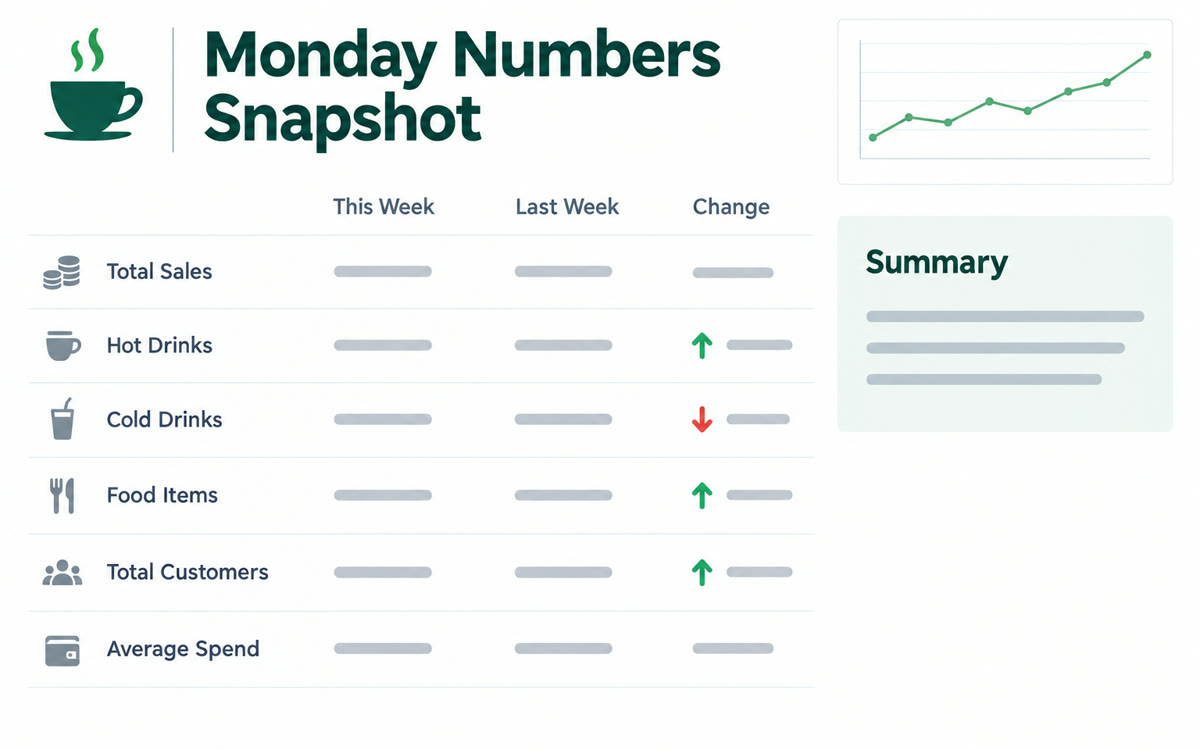
A sample of what you get back, made with AI.
Your prompt
Fill in your details. Skip any you like.
ChatGPT opens with your prompt already typed in. It's copied too, just in case.
The prompt that gets copied
Every Monday, build my weekly business snapshot. Pull these numbers for the past 7 days and the 7 days before that: [METRIC 1, e.g. new leads] from [SOURCE 1, e.g. my contact form], [METRIC 2, e.g. discovery calls booked] from [SOURCE 2, e.g. my booking app], [METRIC 3, e.g. payments received] from [SOURCE 3, e.g. my payment dashboard], and [METRIC 4, e.g. new email subscribers] from [SOURCE 4, e.g. my email tool]. Put them in a spreadsheet with this week, last week, and the percent change. Highlight anything that moved more than 20 percent. Under the table, write 3 plain-English sentences about what changed and one question I should look into. If you can't reach a source, tell me instead of guessing. After this first run, schedule it to repeat every Monday at [RUN TIME, e.g. 7am].
Use ChatGPT agent to pull your key numbers from where they live, build a simple spreadsheet, and schedule the task to repeat every week.
Step by step
- Pick agent mode in ChatGPT's tools menu.
- Fill in each number and where it lives. When it asks you to sign in, type passwords yourself.
- Run the prompt once and check every number against its source.
- Ask it to repeat the task every Monday.
What you'll get
A weekly spreadsheet comparing this week to last week, with big changes highlighted and a short plain-English summary.
Agent mode needs a paid ChatGPT plan.
- Made for
- Small business owners, Consultants, Coaches
- Works in
- ChatGPT


