Make a warm holiday card from one family photo
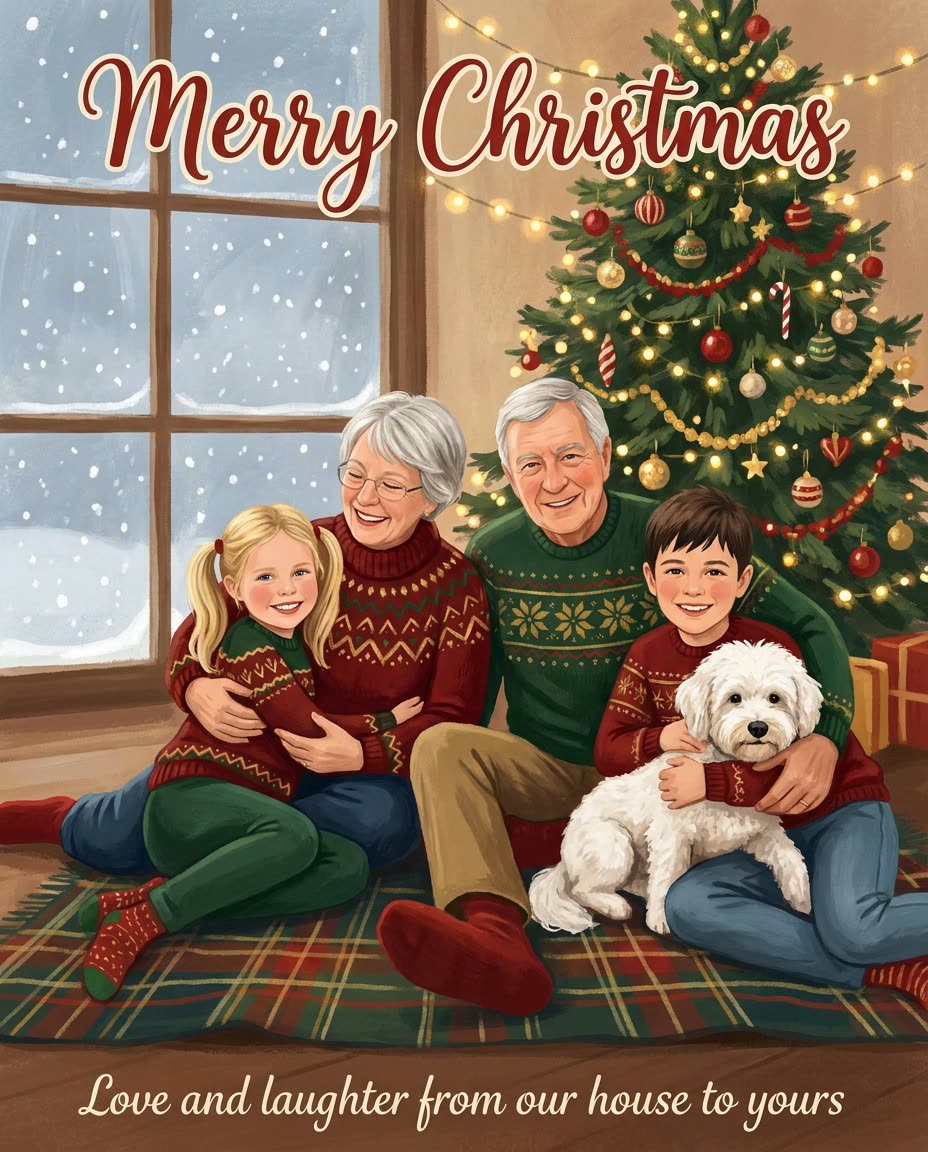
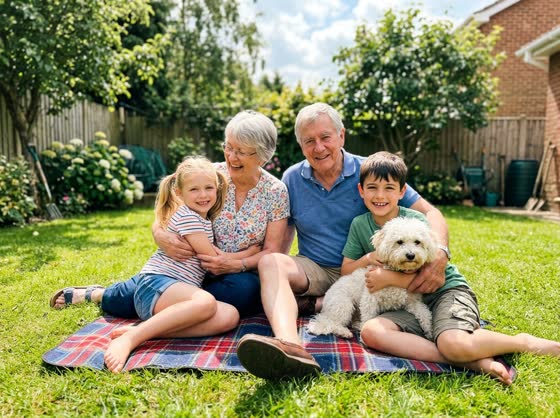
Last summer's backyard photo becomes a snowy illustrated card with your family's faces and your message.
 Before
A real example. The small "before" photo is a sample we made with AI, and the result came from running this exact prompt on it in Google Gemini's image tool. Sample details used: Art style: warm gouache storybook illustration; The holiday: Christmas; Card colors: deep red, green and gold; Top greeting: Merry Christmas; Your message: Love and laughter from our house to yours.
Your image prompt
Attach a clear photo first, then paste the prompt with it.
Fill in your details. Skip any you like.
Each button copies your prompt and opens a new chat that makes images. Just paste it in.
The prompt that gets copied
Create an illustrated holiday card using my attached family photo as the reference. Everyone should clearly look like themselves, in a soft, warm [ART STYLE, e.g. storybook watercolor] style. Theme: [THE HOLIDAY, e.g. Christmas], with cozy touches like twinkling lights, a decorated tree and gentle snow. Dress everyone in matching winter clothes in [CARD COLORS, e.g. deep red, green and gold]. Write "[TOP GREETING, e.g. Merry Christmas]" at the top and this message at the bottom, spelled exactly: "[YOUR MESSAGE, e.g. Love and laughter from our house to yours]". Keep the same number of people and pets as in the photo.
Upload a favorite family photo and get an illustrated holiday card that still looks like your family, with cozy decorations and your own short message written right on it.
Step by step
- Upload a photo where every face is clear.
- Paste the prompt with your greeting, message and style.
- Check every face and word, then send or print it.
What you'll get
An illustrated holiday card that looks like your family, with your greeting and message on it.
- Made for
- Everyone
- Works in
- ChatGPT, Gemini


 Before
 Before