Turn any family recipe into a beautiful illustrated recipe card
Grandma's stained index card becomes a keepsake you'd frame.
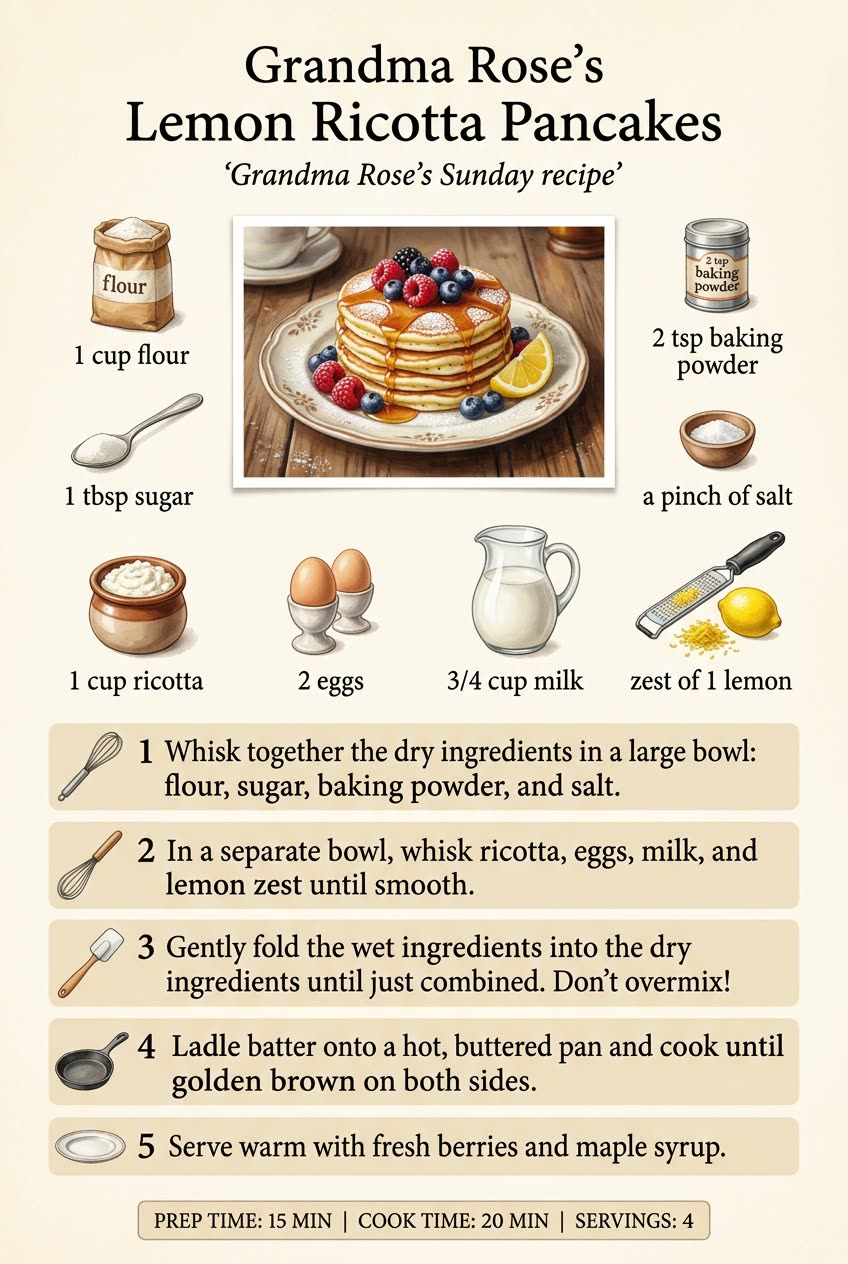
A real example, made with this exact prompt in Google Gemini's image tool, with sample details filled in. Sample details used: Recipe name: Grandma Rose's Lemon Ricotta Pancakes; Short note: Grandma Rose's Sunday recipe; Card style: warm vintage kitchen, cream paper.
Your image prompt
Fill in your details. Skip any you like.
Each button copies your prompt and opens a new chat that makes images. Just paste it in.
The prompt that gets copied
Create an illustrated recipe card for "[RECIPE NAME]", with a small subtitle: "[SHORT NOTE, e.g. Grandma Rose's Sunday recipe]". At the top, show the finished dish looking delicious. Around it, show each ingredient as a small realistic picture with its name and amount. Below, list the steps as numbered blocks with tiny icons, like a pot, a whisk, or an oven. Add a small bar with prep time, cook time, and servings. Use the recipe exactly as written below, and don't change any amounts or steps. Style: [CARD STYLE, e.g. warm vintage kitchen, cream paper]. All text must be crisp and readable. Recipe: [PASTE THE RECIPE HERE]
Type or paste a recipe (even Grandma's handwritten one) and get a frame-worthy card with the finished dish, every ingredient pictured, and numbered steps.
Step by step
- Type the recipe, or upload a photo of the handwritten card.
- Paste the prompt.
- Check the amounts against the original before you print it.
What you'll get
A tall, beautiful recipe card with the finished dish, pictured ingredients and amounts, and numbered steps in a cozy style.
- Made for
- Everyone, Small business owners, Creators
- Works in
- ChatGPT, Gemini


 Before
 Before