Turn your logo into a smooth animated reveal for your videos
Your flat logo file comes back as a cinematic reveal that looks like a design agency animated it.
Published . Updated . Steps as of October 2026.
How do I animate my logo for the start of my videos?
Attach your logo as a PNG or JPG in Claude and paste the reveal prompt. It animates the logo assembling into a 6-second reveal in your colors. It also works in Gemini Canvas, and in ChatGPT you click Preview on the code block. If it's too quick or plain, ask for slower, darker or more shine. Compare the rebuilt logo with your original, shape by shape, before you use it. Then click Replay and screen-record it once for every video.
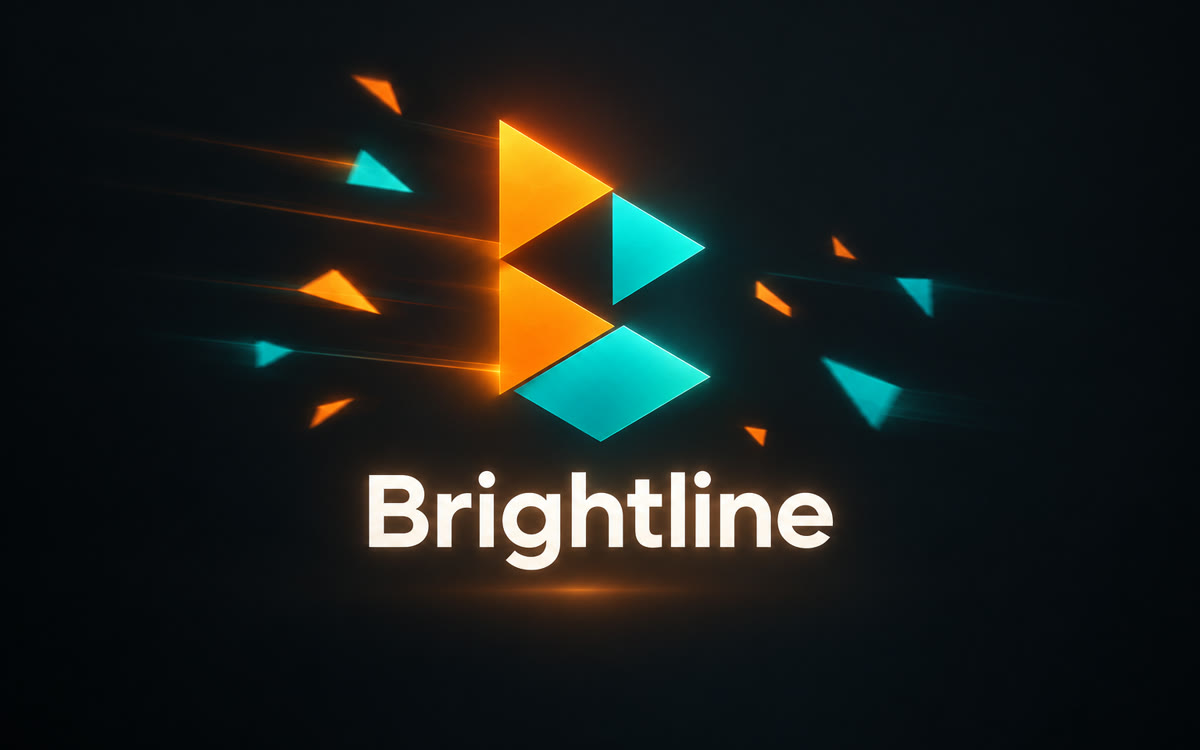
A sample of what you get back, made with AI.
Read the transcript
Turn a flat logo file into a smooth animated reveal like this, with one prompt.
And I can't code at all, okay?
So open Claude, attach your logo, and paste the prompt.
It's going to rebuild your logo as clean shapes, so it stays sharp at any size.
Then it starts from scattered gold lines that drift together and lock into place.
A soft sweep of light goes across, and your tagline fades in underneath.
Like, how cool is that?
So it's all one web page, and it plays right there in the preview.
If it's not quite right, just say, slower, or darker, or more shine.
Then check every shape against your original file.
Click Replay, screen record it, and you've got an intro for every video.
It works in Gemini Canvas too, and in ChatGPT, just click Preview on the code block.
The prompt's free at thesolocreators.com/prompts.
And that's how you
Your prompt
Fill in your details. Skip any you like.
Claude and ChatGPT open with your prompt already typed in. Gemini can't be filled in from a link, so its button copies your prompt: paste it into the new chat.
The prompt that gets copied
I've attached my logo for [YOUR BUSINESS, e.g. Tidewell Coaching]. Build a 6-second animated logo reveal as one web page that plays by itself in the preview.

Rebuild my logo as clean shapes so it stays sharp at any size. Then animate a slow reveal: start from [STARTING LOOK, e.g. scattered thin gold lines], let the pieces drift together and lock into the full logo, then pass a soft sweep of light across it. Finish with my tagline fading in underneath: [YOUR TAGLINE, e.g. Calm teams, clear leaders].

Mood: [REVEAL MOOD, e.g. elegant and calm]. Background: [BACKGROUND COLOR, e.g. deep navy]. Use my logo's own colors, smooth eased motion, no bounce, no sound, 16:9. Start on one blank second so I can begin recording, hold the finished logo for 2 seconds, and add a Replay button below the frame. If my logo is too detailed to rebuild exactly, tell me and animate the image itself instead.
Attach your logo and Claude animates it assembling piece by piece into a slow, polished reveal. Record it once and use it at the start or end of every video.
Step by step
- Open Claude, attach your logo as a PNG or JPG, and paste the prompt.
- Watch the reveal, then ask for changes like slower, darker or more shine.
- Compare the rebuilt logo with your original file, shape by shape.
- Click Replay and record the animation with Shift-Command-5 (Mac) or Windows+Shift+R (Windows).
What you'll get
A 6-second logo reveal in your own colors that plays on demand, ready to screen-record as an intro or outro.
Works on every Claude plan and in Gemini Canvas. In ChatGPT, click Preview on the code block.
- Made for
- Coaches, Consultants, Creators, Small business owners
- Works in
- Claude, Gemini, ChatGPT
 Before