Turn a recording of family stories into a written keepsake
An hour of Grandpa's stories at the kitchen table becomes a printed chapter the whole family keeps.
Published . Updated . Steps as of October 2026.
How do I turn a recording of my grandparent's stories into a written book?
Record the conversation with your phone's voice memo app, with their permission. Open ChatGPT, click + and attach the audio file (MP3, M4A or WAV), then paste the prompt. You'll get a clean transcript and a warm chapter in their own words, organized by story. If it's one sitting, you'll have one chapter. If you record more sessions, add a chapter each time. Check the details it flags before you print.
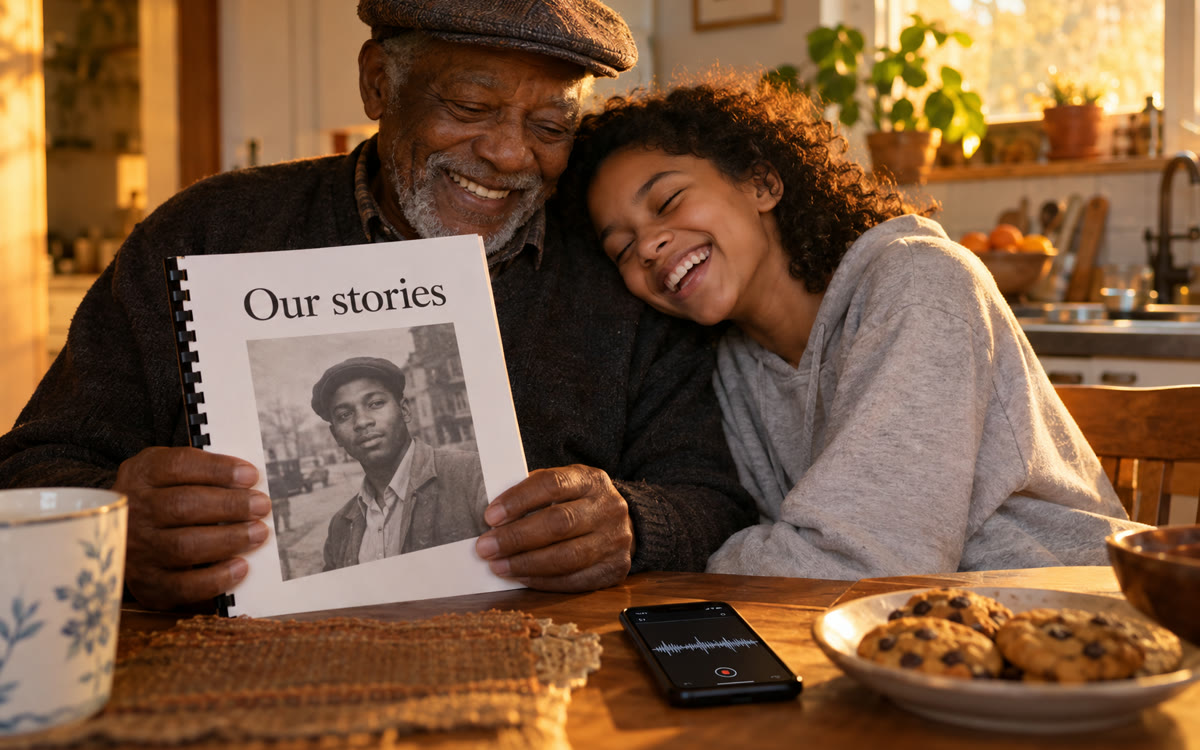
A picture made with AI to show the idea.
Read the transcript
Does someone in your family tell the same great stories every time you get together?
And nobody's ever written them down, right?
So next time Grandpa starts one, ask if you can record it with your phone's voice memo app.
Then open ChatGPT, click the plus, and attach the audio file.
Paste the prompt, and send it.
First, you get a clean transcript, with the filler words taken out.
Then it turns it into a warm chapter, in his own voice, story by story.
It keeps his favorite sayings exactly the way he said them.
Oh, look at that.
And it won't add anything that isn't in the recording.
At the end, it lists the names and dates to double-check with the family.
Ask for any changes, then copy it into a doc and print it.
And every time you record more, you add another chapter.
Audio uploads need a paid ChatGPT plan.
Hit save, so you can find it again.
Give me a follow for more like this.
Your prompt
Fill in your details. Skip any you like.
ChatGPT opens with your prompt already typed in. It's copied too, just in case.
The prompt that gets copied
This recording is my [YOUR RELATIVE, e.g. grandmother] telling stories about [TOPIC OF THE STORIES, e.g. growing up on a farm]. First, give me a clean transcript with filler words removed. Then turn it into a warm, readable keepsake chapter written in first person, in their voice, keeping their favorite phrases and expressions exactly as they said them. Organize it by story with a short, simple heading for each. Don't add events, names or details that aren't in the recording. At the end, list any names, dates or places I should double-check with the family.
Record a grandparent telling stories on your phone, then upload the audio file to ChatGPT. You get a transcript and a warm, readable chapter in their own words, ready to print and share.
Step by step
- Record the conversation with your phone's voice memo app, with their permission.
- Open ChatGPT, click + and attach the audio file (MP3, M4A or WAV).
- Paste the prompt below and send it.
- Ask for edits, then copy the chapter into a document to print or share.
What you'll get
A full transcript plus a first-person family keepsake chapter, organized by story, with details to double-check.
Audio uploads need a paid ChatGPT plan. Files up to 512 MB. Transcripts can have errors, so check names and dates.
- Made for
- Everyone
- Works in
- ChatGPT