Show clients their progress with an animated chart video
Ask it to change one number and the rest of the animation stays exactly as it was.
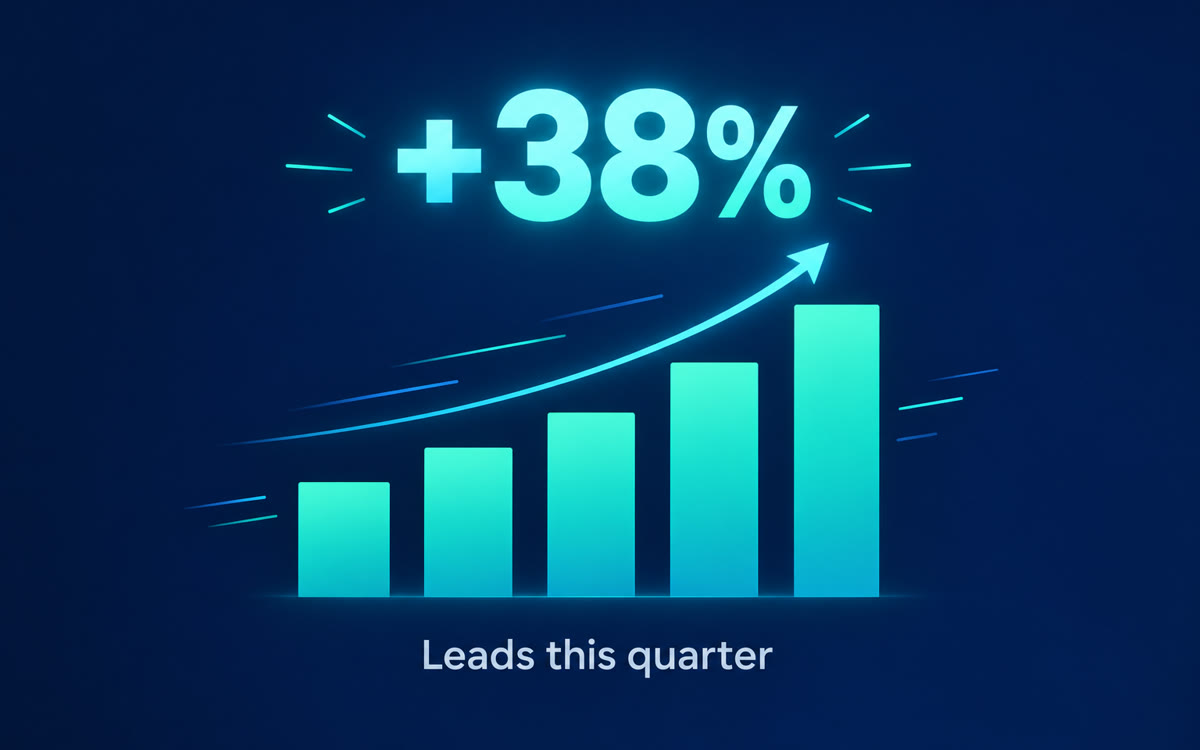
A sample of what you get back, made with AI.
Your prompt
Fill in your details. Skip any you like.
Claude and ChatGPT open with your prompt already typed in. Gemini can't be filled in from a link, so its button copies your prompt: paste it into the new chat.
The prompt that gets copied
Turn my numbers into a 15-second animated chart video as one web page that plays by itself in the preview. It's for [WHO WILL WATCH, e.g. my client's quarterly review].

Chart title: [CHART TITLE, e.g. Leads per month since we started]. My numbers are below.

Animate it like a polished news graphic:
1. Draw the axes and labels first, quietly.
2. Grow each bar or draw the line in order, one period at a time.
3. Count up the most important result in big text: [THE BIG RESULT, e.g. 3x more leads in 6 months].
4. Finish with a one-line takeaway under the chart.

Use my exact numbers. Don't round, add or skip any. Clean white background, [BRAND COLORS, e.g. teal and charcoal], one sans-serif font, smooth easing, no sound, 16:9. Start on one blank second, hold the last frame for 3 seconds, and add a Replay button below the frame.

[PASTE YOUR NUMBERS]
Paste a few numbers and Claude turns them into a short animated chart: the bars grow, the line climbs and the big result counts up. Drop it into a client report, a deck or a post.
Step by step
- Copy a few rows of numbers, with their labels, from your spreadsheet.
- Open Claude and paste the prompt with your numbers at the end.
- Check every number on screen against your sheet, then ask for any changes.
- Record it with Shift-Command-5 (Mac) or Windows+Shift+R (Windows) and add it to your report or deck.
- Use Output > Motion instead on a Claude Team plan, then click Export and choose MP4.
What you'll get
A 15-second animated chart of your exact numbers with a counting headline and a takeaway, ready for a report, deck or post.
Works on every Claude plan by screen recording. Claude Motion, with MP4 export, is in beta on Team and Enterprise plans.
- Made for
- Consultants, Coaches, Small business owners
- Works in
- Claude, Gemini, ChatGPT


