Get any long AI answer as a clean page you can print or share
A plan, a comparison or a report becomes a designed page you can save, print or send to a client.
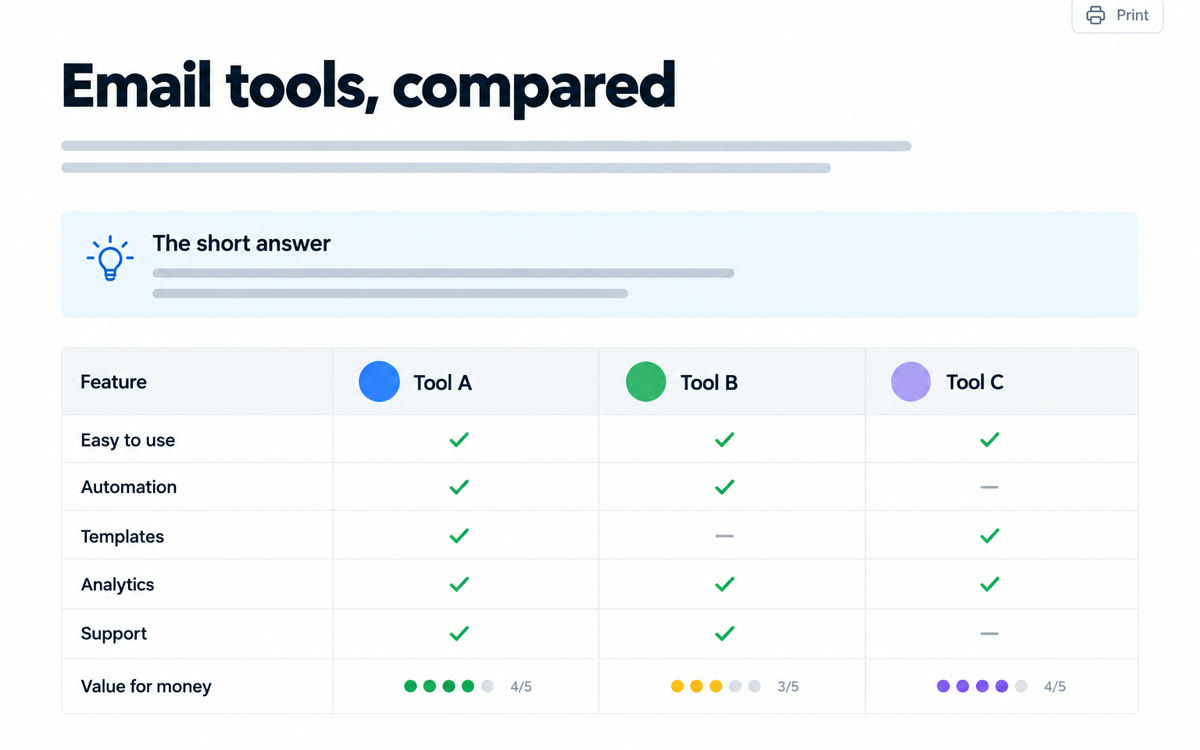
A sample of what you get back, made with AI.
Your prompt
Fill in your details. Skip any you like.
Claude and ChatGPT open with your prompt already typed in. Gemini can't be filled in from a link, so its button copies your prompt: paste it into the new chat.
The prompt that gets copied
[YOUR REQUEST, e.g. Compare 3 email tools for coaches]. Structure your response as a single, self-contained HTML page I can open in my browser. Use a clear title, short sections with headings, a summary box at the top with the key takeaway, tables for any comparisons, and simple charts or diagrams where they help. Keep the design clean and easy to read on a phone, with plenty of white space and one accent color: [ACCENT COLOR, e.g. teal]. Make it print nicely, and don't link to outside files so it works offline.
Add a few lines to the end of any request asking for the answer as a single web page. You get headings, tables, color and simple visuals that are far easier to read than a wall of text.
Step by step
- Write your question or request as usual.
- Add the formatting lines from the prompt below to the end.
- Open the preview, then download or share the page.
What you'll get
A good-looking, self-contained web page version of the answer, with a summary box, sections, tables and simple visuals.
Claude shows the page right in the chat. In ChatGPT, click Preview on the code block. In Gemini, open it in Canvas to see the page.
- Made for
- Everyone, Consultants, Coaches
- Works in
- Claude, ChatGPT, Gemini


