Untangle any confusing knitting or crochet pattern step by step
A blind crocheter uses it to understand tricky patterns and get feedback on stitches from photos.
Published . Updated . Steps as of October 2026.
How do I understand a confusing knitting or crochet pattern?
Paste the rows that confuse you, or upload a photo of the pattern, into ChatGPT, Claude or Gemini with your skill level. It explains each abbreviation in plain words, gives stitch counts for each row and lists common mistakes. If you're a beginner, say so for simpler steps. If your count seems off, send a photo of your work and it'll check it. It takes about five minutes.
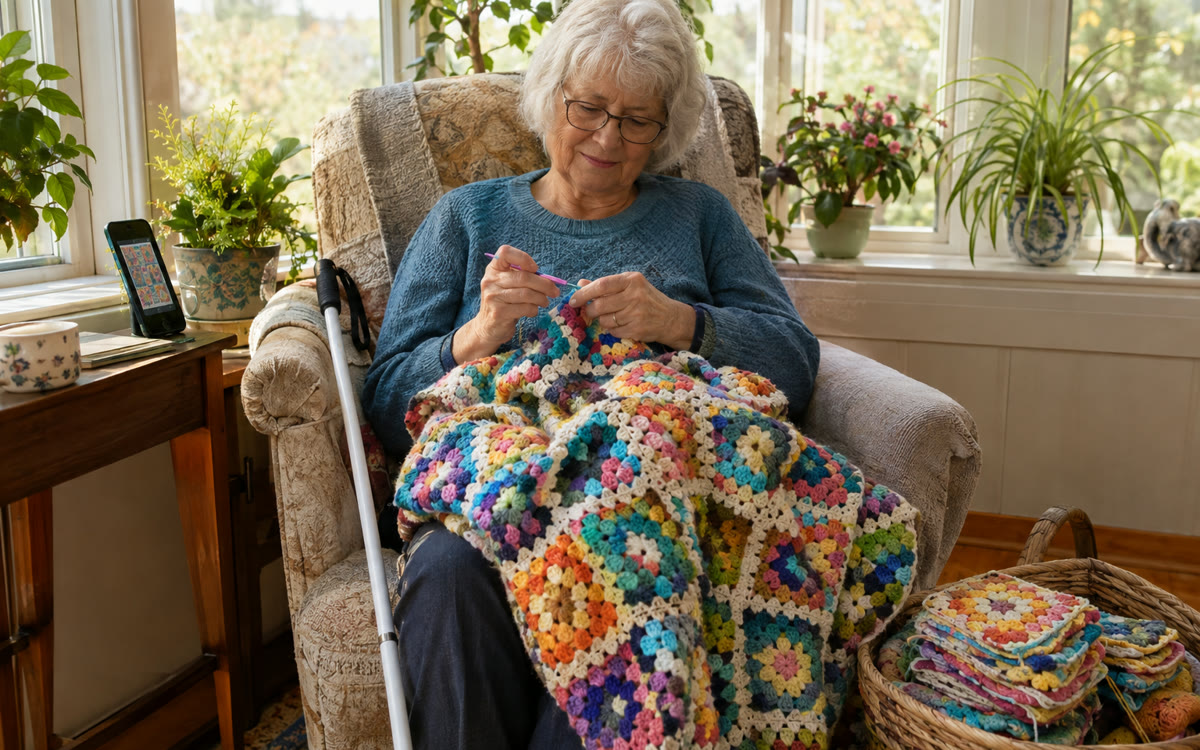
A picture made with AI to show the idea.
Your prompt
Fill in your details. Skip any you like.
ChatGPT and Claude open with your prompt already typed in. Gemini can't be filled in from a link, so its button copies your prompt: paste it into the new chat.
The prompt that gets copied
I'm working on this [CRAFT AND PROJECT, e.g. crochet amigurumi bunny] pattern and I'm stuck. The rows that confuse me, pasted or in the photo I uploaded: [THE CONFUSING ROWS]. My skill level: [YOUR LEVEL, e.g. beginner, I know single crochet]. 1) Rewrite these rows in plain words, one action per line, with every abbreviation spelled out. 2) Tell me the stitch count I should have at the end of each row. 3) Point out the step where people usually go wrong. 4) If a technique is new to me, describe how to do it slowly. If I send a photo of my work, tell me what you see and whether it matches the pattern.
Paste or photograph the rows that are tripping you up. AI explains each abbreviation and step in plain words, gives the stitch counts and checks a photo of your work.
Step by step
- Paste the confusing rows or upload a photo of the pattern.
- Paste the prompt with your skill level.
- Send a photo of your work if your count seems off.
What you'll get
Plain-word instructions, stitch counts for each row, the common mistakes and a photo check of your work.
- Made for
- Everyone
- Works in
- ChatGPT, Claude, Gemini