All AI use cases

Hand off your busywork with AI agent use cases, no code needed

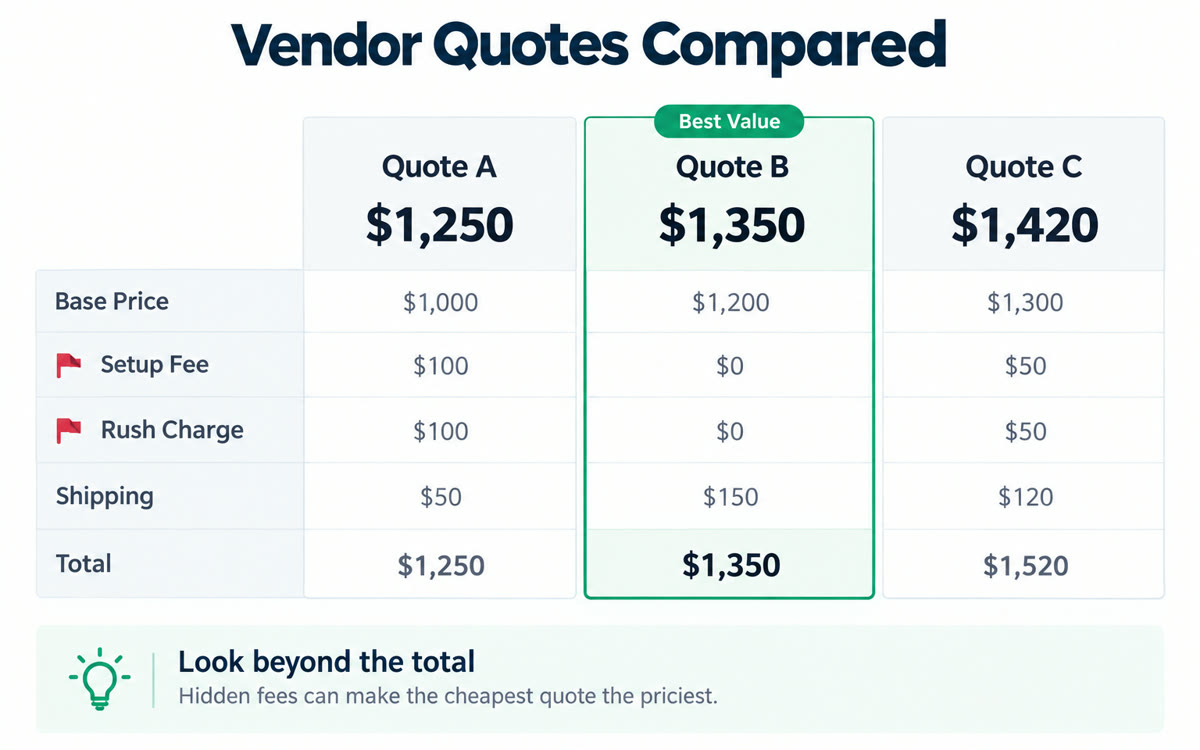
An AI agent use case is a job with several steps that you hand to ChatGPT, Claude or Gemini, like clearing your inbox, filling in a website form or comparing vendor quotes. This collection has 60+ of them, and none needs code. The AI drafts, fills in or researches, and you review before anything is sent or paid. Pick one, fill in the boxes, and open it in your AI.

84 use cases, each with a free copy-paste prompt. Search all 572 in the library

Effort
Works in

Get 3 new AI use cases every weekday

One full use case with its copy-paste prompt, plus 2 quick picks. Free, and one click to unsubscribe.

You're in. Watch your inbox on weekday mornings.

72 more to try.

Let AI skills do the whole job.

Every AI skill I use to run solo, in one room of creators who ship: the Solo Creators AI Studio.

  • Second Brain

    A memory for your AI

    Give your AI a memory it reads across every project, so it finally knows your business.

  • Watch It For Me

    It watches the video so you get the playbook

    Drop any video link and get the step-by-step playbook, the full timestamped transcript, and the best quotes. Without watching it.

  • Board of Advisors

    7 advisors, one call

    Convene seven AI advisors who debate your decision, vote, and hand back a stress-tested verdict.

See inside the AI Studio

Frequently Asked Questions.

What can AI agents do for my business?

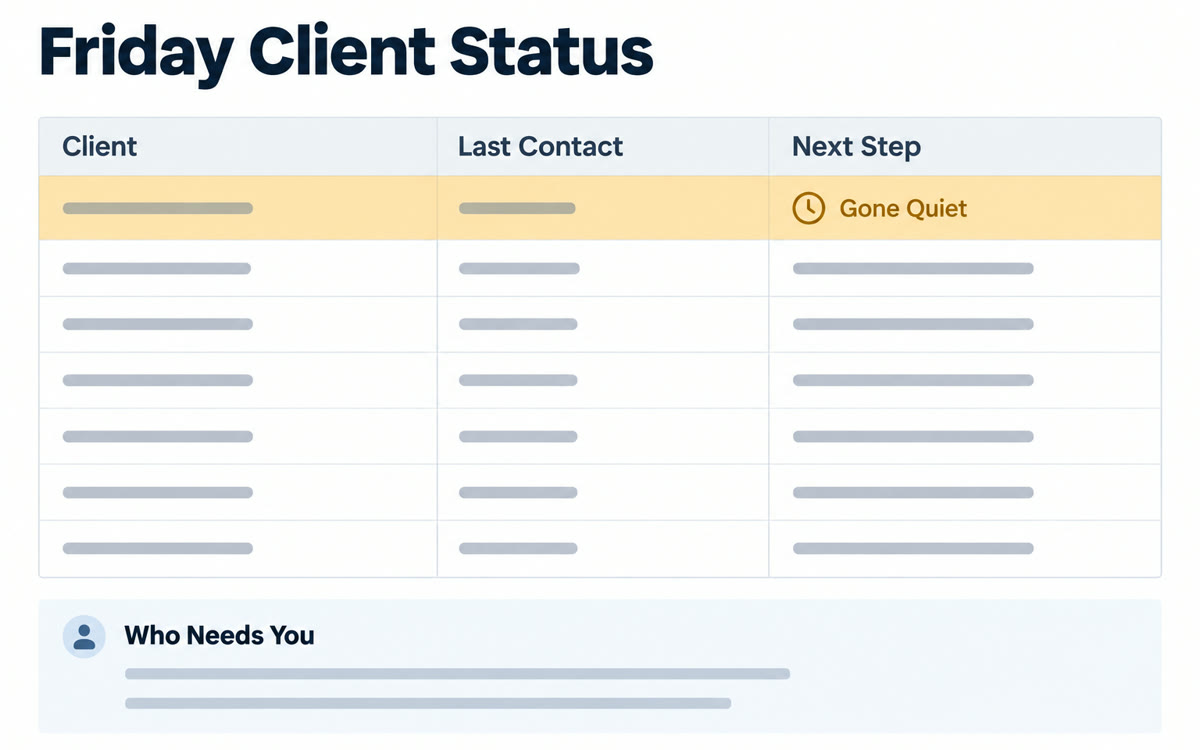
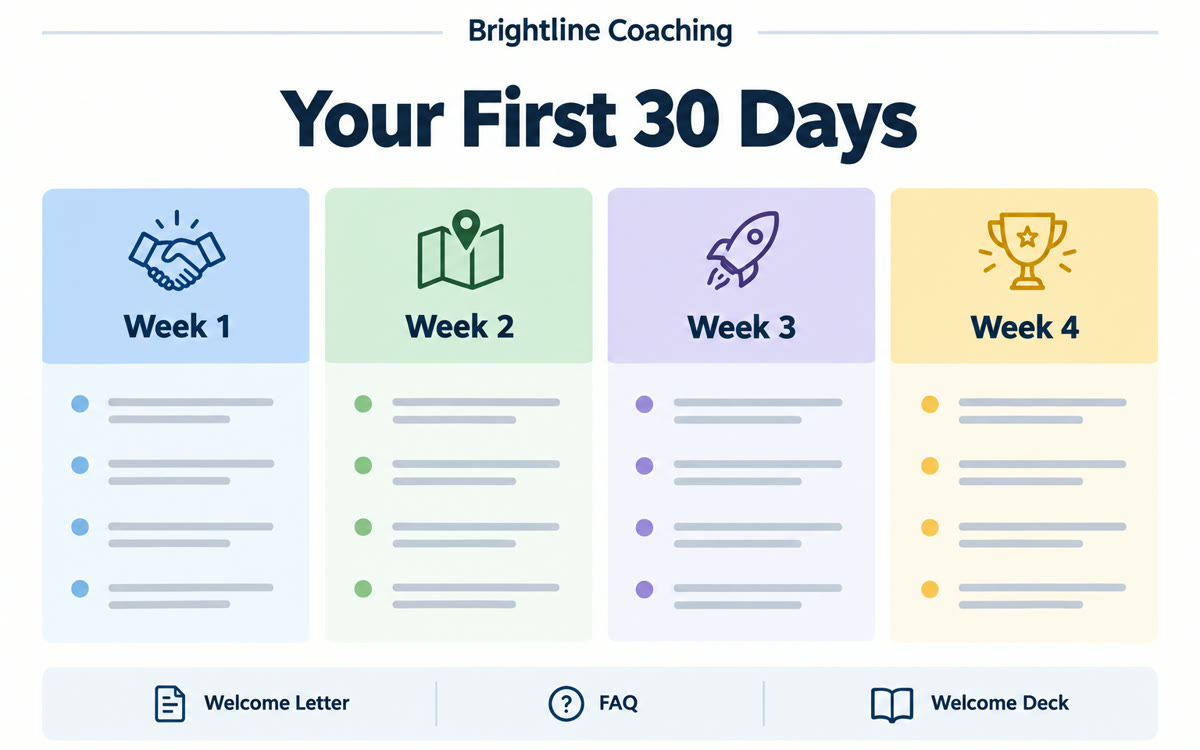
They can take on the multi-step jobs that eat your week. In this collection, Claude builds a fresh client status sheet every Friday, ChatGPT hands each new client a polished welcome packet, and your AI finds warm leads already sitting in your inbox. It can also compare vendor quotes in one sheet so you can negotiate a better deal. You check each result before you use it.

What are some AI agent examples in real life?

At work, you can clear your inbox and calendar just by talking to ChatGPT on a walk, or have Claude fill in a tedious website form from your documents. For personal use, you can turn the school email flood into a calm family calendar or wake up to a custom family podcast for the drive to school. Each one comes with the exact prompt and steps.

How do I use AI agents in ChatGPT or Claude?

Open a use case and type your details into the fill-in boxes. Tap the ChatGPT or Claude button, and the chat opens with the prompt already typed in. Some agent use cases ask you to connect your email or calendar first, and the steps on the page show you how. For Gemini, a new chat opens and you paste the prompt.

Do I need to know how to code?

No. Every AI agent use case in this library works without code. You copy a prompt, fill in a few blanks, and the AI drafts, fills in or researches for you. You review the work before anything is sent or paid, so you stay in charge the whole time. If you can write an email, you can run these.

Do I need a paid plan for these AI agent use cases?

Some do. Prompts work in the free versions of ChatGPT, Claude and Gemini unless a use case notes a paid plan, and agent jobs that run on a schedule or work in a browser for you often carry that note. Check the note on each page before you start. If there's no note, you can run it on the free version.