Put your business on autopilot
Hand AI a big job before bed and wake up to finished work
One creator talked to his computer for 5 minutes, Claude worked for 12 hours, and he woke up to the finished project.
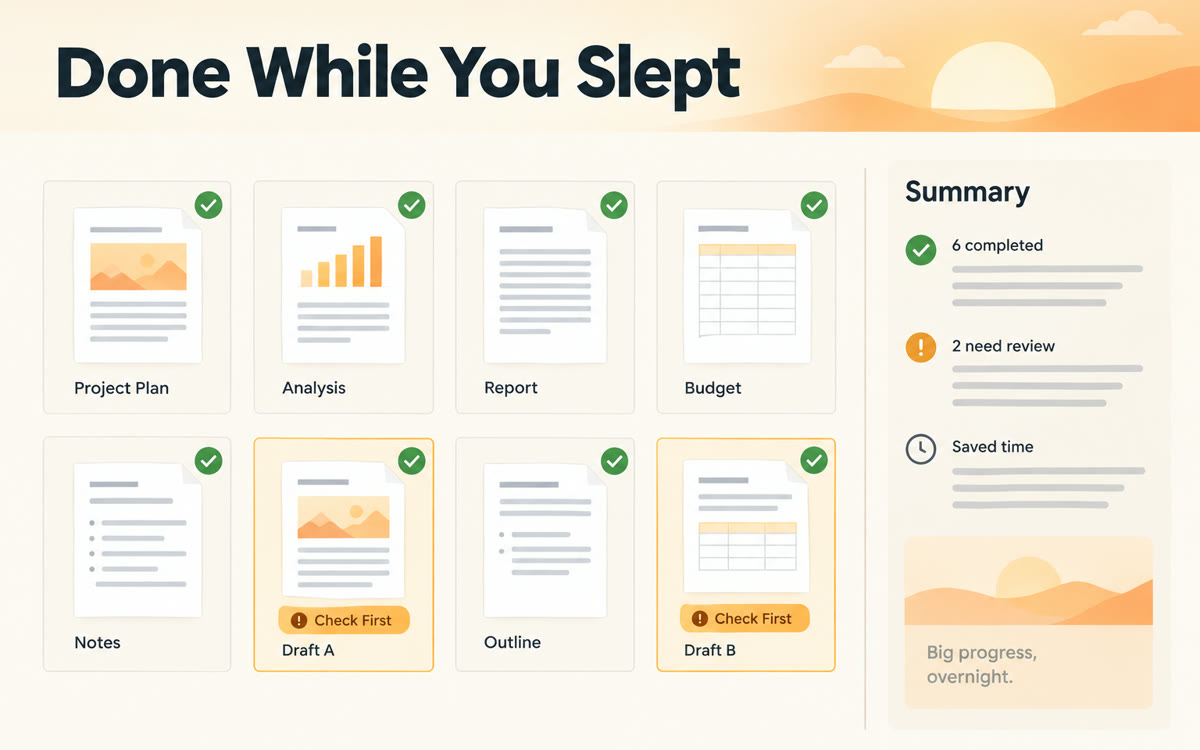
A sample of what you get back, made with AI.
Your prompt
Fill in your details. Skip any you like.
Claude opens with your prompt already typed in. It's copied too, just in case.
The prompt that gets copied
I'm going to bed and want you to work through a big job while I'm away. Everything you need is in the folder [FOLDER NAME, e.g. Launch Materials].

The job: [THE BIG JOB, e.g. 20 posts and 5 emails from my guide].
Who it's for: [YOUR AUDIENCE, e.g. first-time managers].
My voice and brand rules: [YOUR BRAND RULES, e.g. paste them or name the file].

How to work:
1. Before I leave, ask me every question you need answered. After that, don't stop to ask. Make a sensible choice and write it down.
2. Make a plan, then work through it piece by piece.
3. Save each finished piece as its own file in a new folder called [OUTPUT FOLDER NAME, e.g. Morning Drafts].
4. Don't post, send, or delete anything.
5. Leave me a morning summary: what's done, the choices you made, and what needs my eyes first.
Write one clear brief for a big batch job, like a month of posts from one product guide, and let Claude work through it while you sleep.
Step by step
- Pick one big, clearly defined job and put all the source material in one folder.
- Paste the brief into the Claude desktop app and answer its questions before you leave.
- Run a short test first so you can approve the kinds of actions it'll need.
- Keep your computer plugged in, awake, and on, with the app open.
- Review everything in the morning before anything gets posted or sent.
What you'll get
A folder of finished drafts waiting for you in the morning, plus a summary of what got done and what to check first.
Needs a paid Claude plan and the desktop app. Your computer must stay on and awake all night.
- Made for
- Creators, Coaches, Consultants, Small business owners
- Works in
- Claude


