Get a live tour guide for whatever your phone camera sees
Point your phone at an old carved doorway and ask what it means, and it tells you on the spot.
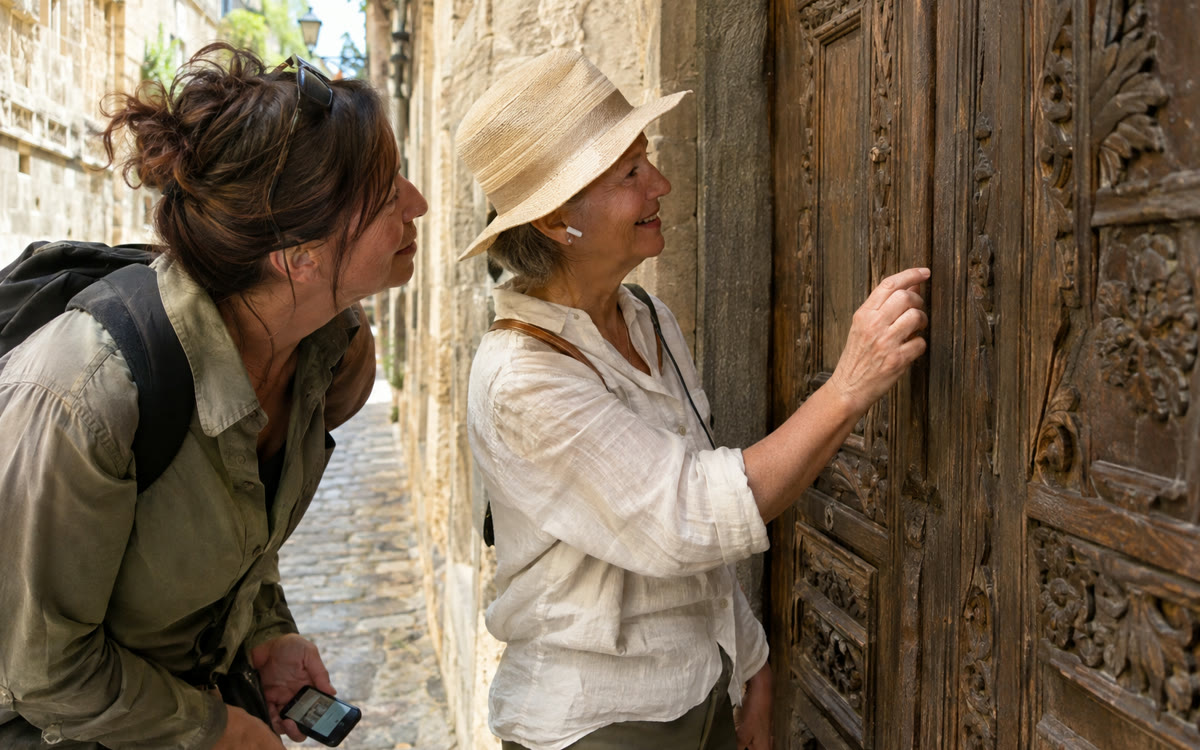
A picture made with AI to show the idea.
Your prompt
Fill in your details. Skip any you like.
ChatGPT and Claude open with your prompt already typed in. Gemini can't be filled in from a link, so its button copies your prompt: paste it into the new chat.
The prompt that gets copied
Be my friendly tour guide for the day. I'm visiting [WHERE YOU ARE, e.g. an old town center] and I'm interested in [YOUR INTERESTS, e.g. history and local food]. When I point my camera at something, tell me what it is, one interesting story about it, and one thing most visitors miss. Keep each answer under 30 seconds unless I ask for more. If you're not sure what something is, say so and ask me to move closer. If I point at a menu or sign, translate it and explain anything unusual.
Open the Google app, tap Live and turn on video. Point your camera at a building, painting or menu while you travel and ask out loud. Search answers in real time with links to learn more.
Step by step
- Open the Google app on your phone and tap Live below the search bar.
- Tap Video to turn on your camera, or open Google Lens and tap Live.
- Say the prompt below, then point your camera at whatever catches your eye.
- Tap Transcript at the end to keep the conversation and links as a written thread.
What you'll get
A spoken, real-time guide to the places and things around you, with web links and a saved transcript.
Free in the Google app on Android and iPhone wherever AI Mode is available. The camera turns off if you leave the app.
- Made for
- Everyone
- Works in
- Google Search


