Spot red flags in any listing while Gemini watches your screen
You scroll the listing and Gemini points out the price is oddly low and the photos look reused.
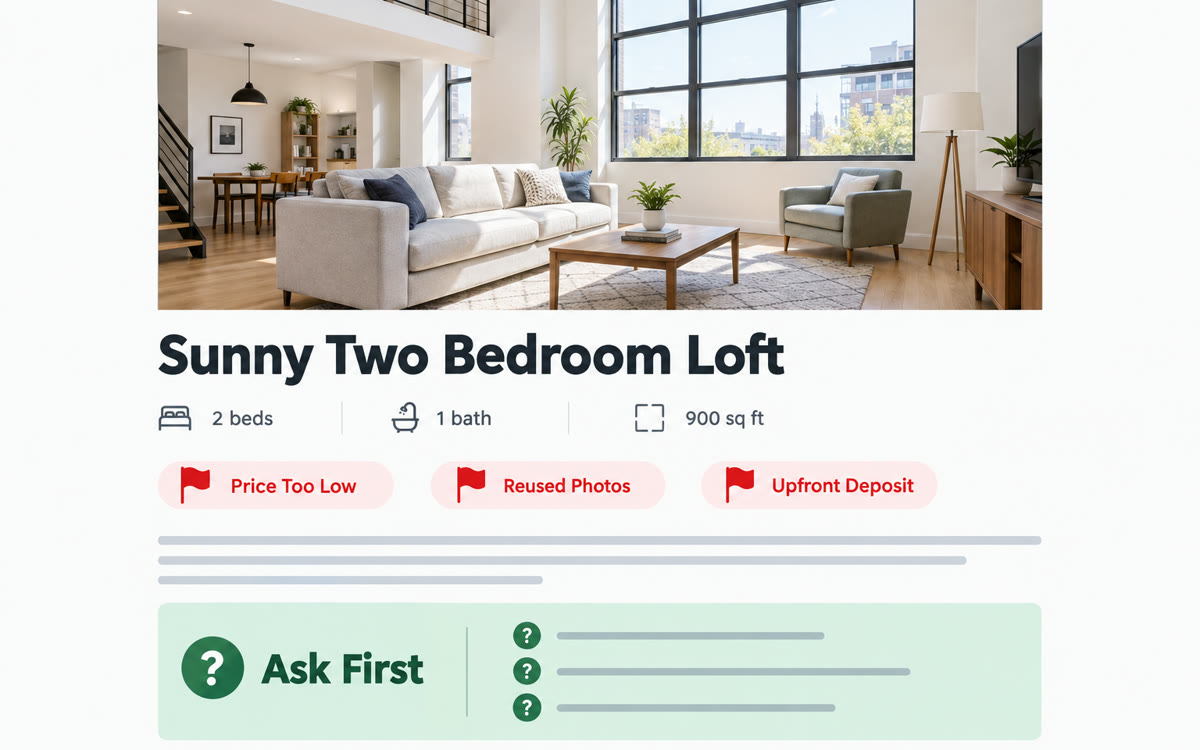
A sample of what you get back, made with AI.
Your prompt
Fill in your details. Skip any you like.
This AI can't be filled in from a link, so the button copies your prompt: paste it into the new chat.
The prompt that gets copied
I'm looking at a listing for [WHAT IT IS, e.g. a used car] and I'm thinking of contacting the seller. As I scroll, look at the photos, price and description with me. Point out anything that looks like a red flag, such as a price that seems too good, missing details, photos that look reused, or pressure to pay a deposit or move off the platform. Tell me what's normal for this kind of listing. Then give me five questions to ask the seller, and tell me which answers should make me walk away. My budget is [YOUR BUDGET, e.g. under $12,000].
Share your Android phone screen with Gemini Live while you scroll a rental, used car or marketplace listing. Talk it through and it flags warning signs and questions to ask before you reply.
Step by step
- Turn on notifications for Gemini Live on your Android phone, which screen sharing needs.
- Open the listing, call up Gemini and tap Share screen with Live.
- Say the prompt below, then scroll slowly through the photos and details.
- Tap Turn off screen sharing in Gemini when you're done.
What you'll get
A spoken walkthrough of a listing with red flags, what's normal and the questions to ask before you reply.
Screen sharing with Gemini Live is on Android phones and tablets. It stops if Live goes on hold or your screen locks.
- Made for
- Everyone
- Works in
- Gemini


