Fix household problems fast with an AI that sees what you see
At 1am, with a new dishwasher overflowing, one person showed Gemini the pipes under the sink.
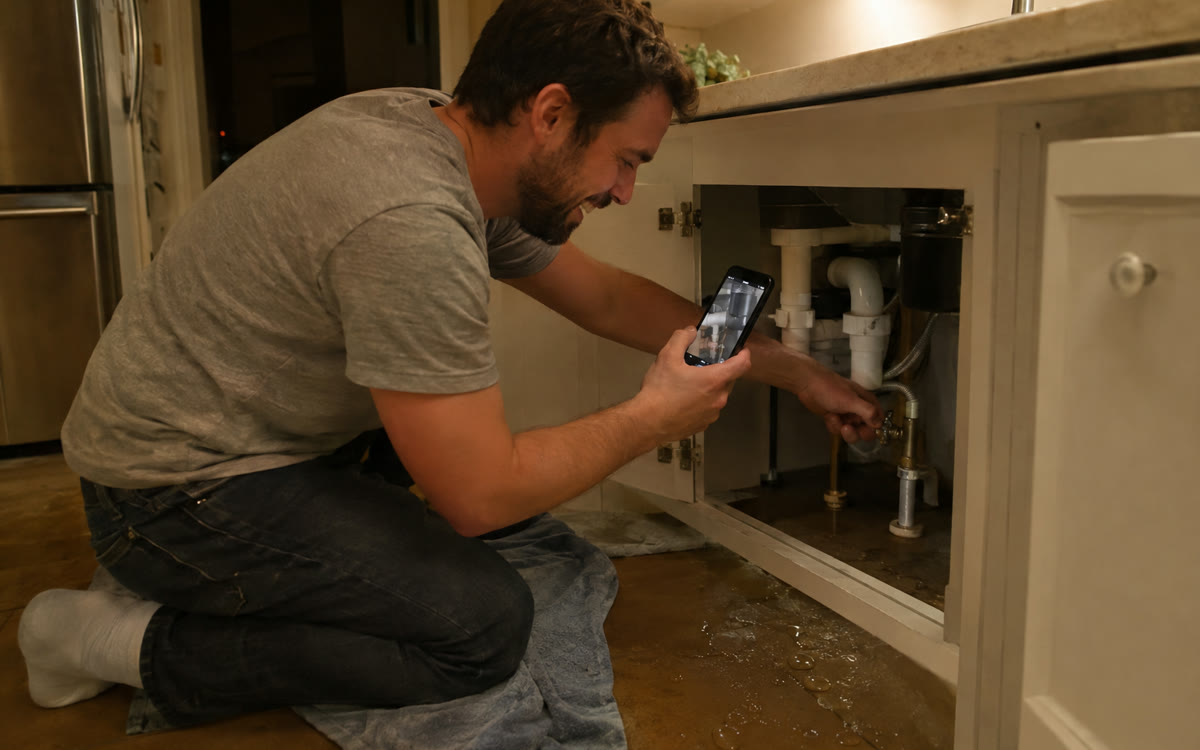
A picture made with AI to show the idea.
Read the transcript
It's 1 in the morning, and this woman's watching a brand-new dishwasher pour soapy water all over the floor.
So she grabs her phone, opens Gemini and turns on the camera.
She points it under the sink, and Gemini walks her to a knob on the water line.
And she turns it tight. Like, how cool is that?
That's from her own blog, by the way.
So open the Gemini app, tap Live, then tap the camera and point it at the problem.
And just say, I'm going to show you a problem with my dishwasher.
Walk me through it one step at a time, and wait for me to show you the result.
Safest checks first, and tell me if I need to turn off power, water or gas.
Now, for gas, electrical or plumbing, call a licensed pro.
The whole prompt's free at thesolocreators.com/prompts.
You want more like this, give me a follow. What would you point it at first?
Your prompt
Fill in your details. Skip any you like.
This AI can't be filled in from a link, so the button copies your prompt: paste it into the new chat.
The prompt that gets copied
I'm going to show you a problem with my [APPLIANCE OR ITEM, e.g. dishwasher, garbage disposal, thermostat]. The brand and model, if you can read them: [BRAND AND MODEL]. What's happening: [WHAT'S HAPPENING, e.g. water pooling at the front]. Walk me through it one step at a time, and wait for me to show you the result before the next step. Start with the safest checks first. Tell me clearly if I need to turn off power, water, or gas before touching anything. If it looks unsafe or like a job for a pro, say so, and tell me what to tell the repair person.
Open Gemini Live, turn on your camera, and show it the leaking dishwasher, the blinking error light or the squeaky chair. It talks you through what to check, one step at a time.
Step by step
- Open the Gemini app and start Live.
- Turn on your camera and point it at the problem.
- Say the prompt below out loud.
- Follow one step at a time and show it the result after each step.
What you'll get
Live, step-by-step troubleshooting based on what your camera shows, plus a clear call on when to phone a pro.
Camera sharing works in the Gemini app on Android and iOS for 18+ users. Call a licensed pro for gas, electrical or plumbing.
- Made for
- Everyone
- Works in
- Gemini


