Show Claude a chore once and have it ready to repeat
Do a form-filling chore once, out loud, and Claude writes up the steps as a skill you can run again.
Published . Steps as of November 2026.
How do I teach Claude a repeat task by showing it once?
Record your screen in Cowork while you do the task and say out loud why you're doing each step, then save the skill Claude proposes. As of November 2026, this runs in Claude for Mac on Pro, Max and Team plans. It fits tasks you can show with clicks and typing, like filling in a form. Close anything private first, because everything on screen gets captured.

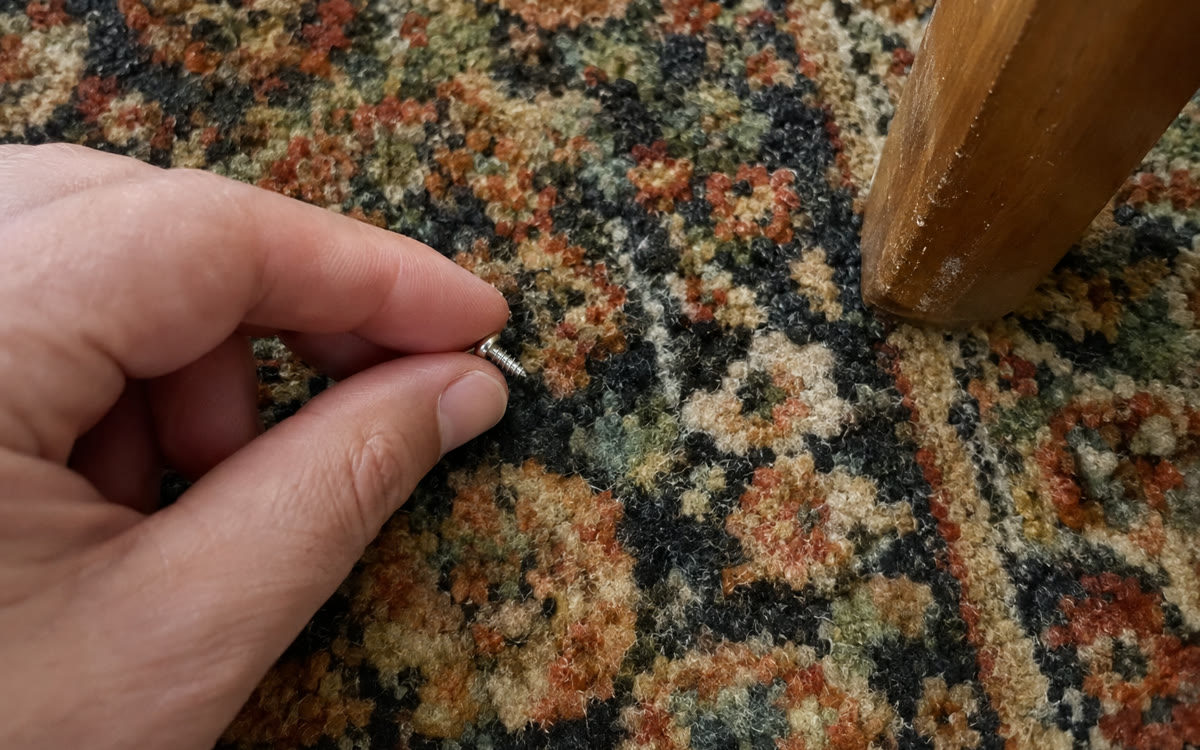
A picture made with AI to show the idea.
Your prompt
Fill in your details. Skip any you like.
Claude opens with your prompt already typed in. It's copied too, just in case.
The prompt that gets copied
I'm about to record a skill in Claude for this repeat task: [YOUR REPEAT TASK, e.g. filling in the weekly vendor form]. I do it [HOW OFTEN, e.g. every Monday], and I've got about 10 minutes to show it.

Before I hit record, write me a short talk-through plan on one page. Include:
1. What I should open first.
2. What changes each time, and where I find that information.
3. How I decide when something's unclear, in words I can say out loud.
4. What I should check before I call it done.
5. Which steps should stop and ask me first.

Also list anything private I should close before recording, and remind me not to type passwords on screen. Keep it plain, with no technical terms.
Record your screen while you do a repeat task and talk it through. Claude reviews the recording and proposes a saved skill you can read, keep and use the next time.
Step by step
- Paste the prompt below into Claude to plan what you'll say
- Close any private files, apps and chats on your Mac
- In Cowork, click + and choose Record a skill, then Start recording
- Do the task, talk it through, then click Done
- Read the proposed skill and save it
What you'll get
A one-page talk-through plan for your recording, then a saved skill Claude proposes from your demonstration, which you can read before you keep it.
Mac only, in Cowork, on Pro, Max and Team plans. Not on Free, Enterprise or Windows. Everything on screen is captured.
- Made for
- Coaches, Consultants, Small business owners, Everyone
- Works in
- Claude