Arrive at your next meeting prepped after a hands-free drive
By the time you park, Gemini has read you the client's last email thread and quizzed you on your three talking points.
Published . Steps as of November 2026.
Can I prepare for a meeting hands-free while I'm driving?
Yes. Open Gemini Live on your car's CarPlay screen and ask it to check your calendar, sum up the related email thread and quiz you on your talking points. This fits anyone with back-to-back client meetings and a commute between them. If you only need the facts, stop after the email summary; if you're nervous, add the practice questions. As of November 2026, Gemini Live is rolling out on Apple CarPlay for iPhone, and chats sync to the Gemini app.

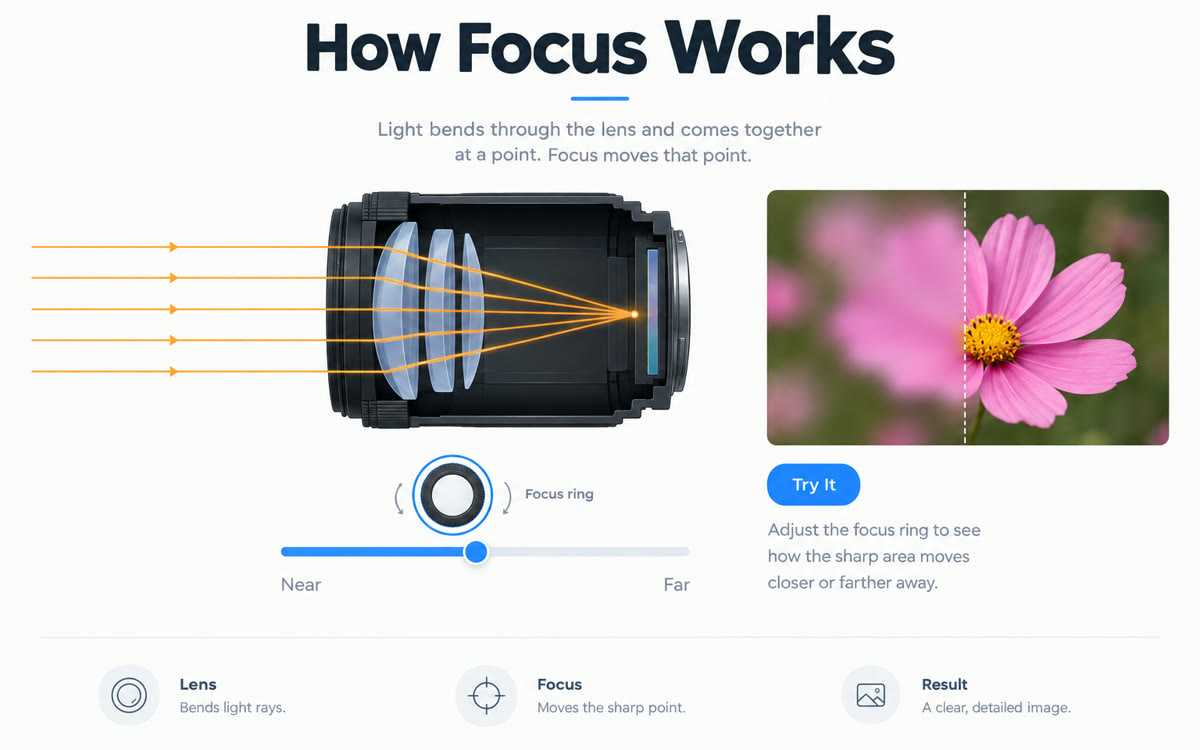
A picture made with AI to show the idea.
Your prompt
Fill in your details. Skip any you like.
This AI can't be filled in from a link, so the button copies your prompt: paste it into the new chat.
The prompt that gets copied
I'm driving to my [MEETING TYPE, e.g. 2 p.m. meeting with a new client]. Check my calendar for that meeting and tell me when I should leave. Then sum up my most recent email thread with [CLIENT NAME, e.g. Dana at Tidewell] in under a minute: what they asked for, what I promised and anything still open. Next, help me settle on three talking points and one question I should ask them. Then play the client and ask me two tough questions, one at a time, and give me short feedback on each answer. Keep everything brief and spoken, with no lists I'd need to read.
Open Gemini Live on your car's CarPlay screen and talk through your next meeting. It checks your calendar, sums up the email thread and runs you through what to say, all hands-free.
Step by step
- Update the Gemini app on your iPhone and use Gemini Live once on your phone first.
- Connect your phone to your car and open Gemini from the CarPlay screen.
- Say the request below, filling in the meeting in your own words.
- Answer its practice questions out loud, then find the whole chat later in the Gemini app on your iPhone.
What you'll get
A spoken briefing on the meeting time, the latest email thread and three talking points, followed by a short practice round you can review later on your phone.
Gemini Live on CarPlay is rolling out to iPhone users. Keep your eyes on the road and read anything only once you've parked.
- Made for
- Coaches, Consultants, Small business owners
- Works in
- Gemini, Gmail