Put your business on autopilot
Forward an email to Gemini and get its dates on your calendar
One forward turns a long email thread into dates ready to confirm, with nothing to copy.
Published . Steps as of November 2026.
Can I forward an email to Gemini to add its dates to my calendar?
Yes: forward the email or PDF to [email protected] with a short instruction, then use the private link in Gemini's reply to review and confirm. As of November 2026, this works for US users 18 and older with a personal Google account, from Gmail, Apple Mail, or Outlook. It fits busy inboxes full of school and client dates. For one quick date, adding it yourself may be faster.
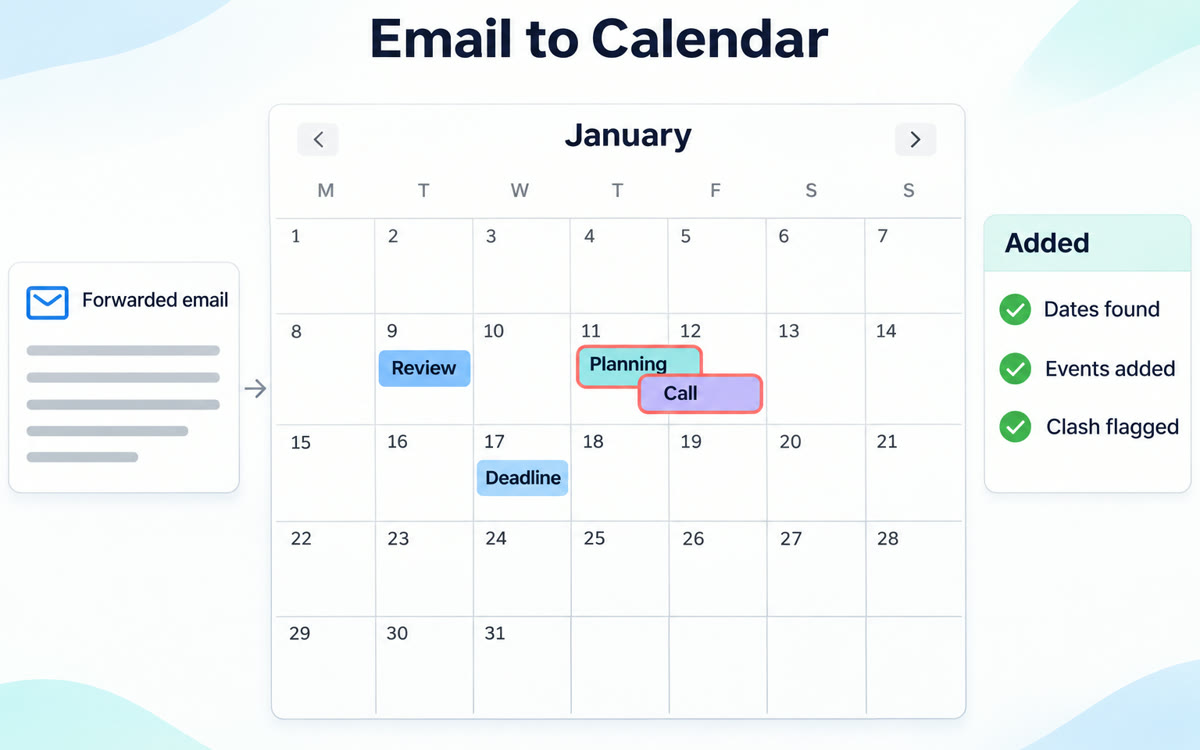
A sample of what you get back, made with AI.
Your prompt
Fill in your details. Skip any you like.
This AI can't be filled in from a link, so the button copies your prompt: paste it into the new chat.
The prompt that gets copied
Read this email and any attachment. List every date, deadline, and time in it, and add them to my calendar as proposed events. Tell me if any of them clash with events I already have. Pull out anything I need to bring, buy, or reply to by [REPLY DEADLINE, e.g. Friday]. Keep your summary under 100 words, and don't confirm anything until I review it.
Forward a school notice, client email or PDF to Gemini and it starts a task for you. It pulls the dates, spots conflicts, and sends a private link to review and confirm.
Step by step
- Open the email or attachment you want handled.
- Forward it to [email protected] and add the instruction below.
- Open Gemini's private reply and read what it found.
- Use the link in the reply to review and confirm the changes.
What you'll get
A short private reply listing the dates, any clashes with your calendar, and a link to review and confirm.
US only, English, 18+, personal Google account. Works from Gmail, Apple Mail, or Outlook.
- Made for
- Everyone, Small business owners
- Works in
- Gemini, Gmail