Teach ChatGPT the ideas you've ruled out and when to reopen them
A 'would change if' line tells ChatGPT exactly when an old no is worth bringing back up.
Published . Steps as of November 2026.
How do I stop ChatGPT suggesting things I already said no to?
Write a short decision page with three lines per rejected option (what, why, and what would change your mind) and put it in your project's instructions or files. In ChatGPT, that's Project settings in the project's more options menu, as of November 2026. In Claude, add it to the project's instructions. Keep it to about ten entries. If an idea is closed for good, say so in the last line. If it depends on numbers or timing, make that line specific so the AI knows when to raise it again.
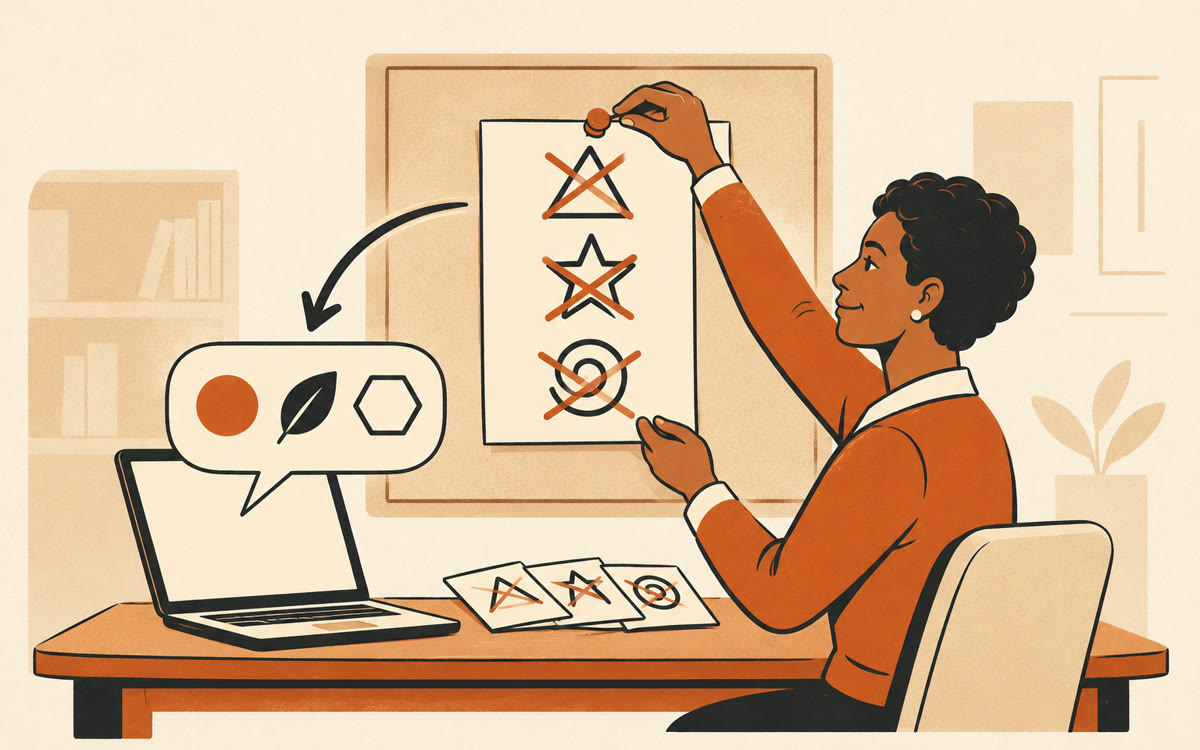
A picture made with AI to show the idea.
Your prompt
Fill in your details. Skip any you like.
ChatGPT and Claude open with your prompt already typed in. It's copied too, just in case.
The prompt that gets copied
Help me write a short decision page so you stop suggesting options I've already rejected.

Here's what I've ruled out and why, in my own messy words: [REJECTED OPTIONS, e.g. paid ads: too costly right now]

Also look back through this conversation and project for other options I said no to, and add them.

For each one, write exactly three lines:
Rejected: the option, in a few words.
Why: the real reason, in one sentence.
Would change if: the specific thing that would make it worth reopening.

Rules:
- Keep it to 10 entries or fewer. Merge or drop the weakest.
- Make every 'Would change if' line concrete and checkable, never 'if things change'.
- If my reason is vague, ask me one question about it before you write that entry.

End with one line I can paste at the top: 'Before suggesting an option on this page, check its Would change if line and tell me if it's now true.'
Turn the options you've said no to into a short decision page with three lines each. Add it to your project, and ChatGPT stops re-pitching them unless something really changes.
Step by step
- Open the project you use for this work, or click New project in the sidebar to make one.
- Paste the prompt below into a chat in that project and fill in the brackets.
- Copy the finished page into Project settings, under instructions, or save it as a project file.
- Add an entry whenever you catch yourself explaining the same no twice.
What you'll get
A one-page list of up to ten rejected options, each with the reason and the exact condition that would reopen it, ready for your project instructions.
Projects need a signed-in ChatGPT account. Claude projects take the same page as project instructions.
- Made for
- Coaches, Consultants, Creators, Small business owners
- Works in
- ChatGPT, Claude