Put your business on autopilot
Get a client project brief drafted from your own emails
It pulls the deadlines and promises out of weeks of client emails and shows which emails it used.
Published . Steps as of October 2026.
Can Gemini write a project brief from my emails in Google Docs?
Yes. Open a blank Google Doc, check Gmail under Sources, and describe the brief you want. As of October 2026, this works on desktop with an eligible Workspace or Google AI plan, and Sources shows which emails and files it used. If the details live mostly in email, Gmail alone is enough. If there's a proposal or contract too, add it with @ so the brief matches what you signed.
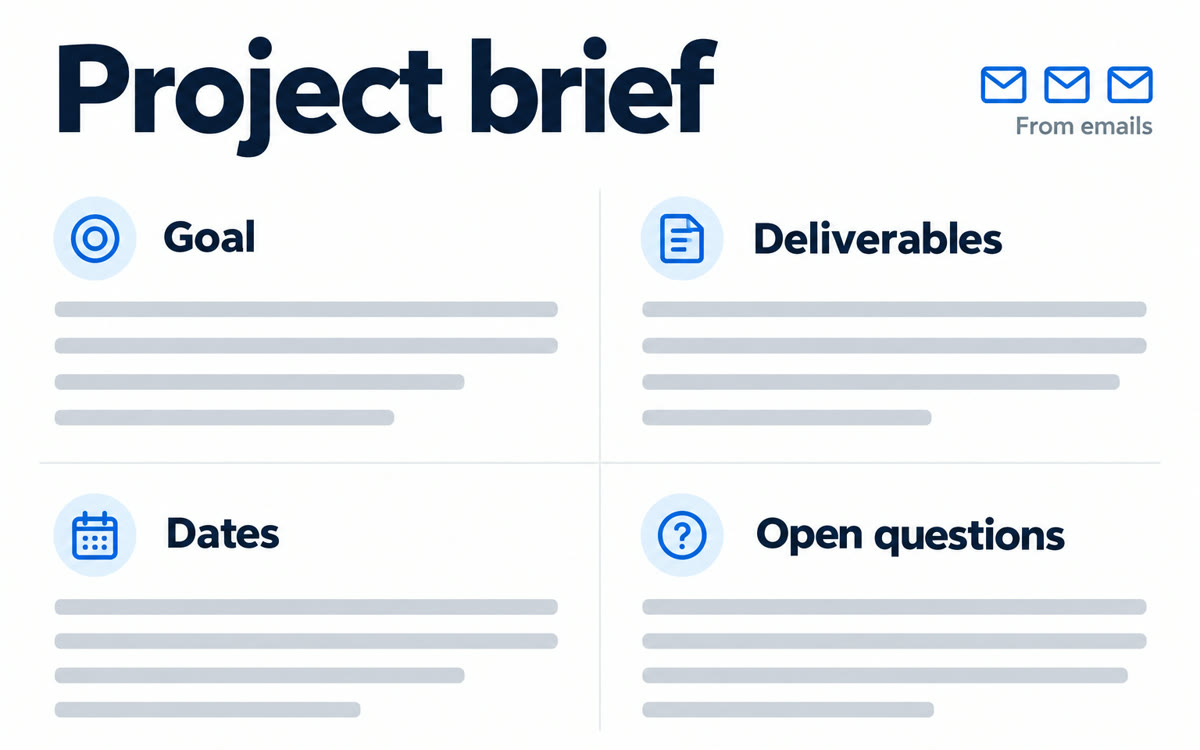
A sample of what you get back, made with AI.
Your prompt
Fill in your details. Skip any you like.
This AI can't be filled in from a link, so the button copies your prompt: paste it into the new chat.
The prompt that gets copied
Draft a one-page project brief for my work with [CLIENT NAME, e.g. Tidewell Dental] using my recent emails and the files I've added. Use these headings: the goal in the client's own words, what we agreed I'll deliver, dates and deadlines mentioned, open questions nobody has answered yet, and who's responsible for what. Pull exact dates and numbers from the emails, and flag anything two emails disagree on. Keep it plain and skimmable, with short bullets under each heading. End with a three-line summary I could paste into an email to the client to confirm we're on the same page.
Open a blank Google Doc, turn on Gmail as a source, and Gemini drafts a one-page brief of goals, deliverables, dates and open questions from your real client emails.
Step by step
- Open a new blank Google Doc on your computer
- Click Sources and make sure Gmail is checked, then type @ to add any related files
- Paste the prompt into the prompt bar at the bottom and click Submit
- Click Sources to check what it used, then edit and share
What you'll get
A one-page brief in Google Docs with goals, deliverables, dates, open questions and owners, plus a short confirmation note for the client.
Desktop only. Needs an eligible Google Workspace or Google AI plan (Pro and Ultra included) for drafts that use your emails.
- Made for
- Coaches, Consultants, Small business owners
- Works in
- Gemini, Gmail