No AI SlopAn AI skill in the Solo Creators AI Studio
Drafts that sound like you.
No AI Slop is an AI editing skill that cuts the tell-tale AI patterns from any draft, like "delve," "leverage" and the "it's not X, it's Y" lines, while your point and your voice stay. Paste an email, a post, a page or a script and you get the edited draft back with a short What changed list.
Cancel anytime 30-day money-back guarantee Yours to keep

- You give itAny draft: an email, a post, a page or a script
- You getThe edited draft and a What changed list
- Two modesEdit it, or just check it for slop
- SetupAbout 2 minutes, one time
Real edits, your voice intact.
Examples that ship with the skill, word for word.


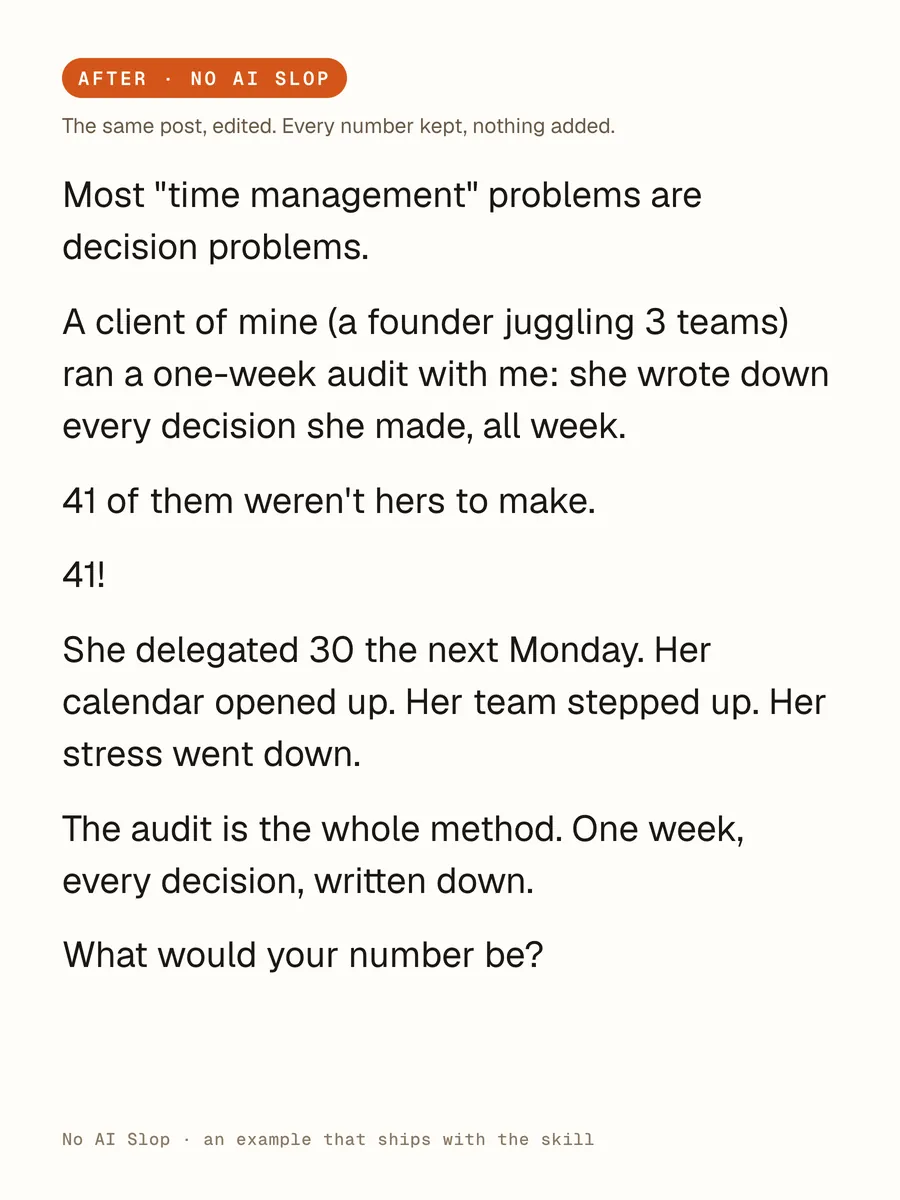
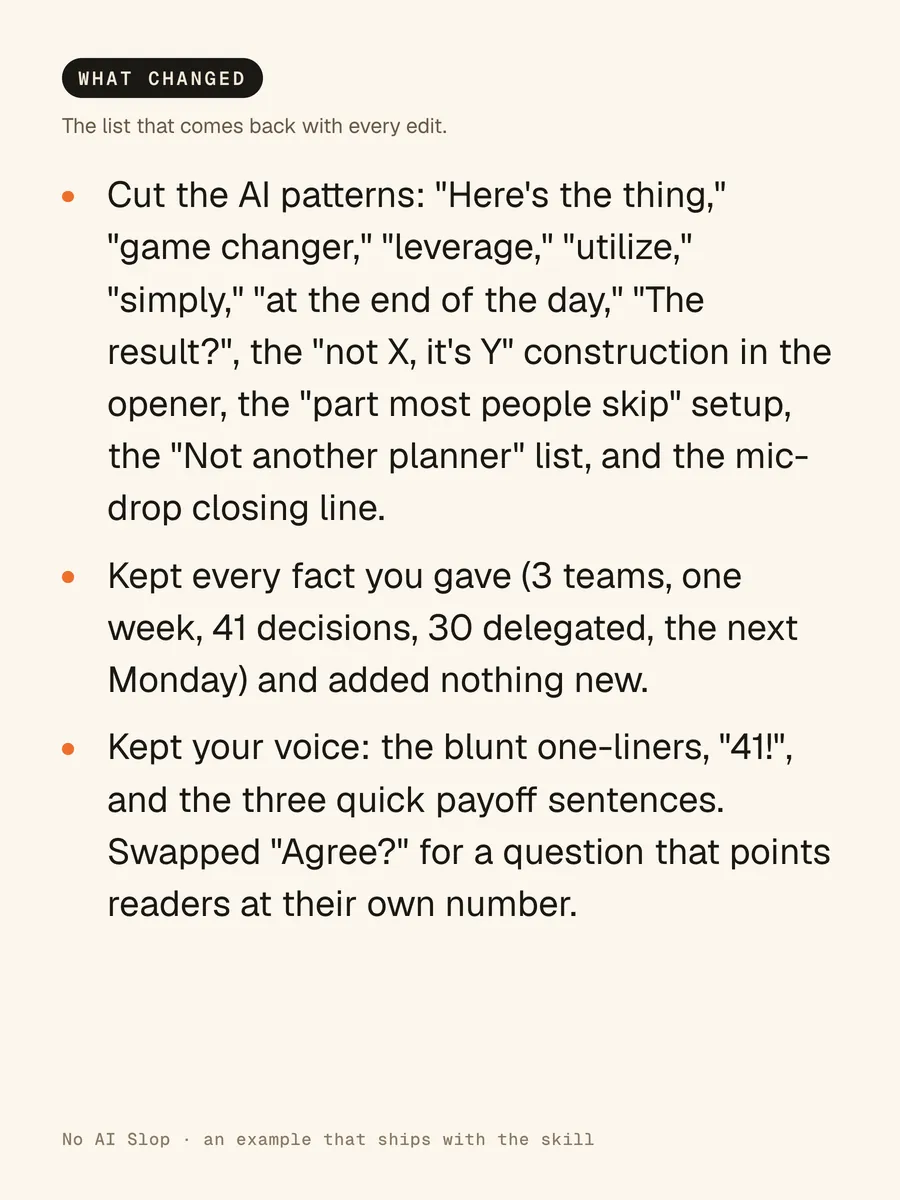
Before and after. A coach's LinkedIn post: the AI tells highlighted, then the same post in his voice.What changed. The list that comes back with every edit, so you stay in control.Slop check. "Is this slop?" Eight findings, each with a fix, and no rewrite.Two changes. A booking email that needed two changes, and got two.
The cards set the skill's own examples in type. Highlights mark what it changed.
How it works, in three steps.
-
You type“Edit this. It's a LinkedIn post for founders: [paste your draft]”
Paste a draft and say "edit this"
An email, a post, a page or a script. Add one line on who it's for and where it's going, and the edit gets fitted to that reader.
-
While it works
- Notes what makes your voice yours
- Cuts the banned words and AI patterns
- Keeps every fact you gave it
- Checks the edit against its list
- Lists what changed
It edits like a sharp human editor
It notes what makes your voice yours, cuts the AI patterns with the smallest edit that works, then checks the result against its built-in list before you see it.
-
You get your draft back, still yours
The full edited draft plus a short What changed list. Or ask "is this slop?" and it names each pattern and quotes the line, without rewriting a word.


Runs in Claude Code, the desktop app for Mac and PC, or the Codex desktop app. No code, no terminal.
What you can use it for.
Bring an AI-assisted post back to your voice
Get a LinkedIn post that sounds like you again, numbers intact.
Polish an email before it goes to your list
Only the robot-sounding lines change. The jokes and specifics stay.
Check a draft without a rewrite
Ask "is this slop?" and see every pattern, quoted, with a fix.
Fit the edit to the reader
Say who it's for, like "a cold email to a busy founder," and the edit fits.
Make a draft more direct
Point the edit at what bugs you: clearer, more direct or more opinionated.
Edit by your own rules
Add words you'd never use, or pet phrases to protect, to its lists.
Make it your default editor
Turn it on so every draft your AI writes or edits gets the pass.
What you get
Publish drafts that still sound like you.
Your voice, kept
Your humor, bluntness and pet phrases stay. It cuts patterns, not personality.
Nothing made up
No invented stats, examples or sources. If a claim needs one, it asks you.
Every change shown
Each edit comes with a short What changed list, so you stay in control.
A slop check on demand
Ask "is this slop?" and it quotes each AI pattern it finds, with a fix.
Checked before you see it
Every edit is graded against a built-in checklist before it comes back.
The smallest edit that works
Strong sentences stay put. The sample email needed two changes, and got two.
Full specsInputs, outputs, what it runs in and more. Facts as of October 2026.
- What it does
- A sharp editor that cuts the AI tells from any draft. Your point and your voice stay.
- Runs in
- Claude Code, the desktop app for Mac and PC, or the Codex desktop app
- Input
- Any draft: an email, a post, a page or a script. Optional: who it's for and where it will be published
- Output
- The full edited draft and a short What changed list
- Check mode
- Ask "is this slop?" for a pattern-by-pattern report with each line quoted and a short fix, and no rewrite
- What it cuts
- Banned words like "delve" and "leverage," empty filler phrases, "it's not X, it's Y" lines, fake-deep endings, recap endings and formatting slop
- What it keeps
- Your point, your facts, your voice and your structure, unless the structure is hurting the piece
- Quality check
- Every edit is graded against a built-in checklist before you see it
- Your rules
- Add words you'd never use, or phrases to protect, and it edits by your rules from then on
- Setup
- About 2 minutes, once. It offers to become your default editor with one line in its standing instructions, and one line removes it.
- In an open session
- Type /no-ai-slop, or paste a draft and say "edit this"
- Credit
- Built on Peter Yang's open-source no-ai-slop skill. His credit and MIT license ship inside the download.
- Included in
- The Solo Creators AI Studio, with every other skill
- Updated
Included in the Solo Creators AI Studio
Get No AI Slop, plus every other skill.
No AI Slop comes with the Solo Creators AI Studio. One membership gets you all 18 skills available today, a new one every month, the training for each, and a room of solo creators who ship.
Cancel anytime 30-day money-back guarantee Full pricing is on Skool
- All 18 AI skills, yours to keep, even if you cancel.
- A new skill every month, often shaped by what members are working on.
- Two live calls a month: a build call and a hot-seat.
- Step-by-step training for every skill, made for non-technical people.
- Ronnie reads every post and replies, in a room of solo creators who ship.
Questions about No AI Slop.
How do I make my AI-written drafts sound like me?
It depends on what the draft needs. If AI helped you write an email, a post, a page or a script and it no longer sounds like you, No AI Slop cuts the AI patterns, keeps your facts and your humor, and lists every change. If the draft needs new research, stats or sources, it won't add them: it asks you instead. To check whether the claims in a draft are true, Fact Checker is the better fit.
Will it make everything sound the same?
No. It notes your vocabulary, cadence, humor and bluntness before it edits, then makes the smallest edit that fixes the problem. Strong human sentences stay as you wrote them.
Can it just tell me what reads as AI, without rewriting?
Yes. Ask "is this slop?" and it names each pattern it finds, quotes the exact line and gives the fix in a few words. It doesn't rewrite until you ask.
Does it tell me whether AI wrote something?
No. It never scores a draft or guesses who wrote it. AI detectors guess. Named patterns are evidence you can check yourself.
Will it add stats or examples to make my point stronger?
Never. It doesn't invent claims, examples, stats or sources, and your meaning never changes. If a claim needs a source, it asks you for one instead.
Can I add my own banned words?
Yes. Ask your AI to add the words you'd never use, or the pet phrases you want protected, to the skill's lists, and it edits by your rules from then on.
Do I need to use a terminal?
No. You drag the skill file into Claude Code, the desktop app, and ask it to install the skill. Then paste a draft and say "edit this."
If I cancel, do I keep the skills I installed?
The skills are yours. They install into your own Claude Code, Codex, or other AI tool, so they live on your machine. Cancelling stops your access to future drops, live calls, and community, but anything you installed stays installed.
What if I'm not technical?
The walkthrough videos assume zero technical background. If you can copy-paste, you can install a skill. The community is full of solo creators who are just regular business owners, coaches, and consultants... not engineers.
How does the 30-day guarantee actually work?
Change your mind for any reason within the first 30 days and email me. I refund your most recent payment, no questions asked. No screenshots, no justification, no hard feelings.
Published .
Works well with.
- TLDRAnswers you can act onYour AI stops writing walls of text: every reply leads with the next action, numbered and skimmable.
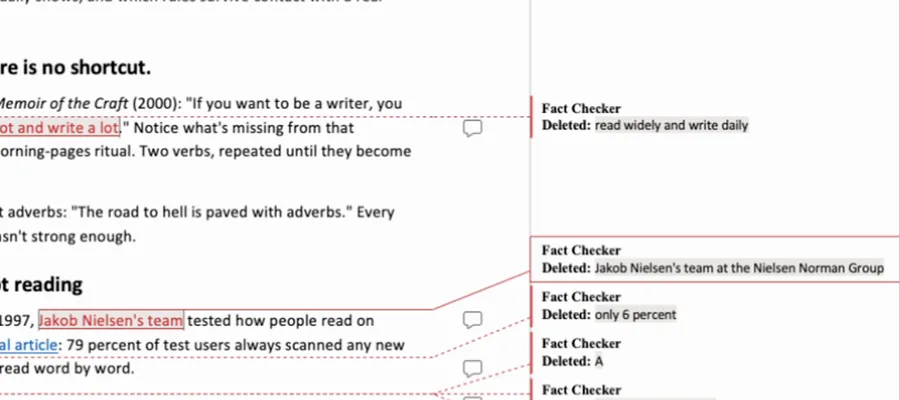
- Fact CheckerProof before publishEvery quote, number, date, and link in your draft checked against its real source, with the fixes handed back as tracked changes you accept or reject.
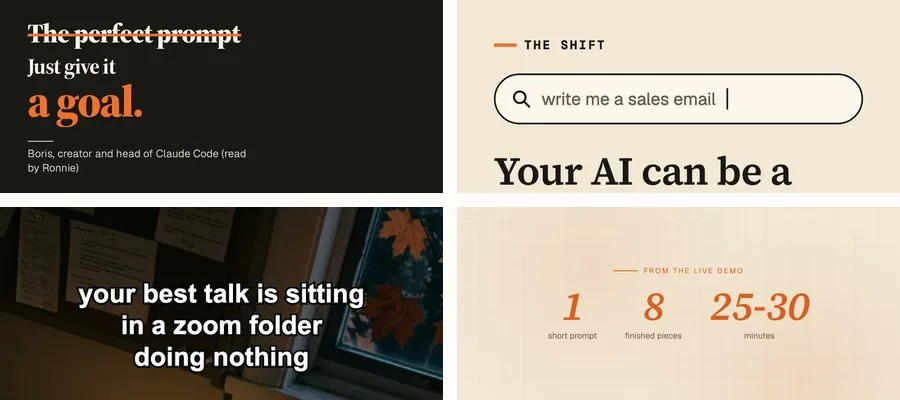
- Content ChainTurns one message into 8 finished piecesOne video and one website become a playbook, an audit, a deck, a carousel, TikTok slides, a fact check, a promo, and a teaser, all in one brand.