See which apps can track your location by asking your phone
No digging through settings menus: you ask in plain words and Gemini makes the change on the phone itself.
Published . Steps as of November 2026.
How do I check which apps can see my location on Android?
Ask Gemini on your phone which apps can access your location, and it lists them and can change the setting for you. As of November 2026, this Device Assistance feature works on select Android devices running Android 17 or later. If your phone is older, you can still ask Gemini where the location settings are and change them by hand. The same kind of ask works for clearing storage space or muting distractions while important calls still get through.
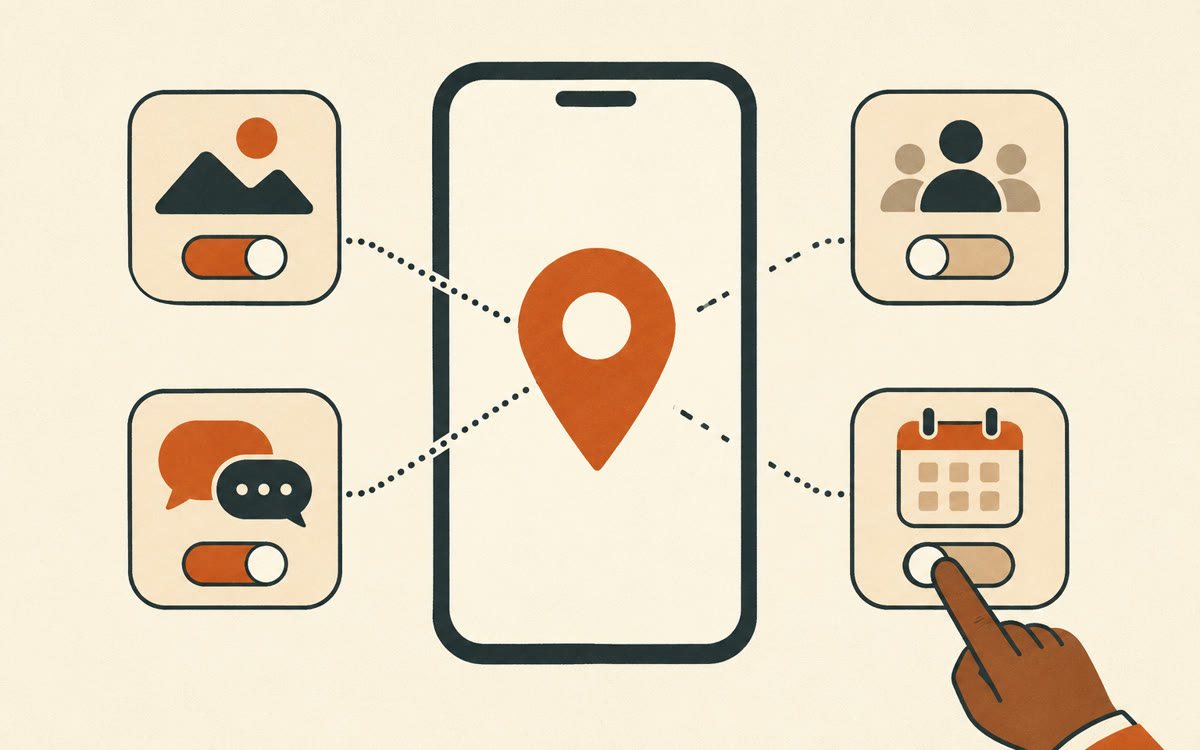
A picture made with AI to show the idea.
Your prompt
Fill in your details. Skip any you like.
This AI can't be filled in from a link, so the button copies your prompt: paste it into the new chat.
The prompt that gets copied
Help me do a quick privacy check on this phone.

1. List every app that can access my location, and tell me how much access each one has, if you can see it.
2. Point out apps that probably don't need my location, like [APPS TO QUESTION, e.g. games or a flashlight app].
3. For apps that do need it, like maps or [APP THAT NEEDS IT, e.g. my ride app], suggest the least access that still works.
4. Ask me before you change anything, then switch off the ones I pick.
5. When we're done, give me one short list of what changed.
On a newer Android phone, ask Gemini which apps can see your location, and it lists them and helps you switch off the ones that don't need it.
Step by step
- Make sure your phone runs Android 17 or later and has the Gemini app.
- Open Gemini and type or say the prompt below.
- Read the list, then tell Gemini which apps to switch off.
- Ask a follow-up while you're there, like clearing up storage space.
What you'll get
A plain list of the apps that can see your location, a suggestion for each, and the changes made only after you say yes.
Device Assistance works on select Android devices running Android 17 or later. Availability varies by device, language and country.
- Made for
- Everyone
- Works in
- Gemini