Get a multi-episode audio course that never repeats a lesson
Each new episode can see what the last ones covered, so the hosts move on to fresh material.
Published . Steps as of October 2026.
How do I make a multi-part podcast course in Gemini Notebook?
Make one Audio Overview per lesson, then add each finished episode back as a source so the next one can see what was already taught. It fits a big topic with many sources, like a stack of books you want to learn on walks. For a single topic you'll hear once, one Audio Overview with a focus prompt is enough. Downloading episodes and adding audio sources both work in Gemini Notebook as of October 2026.
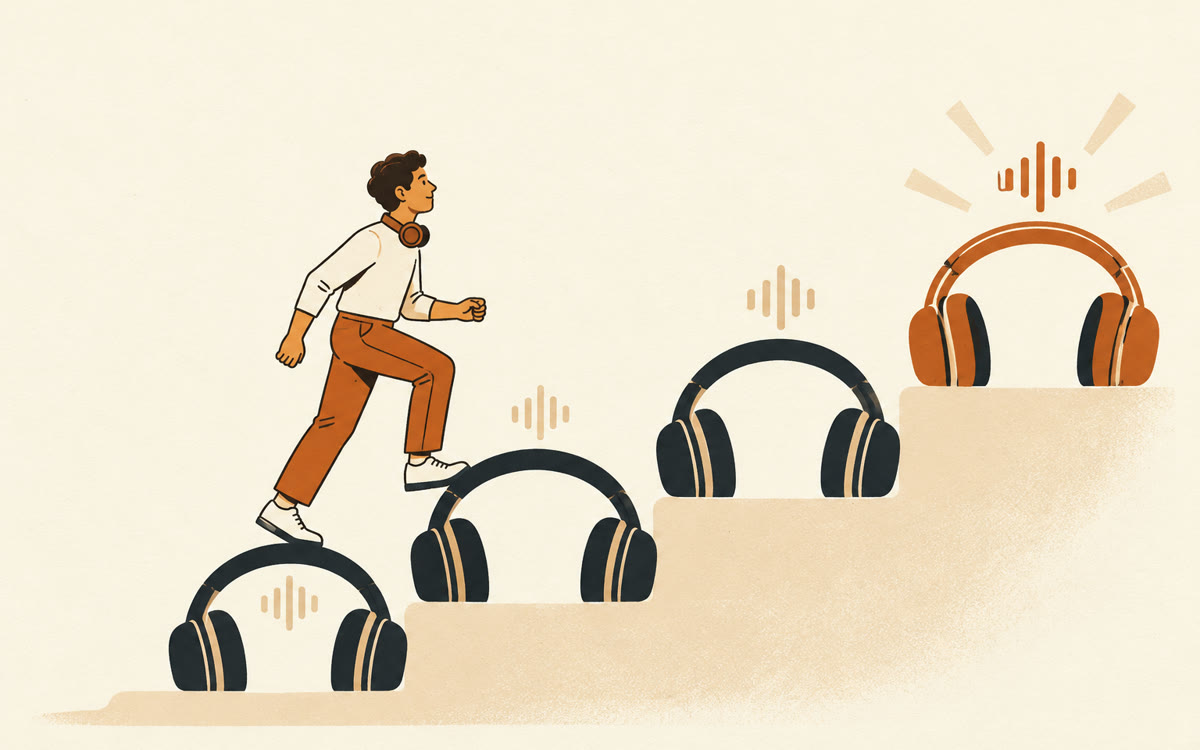
A picture made with AI to show the idea.
Your prompt
Fill in your details. Skip any you like.
This AI can't be filled in from a link, so the button copies your prompt: paste it into the new chat.
The prompt that gets copied
This is lesson [LESSON NUMBER, e.g. 3] of a [NUMBER OF LESSONS, e.g. 6] lesson course on [YOUR TOPIC, e.g. growing vegetables in small spaces] for [WHO IT IS FOR, e.g. a complete beginner]. Earlier lessons are in the sources named LESSON 1, LESSON 2 and so on. Before you plan this episode, check those lessons and don't repeat their explanations or examples. Open with a recap of no more than three sentences. Then teach [LESSON FOCUS, e.g. watering and soil] using parts of the sources that haven't been covered yet, with new examples. End with one small thing the listener can try before the next lesson.
Make Audio Overviews in Gemini Notebook one lesson at a time. After each one, add its audio back as a source, so the next episode builds on it instead of starting over.
Step by step
- Add your books, articles or notes to a new notebook in Gemini Notebook.
- Open the Audio Overview options and paste the prompt below into the instructions box.
- Download the finished episode, name it LESSON 1, and add the audio file back as a source.
- Repeat for each lesson, changing the lesson number and focus every time.
What you'll get
A series of audio lessons that build on each other, each with a short recap, new material and one thing to try.
Audio files you add back are transcribed into a text source automatically.
- Made for
- Everyone, Coaches, Creators
- Works in
- Gemini Notebook